


New Install on Win 11 will not send emails.

Hi all I have recently installed Thunderbird on a PC that didn't have an mail program. Its Win 11 and includes Malwarebytes and Norton 360 for security Thunderbird 154.0, (64 bit)
I followed the set up as I have done many times before and previously had no problem. I am using Plusnet and have set incoming mail as POP3 on port 995. I have set outgoing mail to SMTP and port 465 ( plusnet recommended 587 doesnt work at all) I have set my login name and password. Security is SSL/TLS
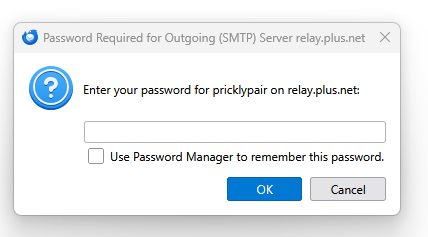
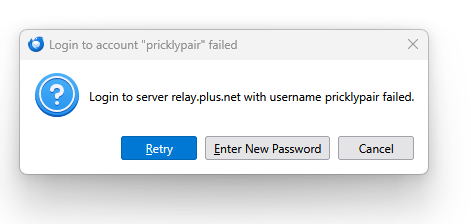
Incoming mail is received normally Outgoing mail asks for my password as on attachment Entering a password doesn't work and results in another error message
Any suggestions? Cheers Keith Keith
Any suggestions
All Replies (2)
Just a comment: most email providers want the full email address as user name.
Plusnet don't as the address can be <anything you like>@<username>.plus.net
The settings are the same as on the previous PC that I have moved from.