


Firefox loses my tabs on "Open previous windows and tabs"

This started since Firefox 153.0 (Debian package).
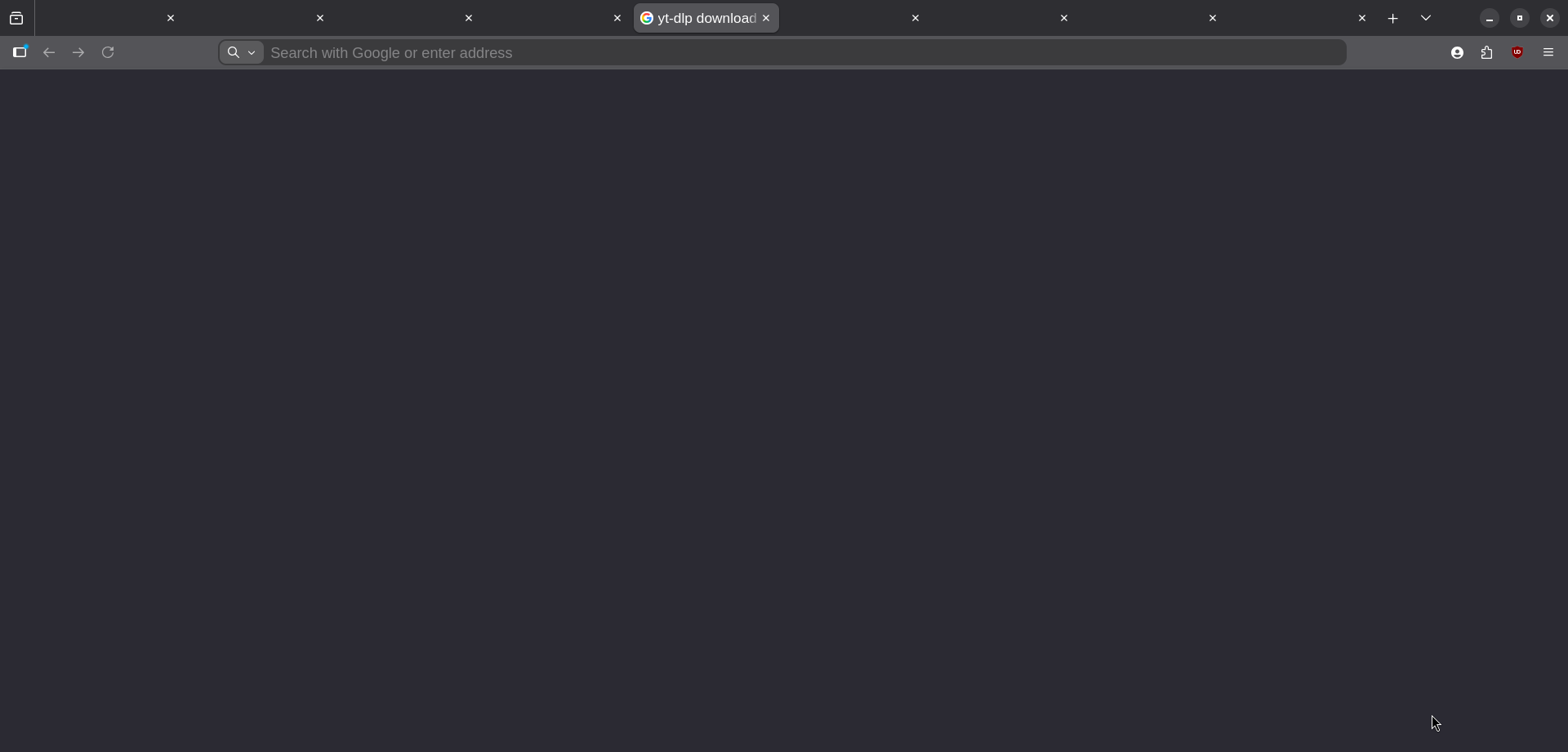
When I open Firefox for the first time after a reboot, it opens my latest tab but all the other tabs on that window are lost, and they show as "ghost tabs" as seen in attached image.
No other issue, other windows are preserved properly when I Ctrl + Shift + N
All Replies (3)
Btw "lost tabs" are accessible from History, they are not fully "forgotten".
Thus this issue seems to differ from:
- question-1589761
- question-1566742
Suppose making one active doesn't load its content, correct?
If you keep the same session, and restart, do they pick up, or once saved as zombie on exit they stay that way?
If you, after reboot, instead of restoring the latest session, pull one of the backups from sessionstore-backup … does that older one exhibit the same?
If you explore the current sessionstore file, does it appear saved with all the expected correct tab data? (Checking whether not cold start, but previous shutdown might be the culprit, and these files not saved…)
If you were to start cold into Troubleshoot Mode instead (not sure if holding Shift is enough on Linux, or you'd need to pass an argument from terminal?) would it restore that way or not?
I'd also suggest making a temporary new profile to experiment with, and try with that one. (And potentially only having that separate profile take the hit on the cold start, and hopefully the main one would then restore completely?)
jbr said
Suppose making one active doesn't load its content, correct? If you keep the same session, and restart, do they pick up, or once saved as zombie on exit they stay that way? If you, after reboot, instead of restoring the latest session, pull one of the backups from sessionstore-backup … does that older one exhibit the same? If you explore the current sessionstore file, does it appear saved with all the expected correct tab data? (Checking whether not cold start, but previous shutdown might be the culprit, and these files not saved…) If you were to start cold into Troubleshoot Mode instead (not sure if holding Shift is enough on Linux, or you'd need to pass an argument from terminal?) would it restore that way or not? I'd also suggest making a temporary new profile to experiment with, and try with that one. (And potentially only having that separate profile take the hit on the cold start, and hopefully the main one would then restore completely?)
Making one active does not load its content, it shows a blank page and does not redirect to "New Tab" either.
If I restart Firefox within same Linux session, ghost tabs disappear, they don't re-appear.
I will respond to sessionstore & troubleshoot mode related ones as soon as I can reproduce the issue, it does not happen on every reboot.
I will experiment with a new profile as well, as you said it will most likely take the hit since the first window to restore last session takes the hit.
Thank you!