


Firefox crashes without error message

- OS: Debian (trixie)
- Firefox version: 149.0b3
Firefox suddenly crashes without any displayed error. Attempt to troubleshoot it in "safe mode" doesn't help (it also suddenly crashes.
- When I had redirected following output: "Exiting due to channel error."
- after restart, I launched "about:crashes", but there were no entries
All Replies (6)

What desktop? X11 or wayland? Try downloading Firefox from Mozilla. Download, unzip, and run firefox-bin from the folder and see if you have the same issue. https://www.mozilla.org/en-US/firefox/all/#product-desktop-release
jonzn4SUSE said
What desktop? X11 or wayland? Try downloading Firefox from Mozilla. Download, unzip, and run firefox-bin from the folder and see if you have the same issue. https://www.mozilla.org/en-US/firefox/all/#product-desktop-release
I use following configuration:
- OS: Debian (latest stable)
- Firefox version: 149.0b3
- Desktop: : X11 + Openbox + LXDE (with LXDM)
Try downloading Firefox from Mozilla. Download, unzip, and run firefox-bin from the folder and see if you have the same issue. https://www.mozilla.org/en-US/firefox/all/#product-desktop-release
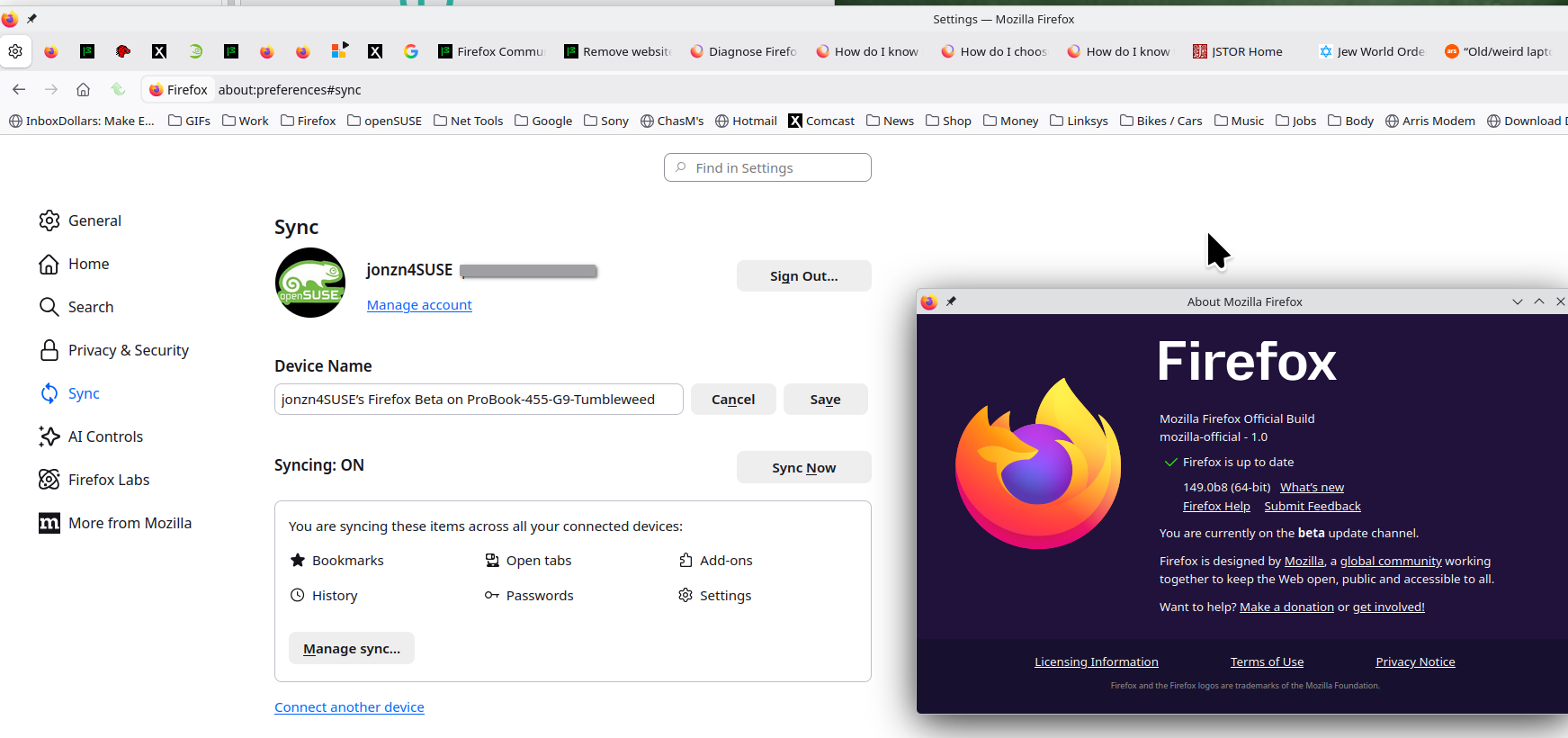
No issue with beta for me. see screenshot
Operating System: openSUSE Tumbleweed 20260312 KDE Plasma Version: 6.6.2 KDE Frameworks Version: 6.23.0 Qt Version: 6.10.2 Kernel Version: 6.19.6-2-default (64-bit) Graphics Platform: X11 Processors: 16 × AMD Ryzen 7 5825U with Radeon Graphics Memory: 64 GiB of RAM (62.1 GiB usable) Graphics Processor: AMD Radeon Graphics Manufacturer: HP Product Name: HP ProBook 455 15.6 inch G9 Notebook PC
An gyara daga jonzn4SUSE
You can also try Refreshing Firefox. https://support.mozilla.org/en-US/kb/refresh-firefox-reset-add-ons-and-settings
jonzn4SUSE said
You can also try Refreshing Firefox. https://support.mozilla.org/en-US/kb/refresh-firefox-reset-add-ons-and-settings
OK, I try this when I get home before my Desltop ;-)
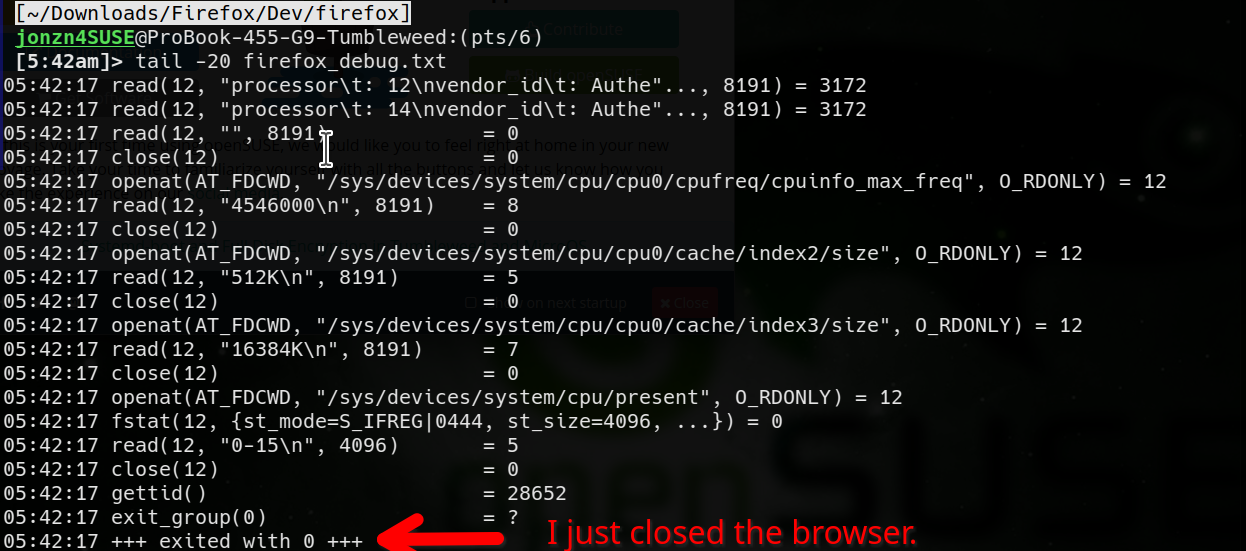
You can also start the browser from the cmd line and generate a log using this. strace -t -o firefox_debug.txt firefox &
Here is an example with me just closing the browser. see screenshots

An gyara daga jonzn4SUSE