


Stuck loading page (specifically on chess.com)

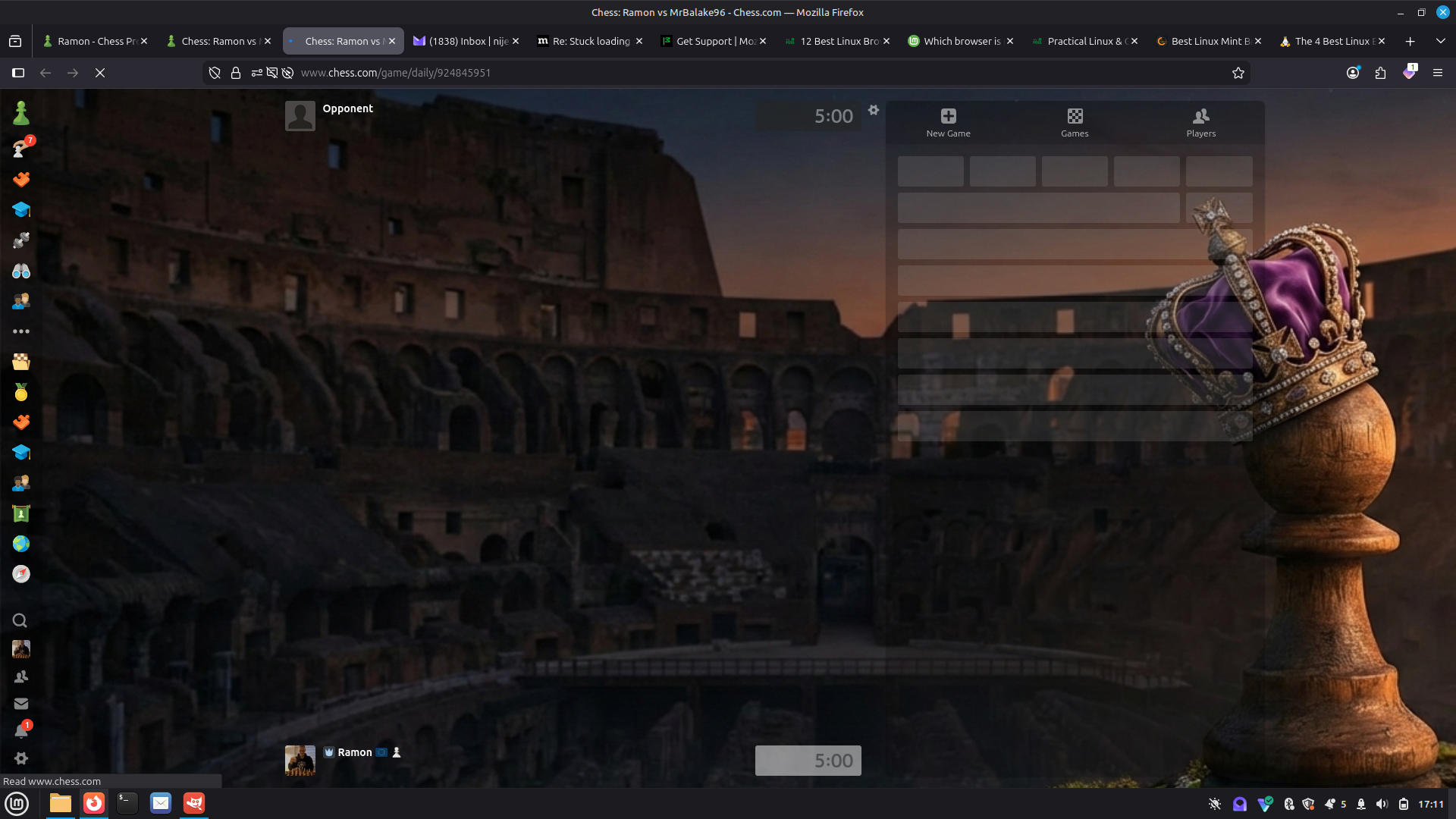
After many years of using Firefox and then trying other browsers I decided to stick with Firefox now, and immediately I encounter a persistent flaw.
Mainly I browse on chess.com, I mention this because there the thing occurs and I can imagine it is quite a 'complicated' website. Stick with me. I administrate clubs and play chess there so open pages regularly, in new tabs, still generally only three simultaneously.
Every 1 in 5 times the page just gets stuck loading. Only parts appear and the little refresh icon up there doesn't show because the X stays (the one to stop loading the page). This is quite annoying. Simply by refreshing it immediately loads properly. But it is ridiculous to keep having to press F5 every couple of minutes before one can get on. As I also used Beta channel on my win11 machine I figured maybe it's that but after several updates it persisted. Now I am using the Normal channel and a Linux Mint OS and exactly the same keeps happening. I have tried a dozen remedies. Like adding an exception to the enhanced tracking in Firefox and several others and nothing fixed this. Does anyone knows how this happens?
And will Mozilla fix this? Or is it completely at the bottom of priorities because it is site specific?
Thanks for any replies (OS most recent Linux Mint Cinnamon. browser version mint-001 1.0 firefox 147.2) (Happened on Windows 11, Firefox Beta as well)
All Replies (1)
Hello,
This is most likely a site issue if it only happens on chess.com.
Here are some troubleshooting steps:
- Clear Browser Cache/Cookies
- Hard Refresh (use Ctrl + F5 (or Command + R on Mac))
- Mobile App Fixes: clear the app's cache/storage in your device settings, or uninstall and reinstall the app.
- Check Connection
- Optimize Browser