


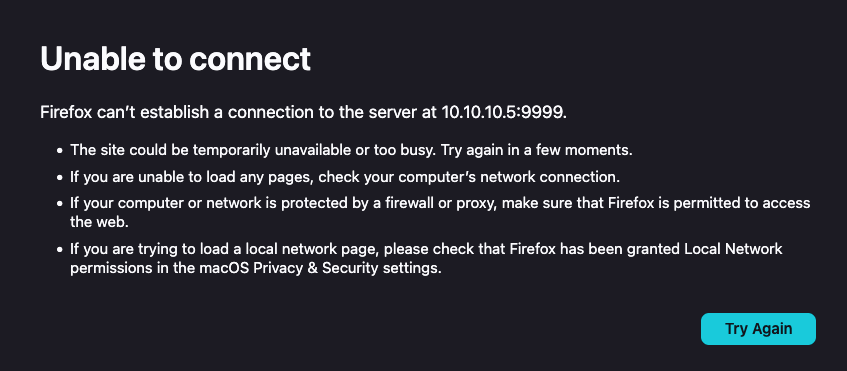
Can't access local network web servers after update to 147.0.1/147.0.2, but they are still available using Safari or Chrome??? (FYI, running Tahoe 26.2)

My local network is 10.10.10.x and I can't log into my NAS, web server or another computer on the local network... Internet access is fine. Happens on Wi-Fi or Ethernet.
If I access the same web address using Safari or Chrome it works just fine and it used to work before the software update to the 147 build.
So what switch/setting got kicked over during the upgrade that I have to turn off?
These kind of issues really make me mad at the Firefox Dev team... and I'm a very long time user.
All Replies (1)
OK, so here is the answer for anyone experiencing what I did...
Go to your System Settings -> Privacy & Security -> Local Network and turn on (re-enable) Firefox to access the Local Network.
Yes, in the 147.0 update, this switch can get turned off for some reason and you have to manually re-enable it to reach servers on your local network.
Terribly lazy QA on Mozilla's part, that they didn't catch this and fix this software bug.