


Unable to Reinstante Missing Bookmark Toolbar Icons

I'm running 145.0.2 on Mint Linux and Windows 11...
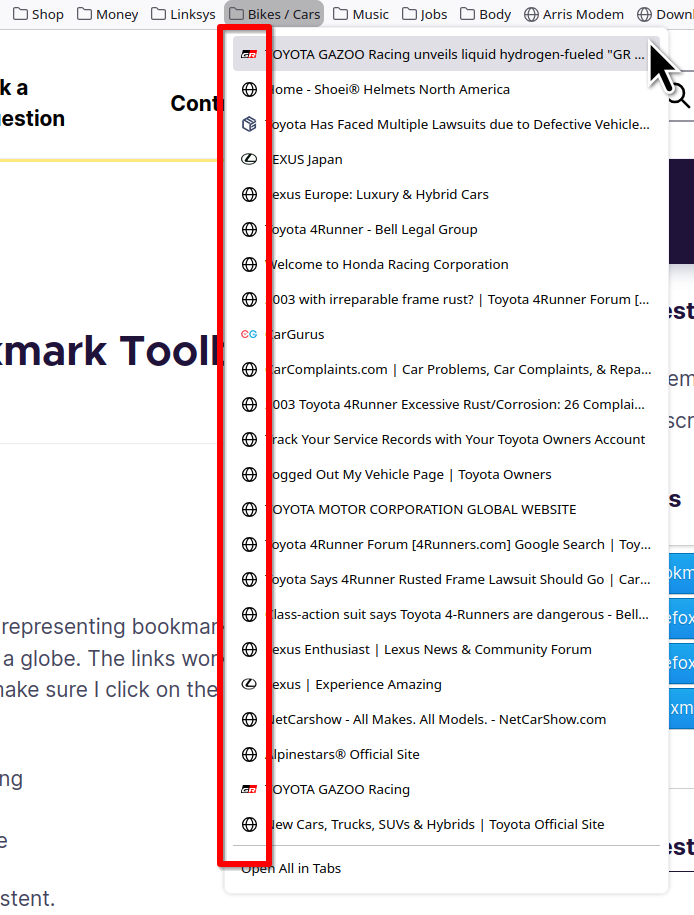
Like many other users, I have an issue in which roughly half of the icons representing bookmarks on my Bookmarks Toolbar have been replaced by the black+and+white icon of a globe. The links work, but because most of them are now the same, it means I have to hover over them to make sure I click on the link I want.
I've tried: Exporting all my bookmarks to HTML; deleting all bookmarks; re-importing Deleting the "favicons.sqlite" database and letting Firefox recreate it Creating a new Profile and importing all my bookmarks "fresh" in to there
Not only does none of this seem to work, the results are actually inconsistent.
This problem has been kicking around for years - certainly for many major releases of the browser. I understand that there could be deep/complicated issues such as a corrupt user profile, for example...
Unfortunately, however, there does not appear to be any consistent or reliable effective advice on how to fix this issue... and nothing I try seems to resolve the problem.
I'd be very grateful for any recommendations on a reliable repair for this issue.
But I'd also be grateful for suggestions as to how we might go about suggesting to the devs that this long-running bug is overdue a permanent fix.
Thanks in hope.
Mafitar da aka zaɓa
Great. Mark it as resolved and have a nice day.
Karanta wannan amsa a matsayinta 👍 0All Replies (6)
Those icons are pulled from the sites after visiting the site. see screenshots I had the same globe until I opened all the sites in tabs and then icons are now there. AI overview
When I close my browser and delete my cache, those icons usually go away.

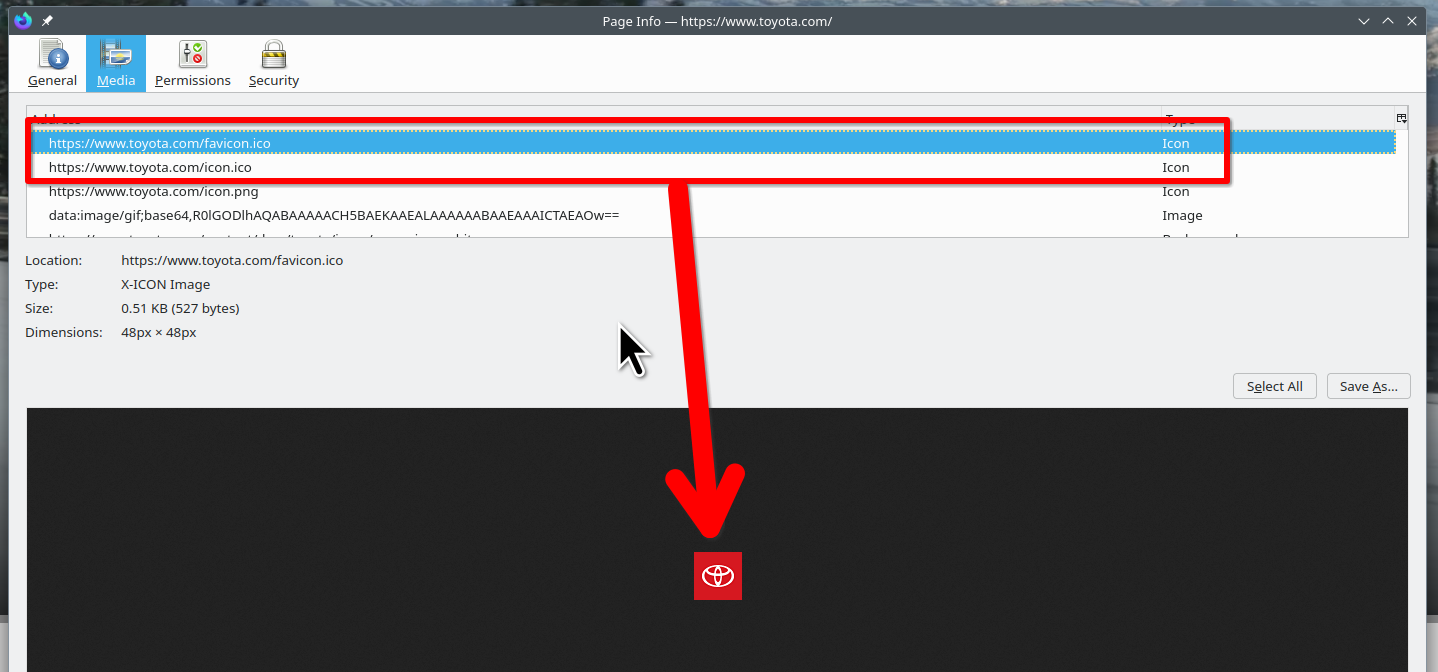
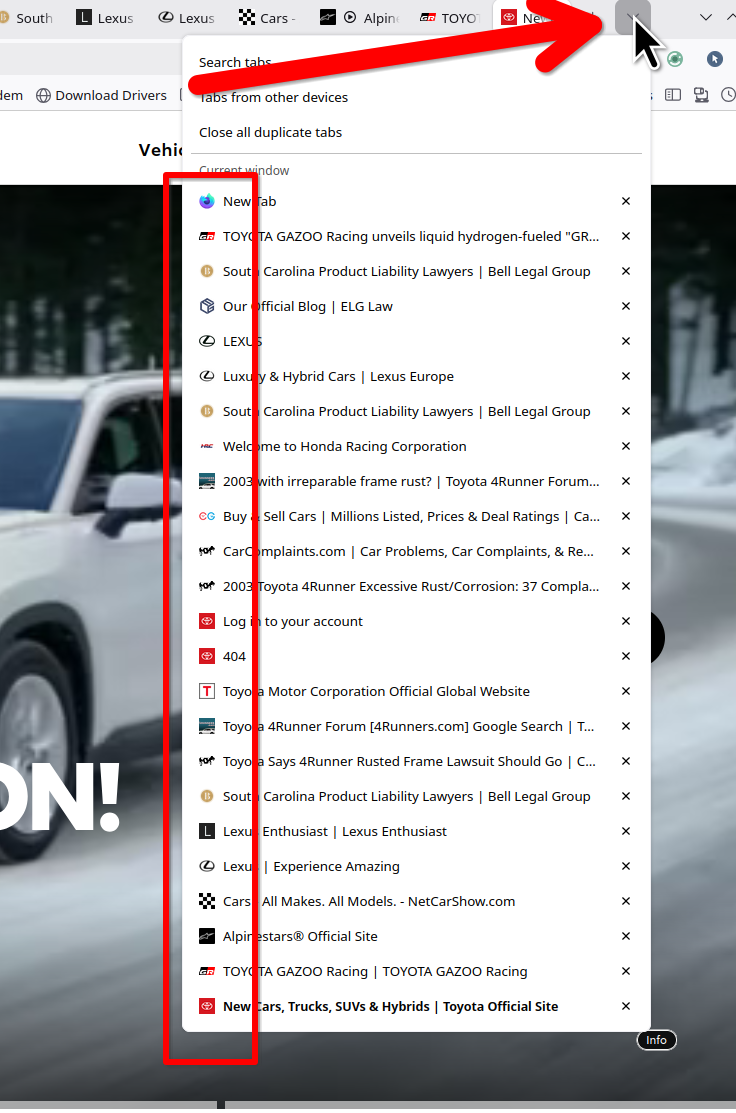
An gyara daga jonzn4SUSE
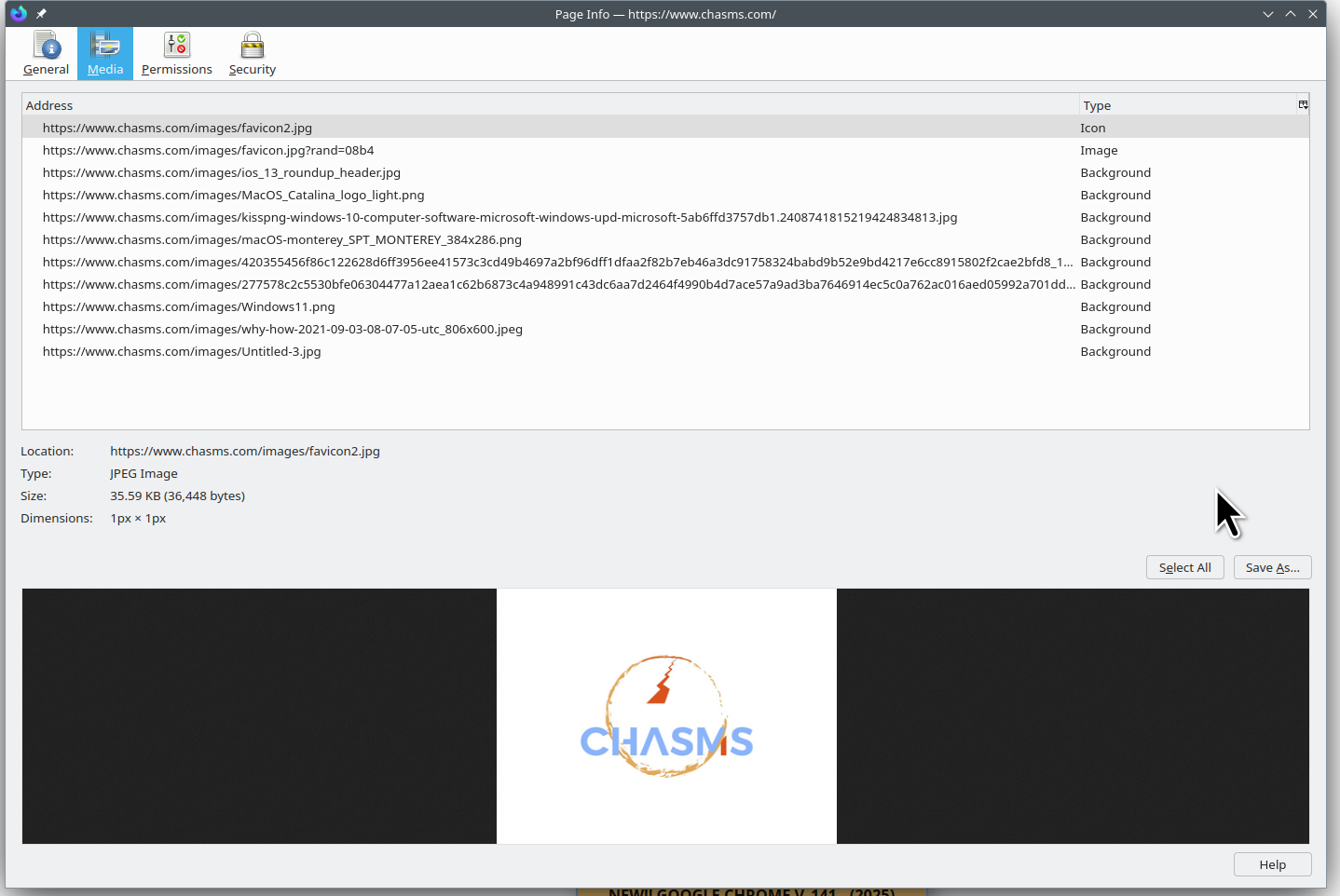
Another example is this site chasms.com. It has no .ico so there is no icon on my toolbar, just the globe. seescreenshot
An gyara daga jonzn4SUSE
I just cleared history, cache, and startup cache, but the icons are still there. Maybe someone closer to dev can chime in on the behavior of the .ico files. Also noticed on another computer(old mac) that the icons sync even though the sites were not opened on the computer.


Found a fix for my case (12/8/2025) see + below. History: Yesterday found Firefox updated to 145.0.2 (Windows 10), No bookmarks. "The bookmarks and history system will not be functional because one of Firefox's files is in use by another application. Some security software can cause this problem." Reboots, safe mode, stop Windows Shield, CCleanup, nothing helped. Tried other profiles, made a new profile, in all cases could NOT make/add new bookmarks! Fortunately I manually made a bookmark backup file last month when having a VERY SIMILAR PROBLEM back then, too. However Bookmark Manager would not let me Choose a file to restore from, no file list, nothing shown. Today again looking for a fix - found how to use about:support to verify places.sqlite database. Corrupt! For all profiles old and new. +Renamed it to places.sqlite-old to see if it would build a new and good version. Worked! Could now add bookmarks but really wanted previous bookmarks, theme, and extensions. +But, YAY, now Bookmark Manager would display the file list to Choose a restore from! It only listed the one backup file that I created last month, no automatic backup files listed anywhere. +But -YAY- Bookmarks, Theme, AND Extensions ALL restored! (Bookmark icons return when that site is visited.) Apparently places.sqlite serves ALL profiles. Folks --- make those bookmark backups!!! From now on I'll do both .json AND html. Wondering if corruption happened because we had a series of power failures rebooting the computer when Firefox was loaded -- but, then again, had a very similar bookmark problem last month too...
Edit: Now cannot make either type of backup file. I specify exact destination but does not work. Cannot find with global search either.
An gyara daga wilderbee
Thanks to all who posted a reply to my initial question.
I think I might be most of the way [not quite *all* the way] to a fix. In my case, the sqlite fix didn't work, but creating a new profile did seem to solve the problem. In my case it took me quite a bit of time to get things sorted out, because not only did I discover I have approx 4,400 bookmarks, I also found I had some issues getting my Floccus plugin and the NextCloud bookmark sync utility to settle down.
Initially, Floccus threw up a warning to tell me that I was proposing changing too many bookmark records, but I hadn't deleted my original profile, so I re-loaded in to that, exported my Floccus configurations and then re-imported them to the new profile.
Once I'd done that, it took me more time to migrate across my Firefox extensions than it did to get the re-built bookmarks toolbar working again.
What I find interesting about all of this is that we've all come up with slightly different solution. This tells me that the underlying code for this part of the Firefox feature set is perhaps not as stable as it could be. It would be really nice if we could encourage the Mozilla developers and other contributors to take another look at this, so I made another £21.50 donation to the Mozilla foundation in the hope that will help towards getting someone to chase down some of these less reliable features.
I really appreciate all the helpful suggestions - I think they worked in the aggregate and got me to a viable solution - so thanks to all who replied.