


why is firefox becomming more and more incompatable with websites

why is Firefox becoming more and more incomparable with websites
All Replies (8)
Show evidence of your issue(s).
Is this better, see new images
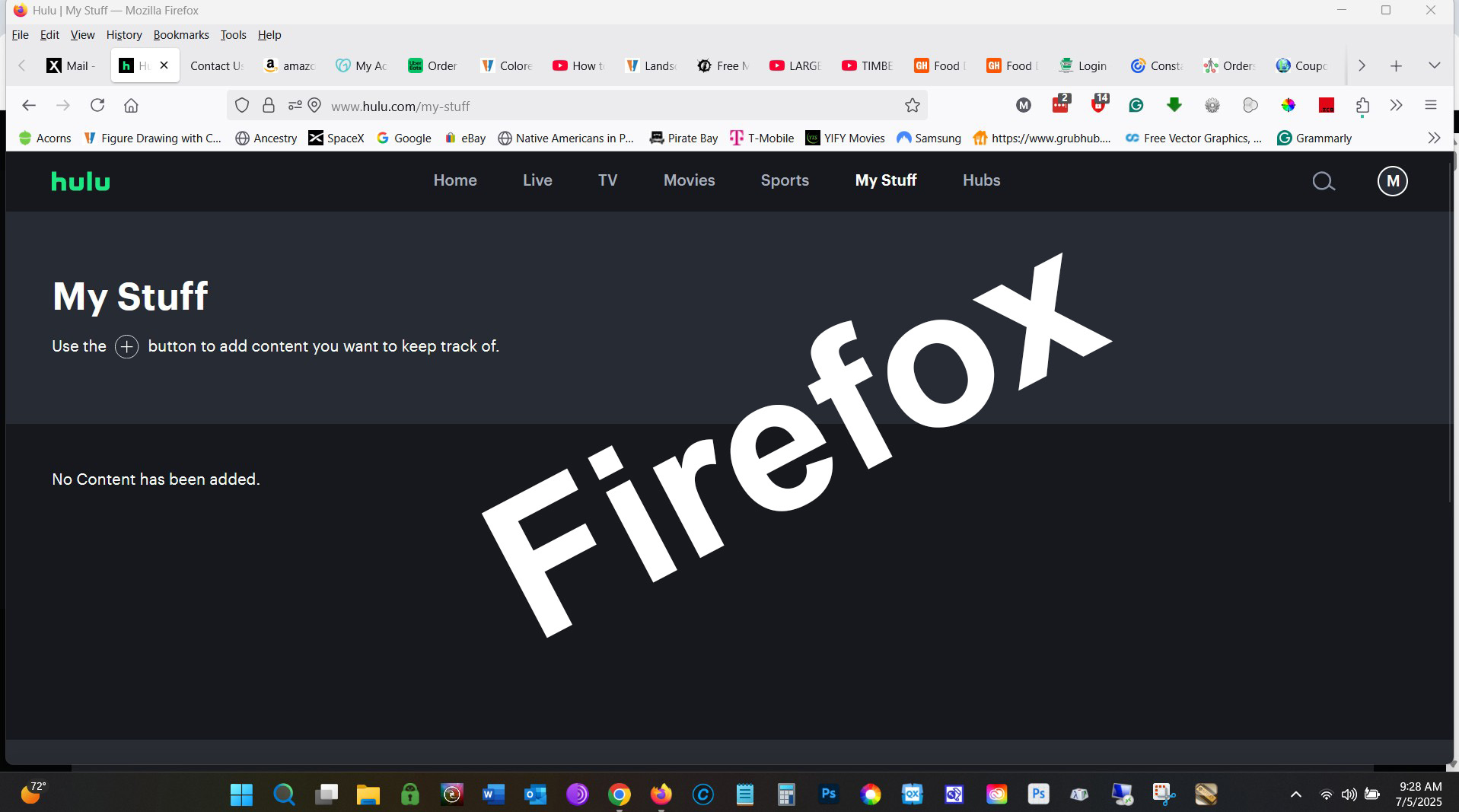
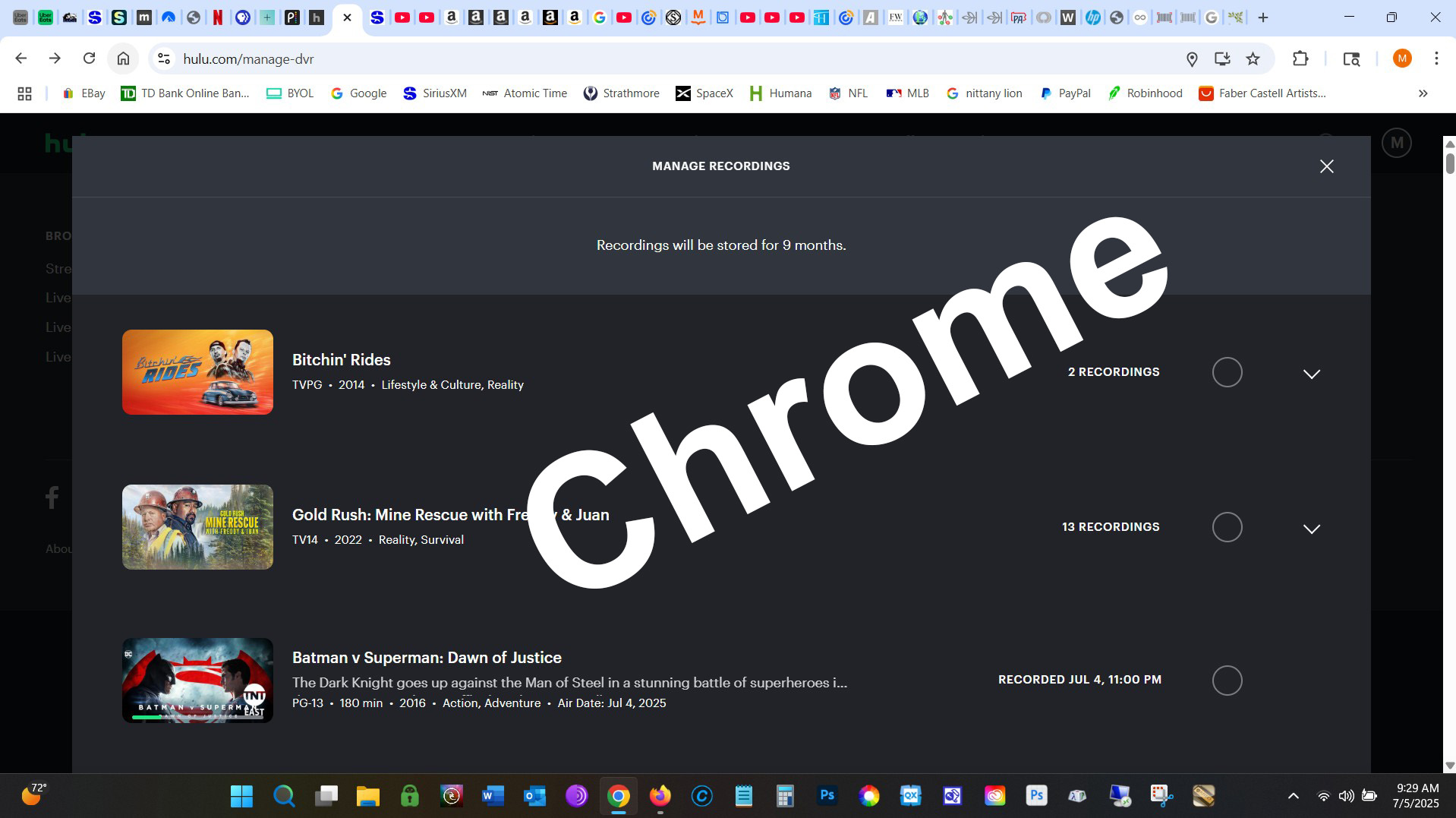
An gyara daga mwj18901
FYI... Full browser screenshots are more helpful. Now I have to ask is that in Troubleshoot Mode? Here is what I get from the homepage. see screenshot

An gyara daga jonzn4SUSE
Thanks for the updated screenshots. I can see that you have a few add-ons in the mix. I blame them for the issue. Try Troubleshoot Mode and I'm sure you'll see a difference. Add-ons are the usual issues with websites.
To me the problem is with Firefox, I say this because until the last update it was working fine, with the add-ons. So now, to use Hulu.com I will be using Chrome, and not liking it, even though I have been using, Mozilla since the early 90s starting with Netscape.
Your choice... Jones out...



More and more banking/credit and even government websites are no longer working with Firefox, the latest is Social Security; I got an error code 400, bad request, when trying to download the PDF file for my COLA notice (the printable link in Messages was only another link to the PDF). I was able to download it using Edge with no problem.
Several credit cards under Synchrony bank, and others, fail sporadically with Firefox. With Synchrony bank, there is even a problem (which they refuse to address) which MAY exist on other browsers; I haven't been able to try it because it only occurs once a month: after making a payment, the confirmation page looks good on the browser, but it is always longer than a page (because they put artwork at the top which only wastes ink). But when the print function is invoked, the print preview is the correct number of pages, but EVERY page is page 1, there is no way to get any other page printed. Again, this may not be due to incompatibility with Firefox, but it shows that their programming is very sloppy!
Other credit cards, such as Macy's, also have been getting incompatible with Firefox lately. Are they using (new?) features of HTML that Firefox never coded, or never coded correctly? Or are they deliberately finding ways to "break" Firefox to force users to switch to browsers that do not block ads?
Does anyone have an answer?
Hey Allan,
I've approved your related question, hope you will get a reply from our contributors. Sorry for the delay!