


Windows 10 will reach EOS (end of support) on October 14, 2025. For more information, see this article.

Search Support

Avoid support scams. We will never ask you to call or text a phone number or share personal information. Please report suspicious activity using the “Report Abuse” option.

Learn More

Wannan tattunawa ta zama daɗaɗɗiya. Yi sabuwar tambaya idan ka na bukatar taimako.

Firefox hangs on Wordpress Login

  • 1 amsa
  • 0 sa na da wannan matsala
  • 61 views
  • Amsa ta ƙarshe daga mark_holtom

more options

I am using FF 129.0 64 bit on Linux Mint. AFAIK all is up to the latest version.

When I log into my website admin on wordpress, my site gets redirected for a security check on the server (lightspeed or PC Guard). Once this is complete, the login continues.

Unfortunately for the last 6 weeks, my website redirects with a message, "Verifying that you are not a robot" and it hangs there permanently.

I have tried to get my server to disconnest Lightspeed and PC Guard (but then have NO security protection). Nothing seemed to work, and access was sproradic, but seemed best when FF was completely cleaned, cache, cookies, etc. However, even this did not guarantee a login.

Then I found that all worked perfectly using Chrome. Further, having logged in using Chrome, the FF version would now be unlocked and work perfectly.

So it seems as though FF is not clearing a status/flag/file somewhere and that Chrome clears this, leaving FF working again - for another 24 hours. Then the whole cycle starts again.

Any ideas?

Mark
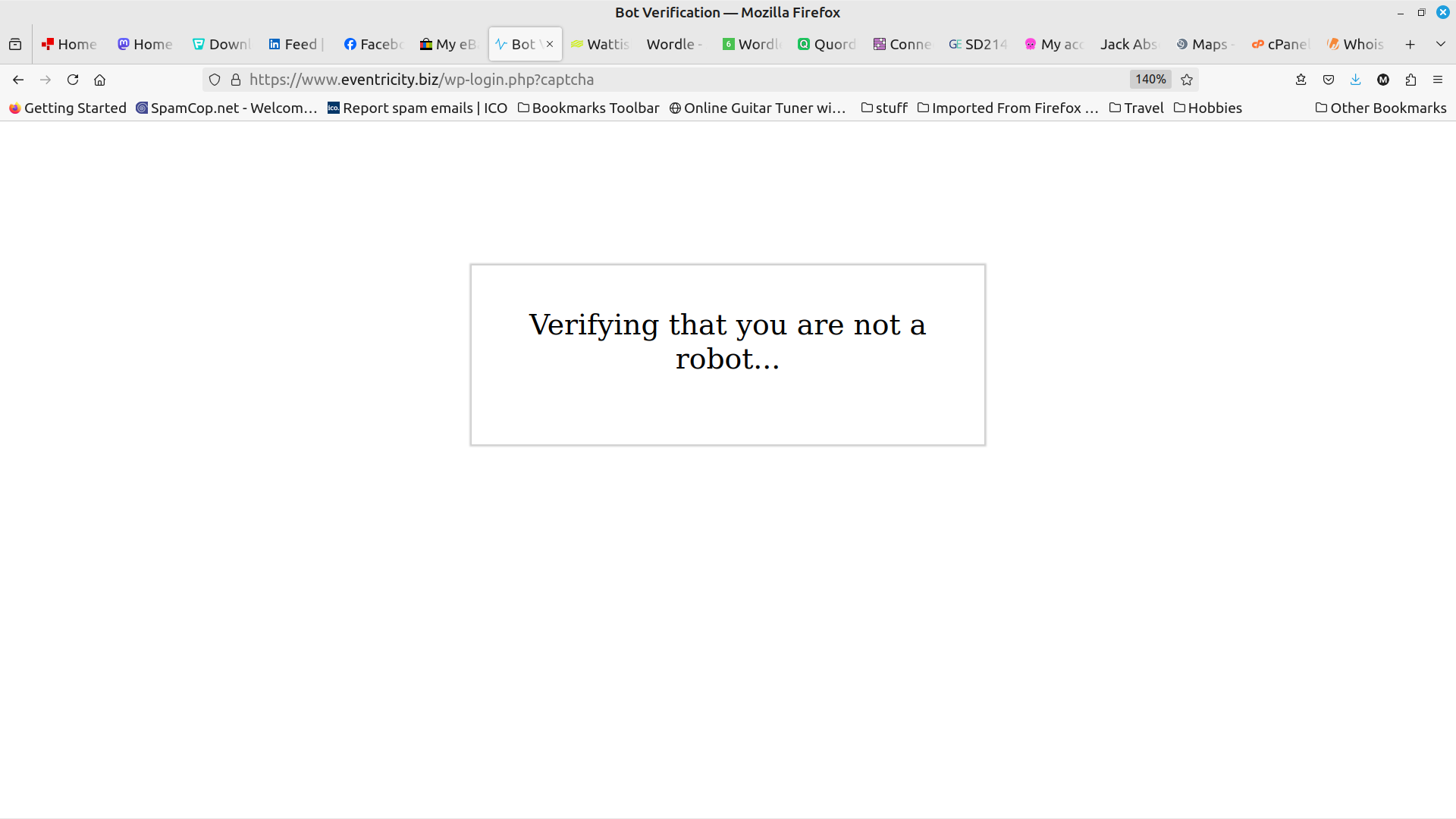
I am using FF 129.0 64 bit on Linux Mint. AFAIK all is up to the latest version. When I log into my website admin on wordpress, my site gets redirected for a security check on the server (lightspeed or PC Guard). Once this is complete, the login continues. Unfortunately for the last 6 weeks, my website redirects with a message, "Verifying that you are not a robot" and it hangs there permanently. I have tried to get my server to disconnest Lightspeed and PC Guard (but then have NO security protection). Nothing seemed to work, and access was sproradic, but seemed best when FF was completely cleaned, cache, cookies, etc. However, even this did not guarantee a login. Then I found that all worked perfectly using Chrome. Further, having logged in using Chrome, the FF version would now be unlocked and work perfectly. So it seems as though FF is not clearing a status/flag/file somewhere and that Chrome clears this, leaving FF working again - for another 24 hours. Then the whole cycle starts again. Any ideas? Mark
Hoton allon fuska da aka liƙa

Mafitar da aka zaɓa

The problem is Firefox. Specifically how it works with reCaptcha (I think) and this interacts with malwarebytes or ad block plugins.

My only real solution was a complete new install of firefox.

Karanta wannan amsa a matsayinta 👍 0

All Replies (1)

more options

Zaɓi Mafita

The problem is Firefox. Specifically how it works with reCaptcha (I think) and this interacts with malwarebytes or ad block plugins.

My only real solution was a complete new install of firefox.