


FF 7x. Decrease font size in search bar.
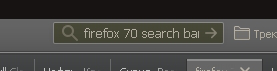
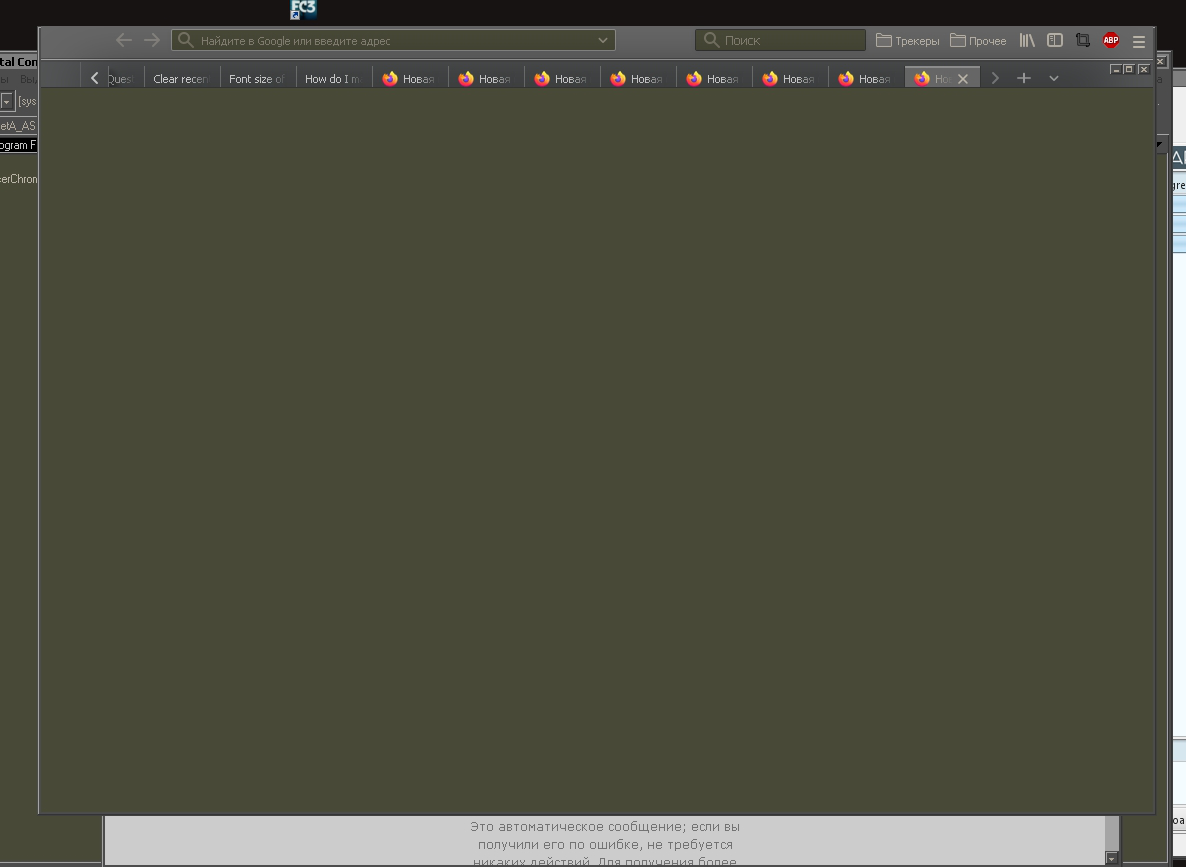
I recently started using the new version of FF and gradually trying to customize it for myself. Now I am faced with such a problem. The font size in this field is too large.
My userChrome.css file already has some changes that I made to change the view. What do I need to add? I can only partially imagine what each entry in this file is responsible for.
/* TABS: height */
:root {
 --tab-toolbar-navbar-overlap: 0px !important; /* fix for full screen mode */
 --tab-min-height: 25px !important;
}
:root #tabbrowser-tabs {
 --tab-min-height: 25px !important;
}
#TabsToolbar {height: var(--tab-min-height) !important;}


#navigator-toolbox {
  display: flex;
  flex-direction: column;
}

#titlebar {
  order: 2;
}

#tabbrowser-tabs {
  --tab-min-height: 18px !important;
  margin-left: 0px !important;
  height: 15px !important;
}


:root[uidensity=compact] #urlbar,
:root[uidensity=compact] .searchbar-textbox {
  font-size: unset !important;
  min-height: 20px !important;
}

:root[uidensity=compact] #identity-box {
  max-height: 20px;
}

:root[uidensity=compact] #nav-bar .toolbarbutton-1 {
  padding: 0px !important;
}

/* Compatibility with auto-hide.css */
:root[uidensity=compact] #navigator-toolbox {
  --nav-bar-height: 20px !important;
}


#nav-bar {
  border-top: 0 !important;
}

toolbar#TabsToolbar
{
    -moz-appearance: none !important;
    background-color: #535556 !important;
}
I recently started using the new version of FF and gradually trying to customize it for myself. Now I am faced with such a problem. The font size in this field is too large.
My userChrome.css file already has some changes that I made to change the view. What do I need to add? I can only partially imagine what each entry in this file is responsible for.
-------------------------------------------------------------------------
<pre><nowiki>/* TABS: height */
:root {
--tab-toolbar-navbar-overlap: 0px !important; /* fix for full screen mode */
--tab-min-height: 25px !important;
}
:root #tabbrowser-tabs {
--tab-min-height: 25px !important;
}
#TabsToolbar {height: var(--tab-min-height) !important;}
#navigator-toolbox {
display: flex;
flex-direction: column;
}
#titlebar {
order: 2;
}
#tabbrowser-tabs {
--tab-min-height: 18px !important;
margin-left: 0px !important;
height: 15px !important;
}
:root[uidensity=compact] #urlbar,
:root[uidensity=compact] .searchbar-textbox {
font-size: unset !important;
min-height: 20px !important;
}
:root[uidensity=compact] #identity-box {
max-height: 20px;
}
:root[uidensity=compact] #nav-bar .toolbarbutton-1 {
padding: 0px !important;
}
/* Compatibility with auto-hide.css */
:root[uidensity=compact] #navigator-toolbox {
--nav-bar-height: 20px !important;
}
#nav-bar {
border-top: 0 !important;
}
toolbar#TabsToolbar
{
-moz-appearance: none !important;
background-color: #535556 !important;
}
</nowiki></pre>
-------------------------------------------------------------------------
An gyara daga cor-el
Mafitar da aka zaɓa
You need to add a unit (px).
#urlbar, .searchbar-textbox {
  font-size: 14px !important;
  min-height: 20px !important;
}
Karanta wannan amsa a matsayinta
👍 1
All Replies (3)
You unset the font-size with this CSS code for Density:Compact.
:root[uidensity=compact] #urlbar,
:root[uidensity=compact] .searchbar-textbox {
  font-size: unset !important;
  min-height: 20px !important;
}
You need to set a specific font-size, maybe best is not to specify the uidensity.
#urlbar, .searchbar-textbox {
  font-size: 14px !important;
  min-height: 20px !important;
}
An gyara daga cor-el
Thanks for the answer! Does not work :( Even if I enter this:
- root[uidensity=compact] #urlbar,
- root[uidensity=compact] .searchbar-textbox {
 font-size: 8 !important;
 min-height: 20px !important;
}
Zaɓi Mafita
You need to add a unit (px).
#urlbar, .searchbar-textbox {
  font-size: 14px !important;
  min-height: 20px !important;
}