


subforders are empty

Hi,
my Thunderbird automatically updated, after that I received the error "Cannot load XPCOM".
Then I found the solution of Your support forum, and I uninstalled, shut down the antivirus and reinstalled Thunderbird.
Installation went through correctly, but now when I open the program, it shows the folder tree and the emails in the main folder, BUT I cannot browse emails and subfolders, just nothing happens, no matter how many times I click...
Please, help!!
Thank you,
Agostino.
All Replies (9)
If this is an imap mail account, suggest you try 'subscribing' to see those folders. You might need to resubscribe the folders.
Yes, thank you for the quick reply!
And how do I do it?
And how do I see if it is an imap account?
Right click on mail account name in folder pane and select 'Subscribe' to see list of folders. select folder and click on 'Subscribe'
There is no 'Subscribe' option... see picture
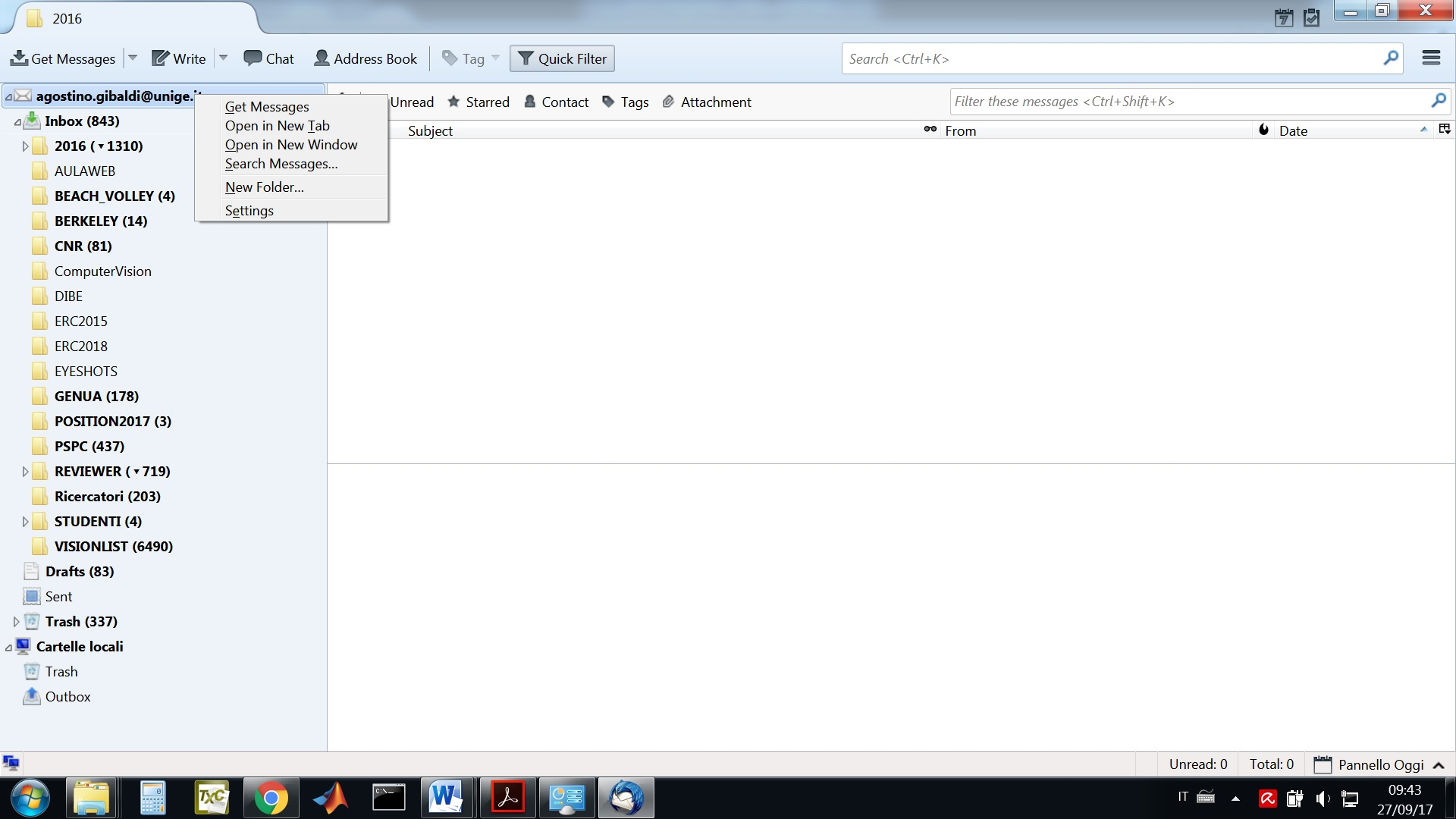
For the time being, I resolved the problem downgrading to the previous version, but I don't like this approach very much....
If you don't really need remote storage of your email, try reconfiguring your account to POP3 rather than IMAP.
If you do really need remote storage of your email, then this idea won't help.
Sorry, I was wrong, my account is POP3.
Does it continue to work OK using the older TB version?
If yes, then it's almost certainly a bug of some kind, since that behavior couldn't be considered a "feature". I'm running the new version of TB under Windows 10, so that's common.
Do you use any message filters? If yes, you might try turning them all off, and then adding them back 1-by-1, to see if any of them are the cause. Then try the same process with add-ons.
I use no filters and no add-ons, so if you use either, that would be a source of difference in our configurations.
TCS