Windows 10 reached EOS (end of support) on October 14, 2025. If you are on Windows 10, see this article.

Search Support

Avoid support scams. We will never ask you to call or text a phone number or share personal information. Please report suspicious activity using the “Report Abuse” option.

Learn More

Wannan tattunawa ta zama daɗaɗɗiya. Yi sabuwar tambaya idan ka na bukatar taimako.

firefox cannot resize gmail file upload dialog

  • 4 amsoshi
  • 2 sa na da wannan matsala
  • 94 views
  • Amsa ta ƙarshe daga ausdlk
  • An warware

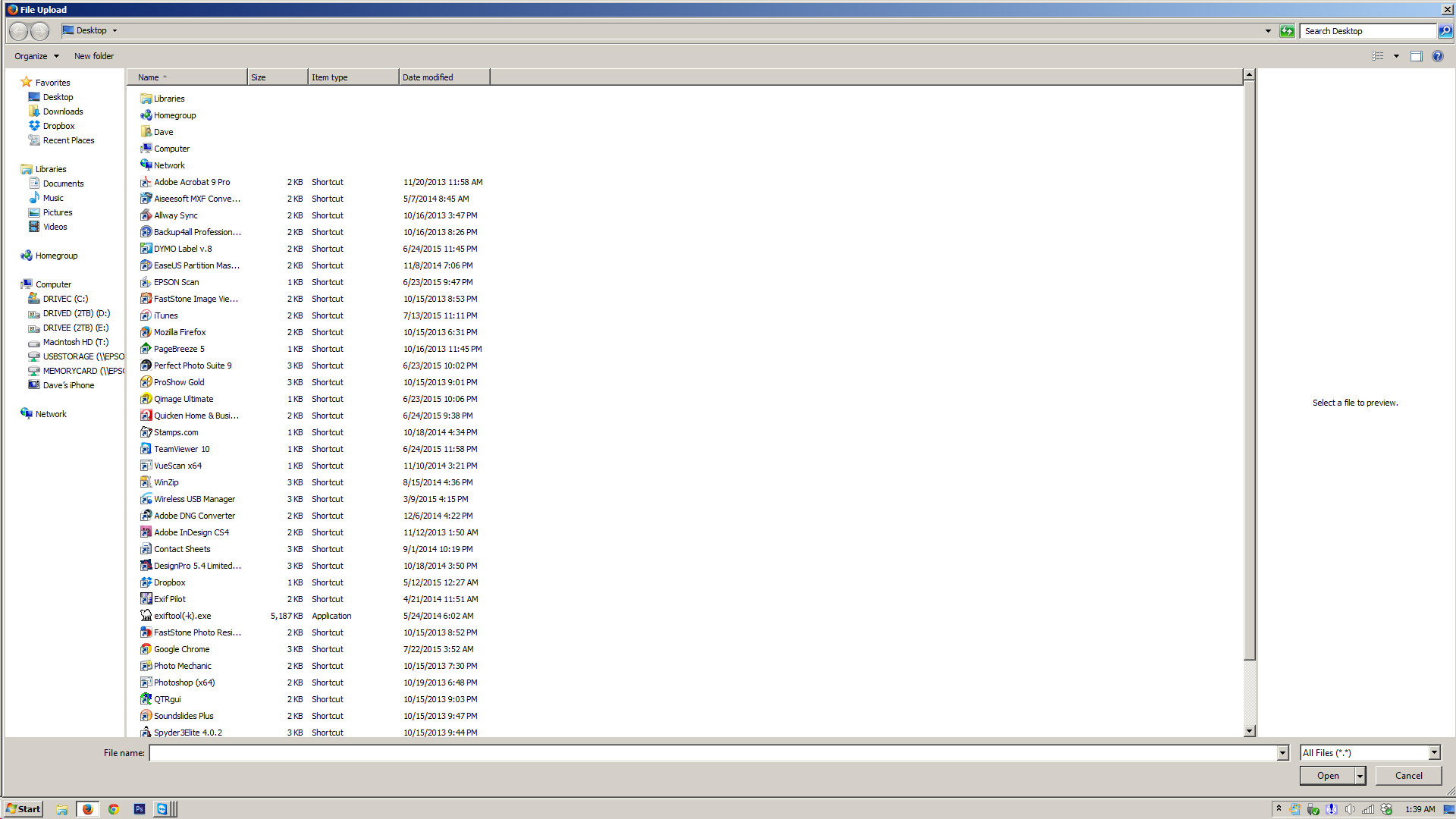
when using Gmail and I click on the attachment link to see the File Upload dialog, it is always displayed full screen and I cannot resize it. the little << thing in the lower right corner does nothing and there are no resize controls in the upper right where X is. running Gmail using Chrome does not exhibit this problem. I recently did a Firefox "refresh" and it did not change this behavior. this is a new problem that must be related to a recent change somewhere as I have not seen this problem in years of prior use of Firefox and Gmail. It just did the same thing when clicking the Browse button on this Mozilla support page -- so it is not a Gmail specific problem.

when using Gmail and I click on the attachment link to see the File Upload dialog, it is always displayed full screen and I cannot resize it. the little << thing in the lower right corner does nothing and there are no resize controls in the upper right where X is. running Gmail using Chrome does not exhibit this problem. I recently did a Firefox "refresh" and it did not change this behavior. this is a new problem that must be related to a recent change somewhere as I have not seen this problem in years of prior use of Firefox and Gmail. It just did the same thing when clicking the Browse button on this Mozilla support page -- so it is not a Gmail specific problem.

Mafitar da aka zaɓa

Can you open the system menu via Alt+Space and use Restore or Resize?

Karanta wannan amsa a matsayinta 👍 0

All Replies (4)

screen shot attached

one more thing... running is Safe Mode did not prevent this from happening

Zaɓi Mafita

Can you open the system menu via Alt+Space and use Restore or Resize?

Yes! Wow, I have no idea such a control existed. The "Restore" option was the only one active but it did the trick. Thanks!!