


FireFox not working on Android Phones
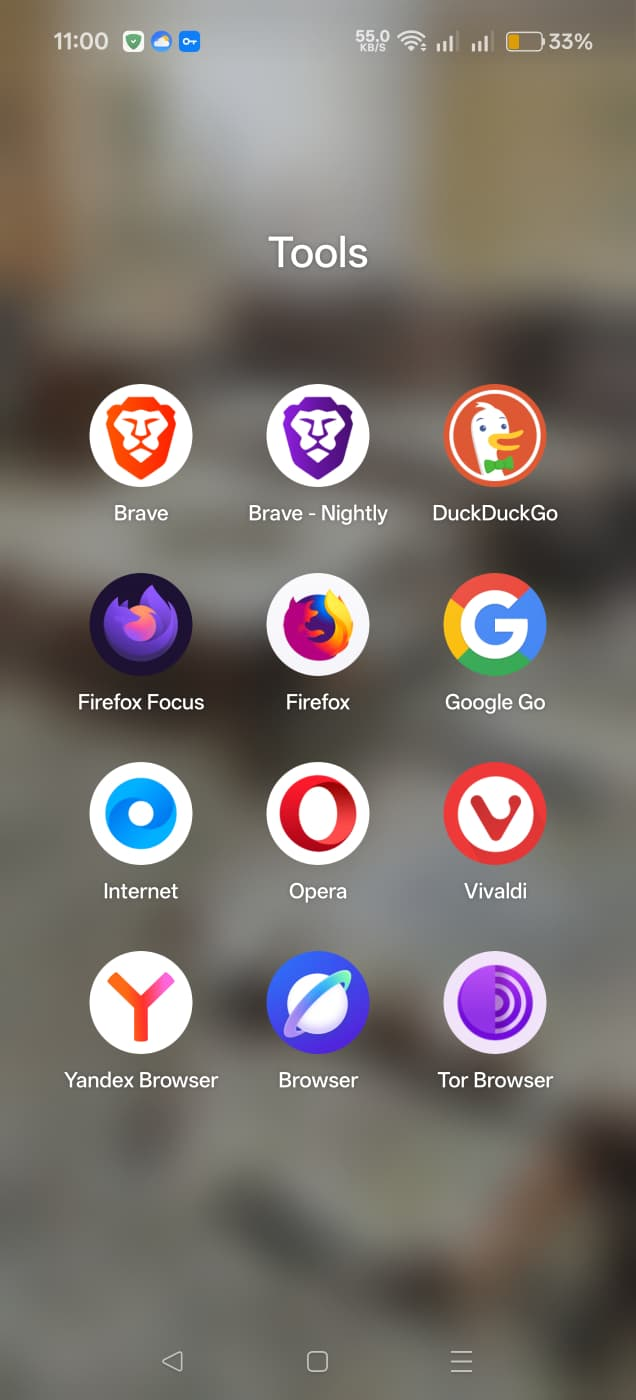
I have 12 browsers (except Google Chrome) on my 3 android mobile phones, all OnePlus Nord and CE.
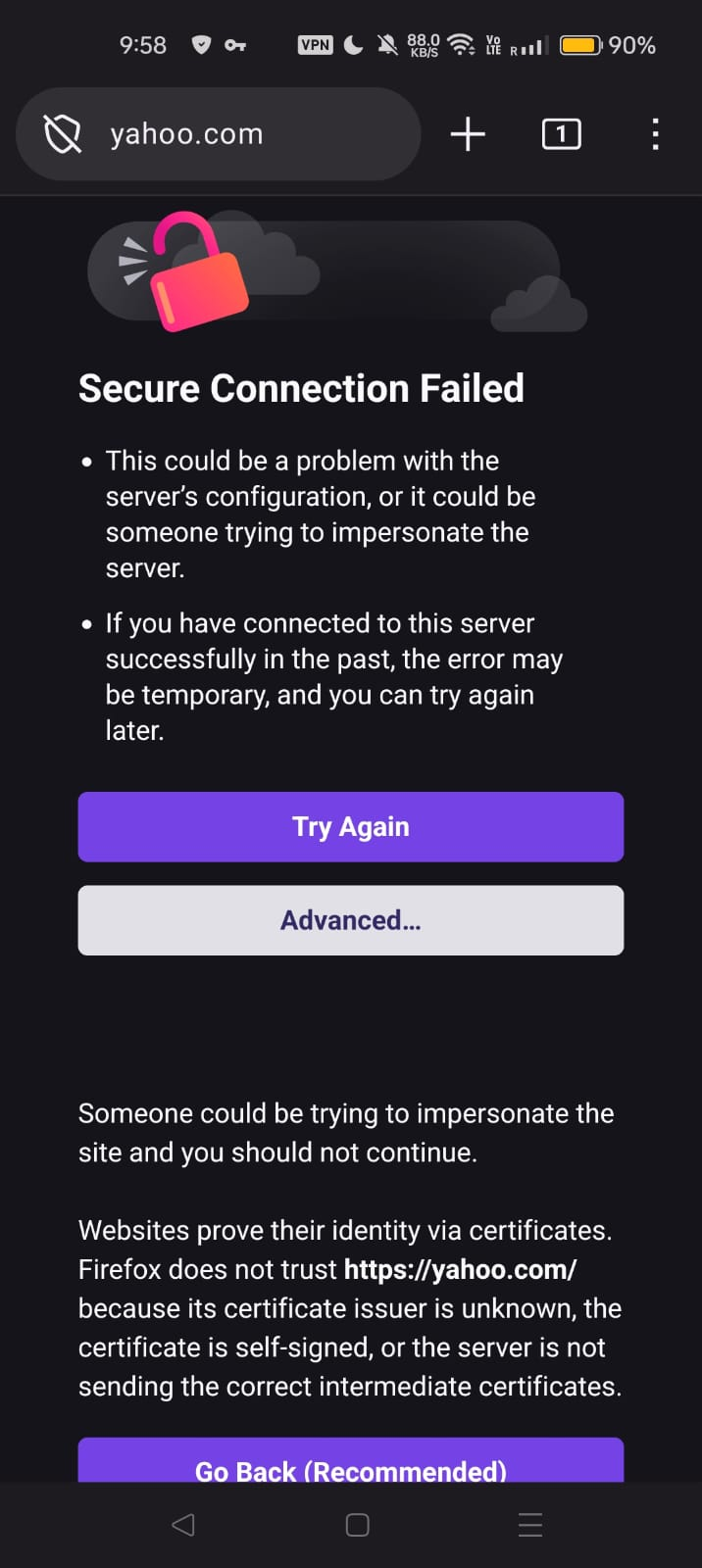
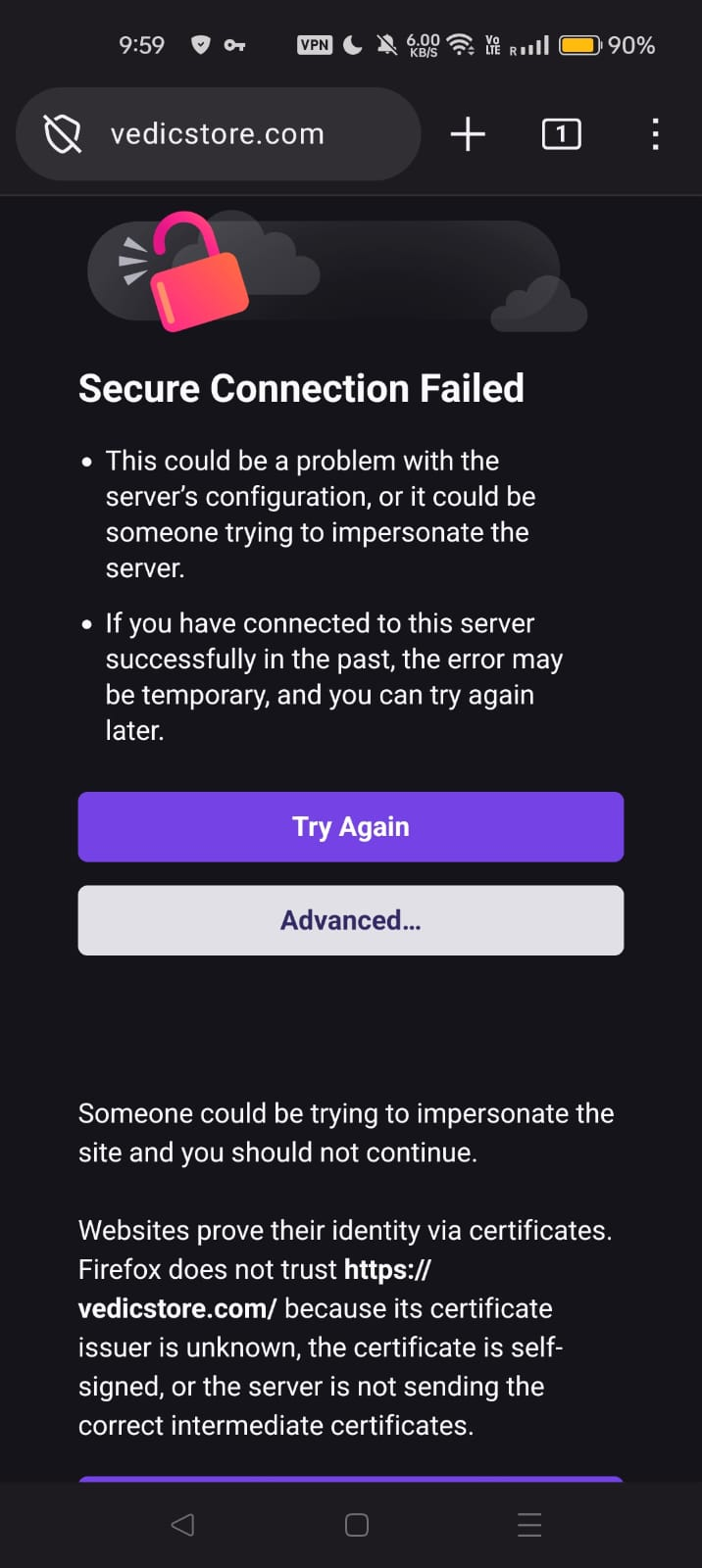
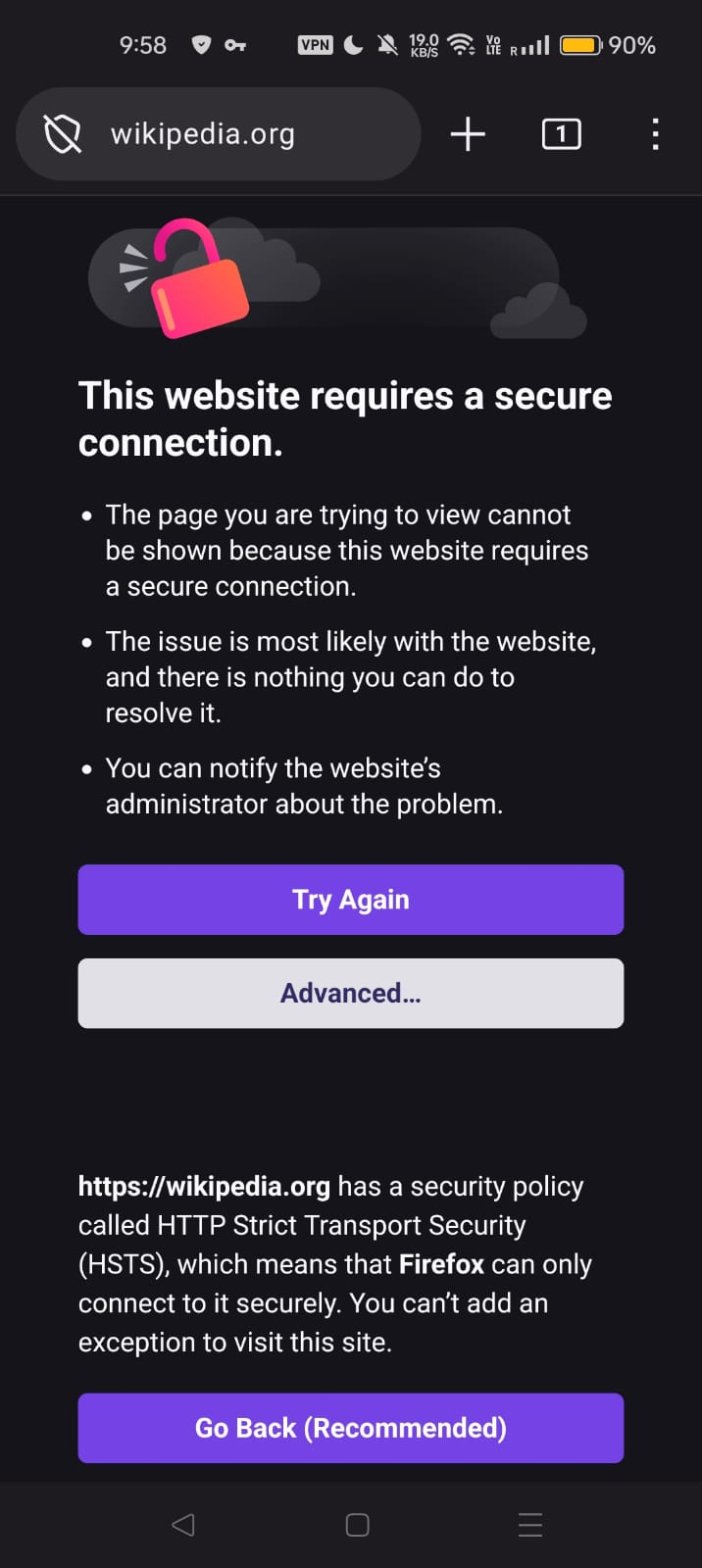
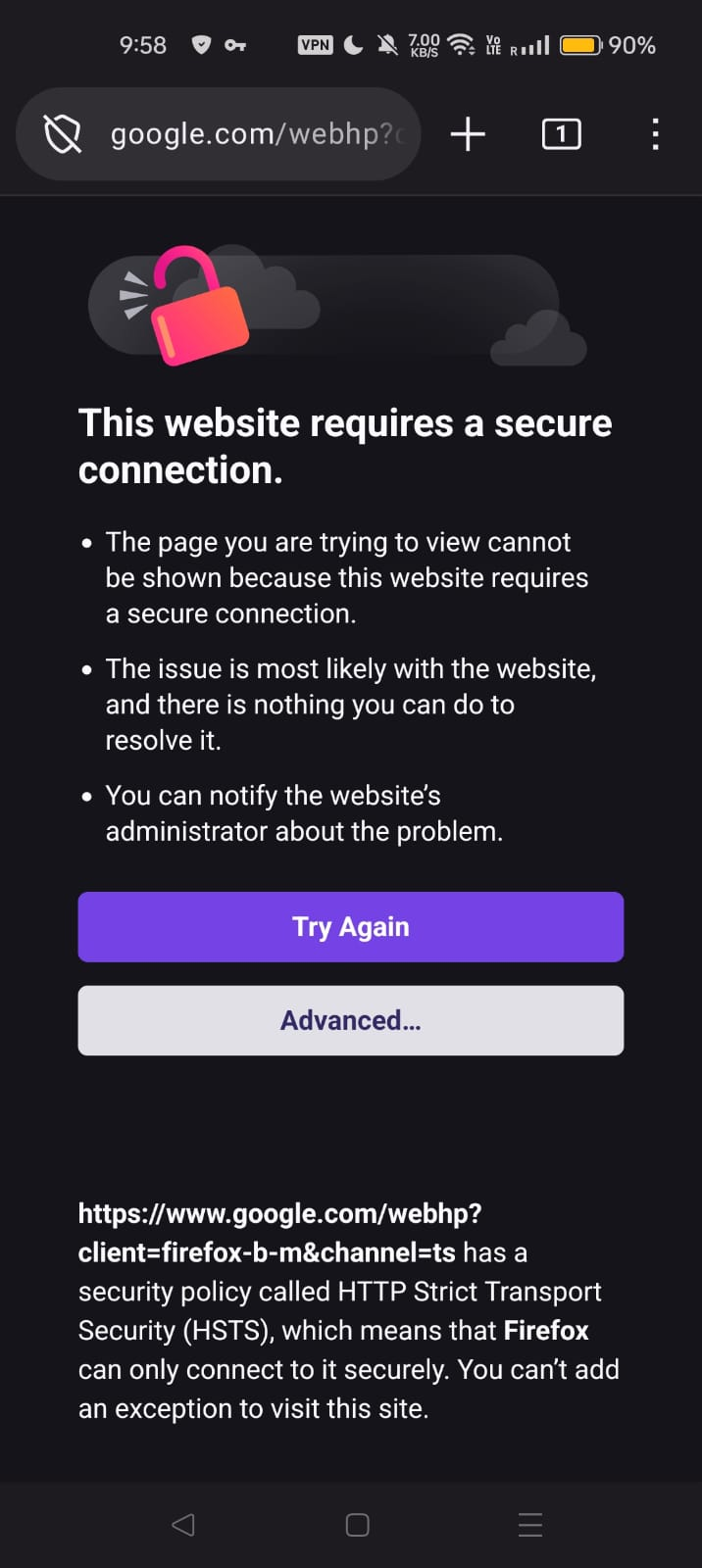
I am having problems with FireFox to open websites. I have tried all troubleshoots using AI but nothing is working. I have reinstalled FireFox multiple times, still the error remains the same. See four screenshots (note the date, time stamp on the images), I cannot connect to: google.com, yahoo.com, wikipedia.org or vedicstore.com, the error in words is the same.
FireFox version on all 3 phones is:
1. 153.0.2 (Build #2016175759), 70679dc17d13e6a5082805d9823d62ece968cd81 GV: 153.0.2-20260730155536 AS: 153.0 OS: Android 14
2. 153.0.2 (Build #2016175759), 70679dc17d13e6a5082805d9823d62ece968cd81 GV: 153.0.2-20260730155536 AS: 153.0 OS: Android 16
Any help from the peers here to make FireFox work will be highly appreciated. Thanks a million to one and all.
A FireFox user from Trinidad and Tobago, West Indies
All Replies (3)

Do you have problem to connect other sites? Are these sites opening with other browsers you have?
Hi wxie, thank you appreciate your speedy response,
All 11 browsers on my three phones works - absolutly no complain (see screenshot of all browsers).
Only FireFox cannot / does not open any website. You name it, it gives the same error.
Looking forward to hearing from you. Thank you so much.
When you see the error, have you tried to click the "Advanced button"?
You can check Firefox connection settings: https://support.mozilla.org/en-US/kb/server-not-found-connection-problem
Otherwise, you can try to disable VPN or antivirus program. https://support.mozilla.org/en-US/kb/secure-connection-failed-firefox-did-not-connect