


Windows 10 reached EOS (end of support) on October 14, 2025. If you are on Windows 10, see this article.

Search Support

Avoid support scams. We will never ask you to call or text a phone number or share personal information. Please report suspicious activity using the “Report Abuse” option.

Learn More

The Mail tab displays nothing.

  • 2 replies
  • 1 has this problem
  • 54 views
  • Last reply by s.g.yasko
  • Open

The Mail tab displays nothing. The other tabs display normally. Messages arrive. Messages open from the Windows notification area. How to fix this?
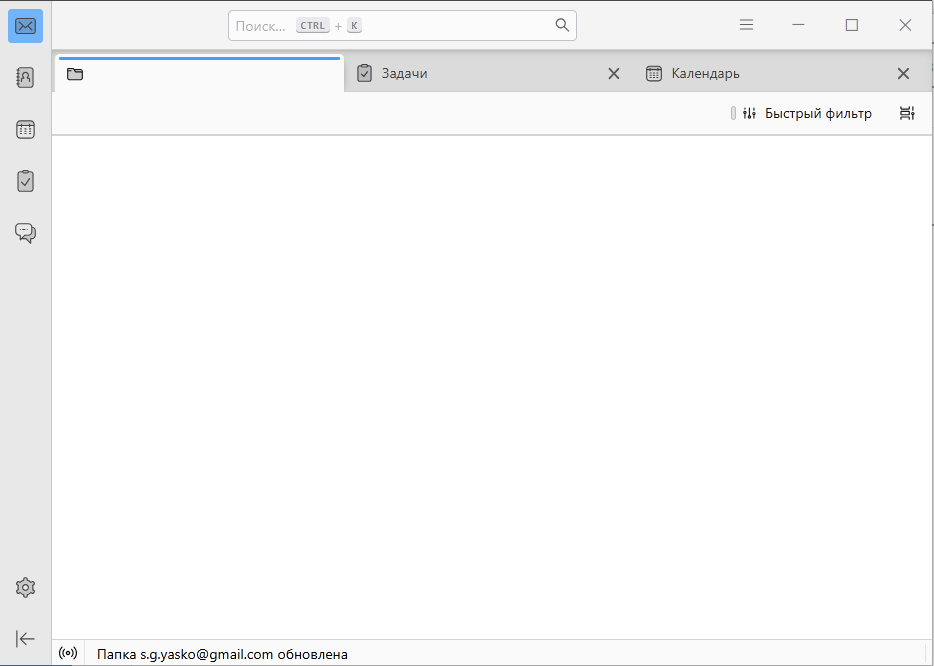
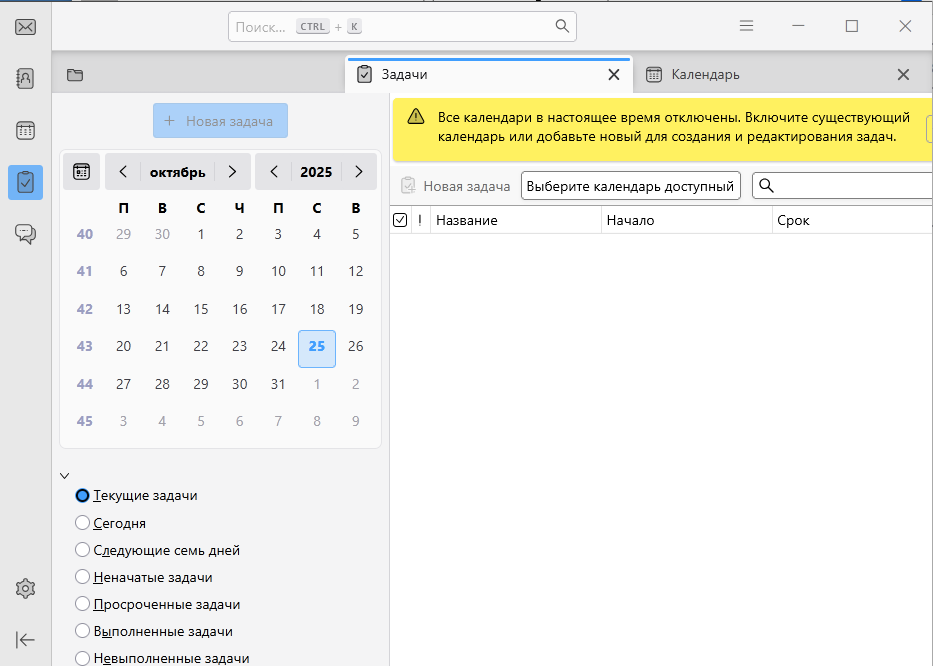
The Mail tab displays nothing. The other tabs display normally. Messages arrive. Messages open from the Windows notification area. How to fix this?
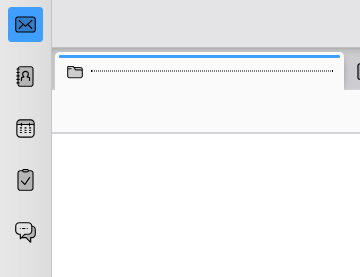
Attached screenshots

All Replies (2)

If you start Thunderbird in troubleshoot mode is the issue the same? https://mzl.la/3AbU5jz

The tab was visible in Safe Mode. I had to delete the account and then re-add it. The issue was most likely a deleted or moved folder. As a result, the folders weren't syncing and the mail tab wasn't showing.

Ask a question

You must log in to your account to reply to posts. Please start a new question, if you do not have an account yet.