


Message download button not appearing

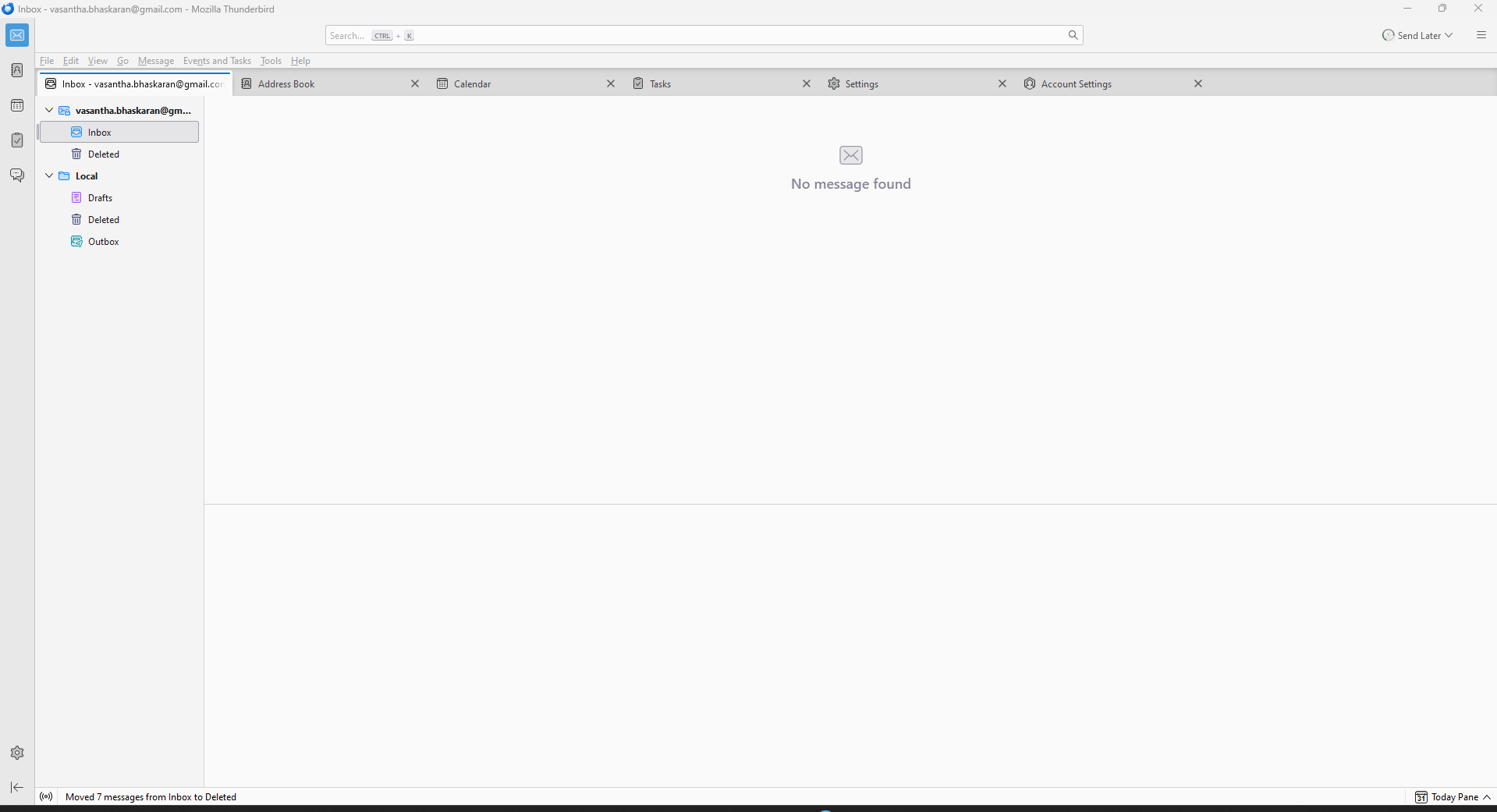
I have installed Thunderbird version 128.1.1 esr (64 bit). The download button as not appearing. I removed the application & reinstalled. Still the download button is not appearing. Kindly help . I wish to have the button which I am used to. The screen shot is attached.
I have installed Thunderbird version 128.1.1 esr (64 bit). The download button as not appearing. I removed the application & reinstalled. Still the download button is not appearing. Kindly help . I wish to have the button which I am used to. The screen shot is attached.
Chosen solution
click view>folder pane and tick folderpaneheader. If menu bar not shown, click alt key and then click the view option at left.
Read this answer in context 👍 2All Replies (3)
Chosen Solution
click view>folder pane and tick folderpaneheader. If menu bar not shown, click alt key and then click the view option at left.
Many thanks I very much appreciate your prompt solution
You are welcome. :)