


Facebook will not connect at all
For 24 hours now I have not been able to connect to Facebook via Firefox browser on my laptop at all. I can connect on my phone, but not my laptop. I've made sure there are no extensions on my browser, my firewall is off, all cookies and cache have been cleared, I even Uninstaller Firefox and reinstalled it. When I try to bring up Facebook, nothing happens. It won't even bring the page up. All other websites work fine. I can't even bring up Facebook to clear the caches in Facebook per the troubleshooting guide. It says to open Dacwbook and click the lock on the address bar, but I can't even open Facebook. What am I missing here?
Ñemoĩporã poravopyre
Your last message gave me an idea, and I went into the files in my computer and found a lone AVG file even after uninstalling it. I deleted the file, cleared my caches and cookies again, then restarted the computer. Facebook is now working in Firefox. Something with AVG was causing an issue with being able to access Facebook. I hope this thread helps anyone else who has had this issue and is using AVG antivirus on their computer.
Emoñe’ẽ ko mbohavái ejeregua reheve 👍 1Opaite Mbohovái (13)
Hey Trinittie, which version of Firefox are you at? And where do you download Firefox from?
I downloaded Firefox directly from the Firefox website onto my laptop. I am using the latest version, which I just reinstalled today. It is version 151.0 file version 151.0.0.2151.0.0.275 installed today 5/1926 @ 12:37 pm EST
Thanks Trinittie, there was an issue with facebook before but it was fixed on the last update. Are you able to open it in other browsers? Also you wrote " It says to open Dacwbook and click the lock" where does it say that? Is this a pop up? Can you take a screenshot?
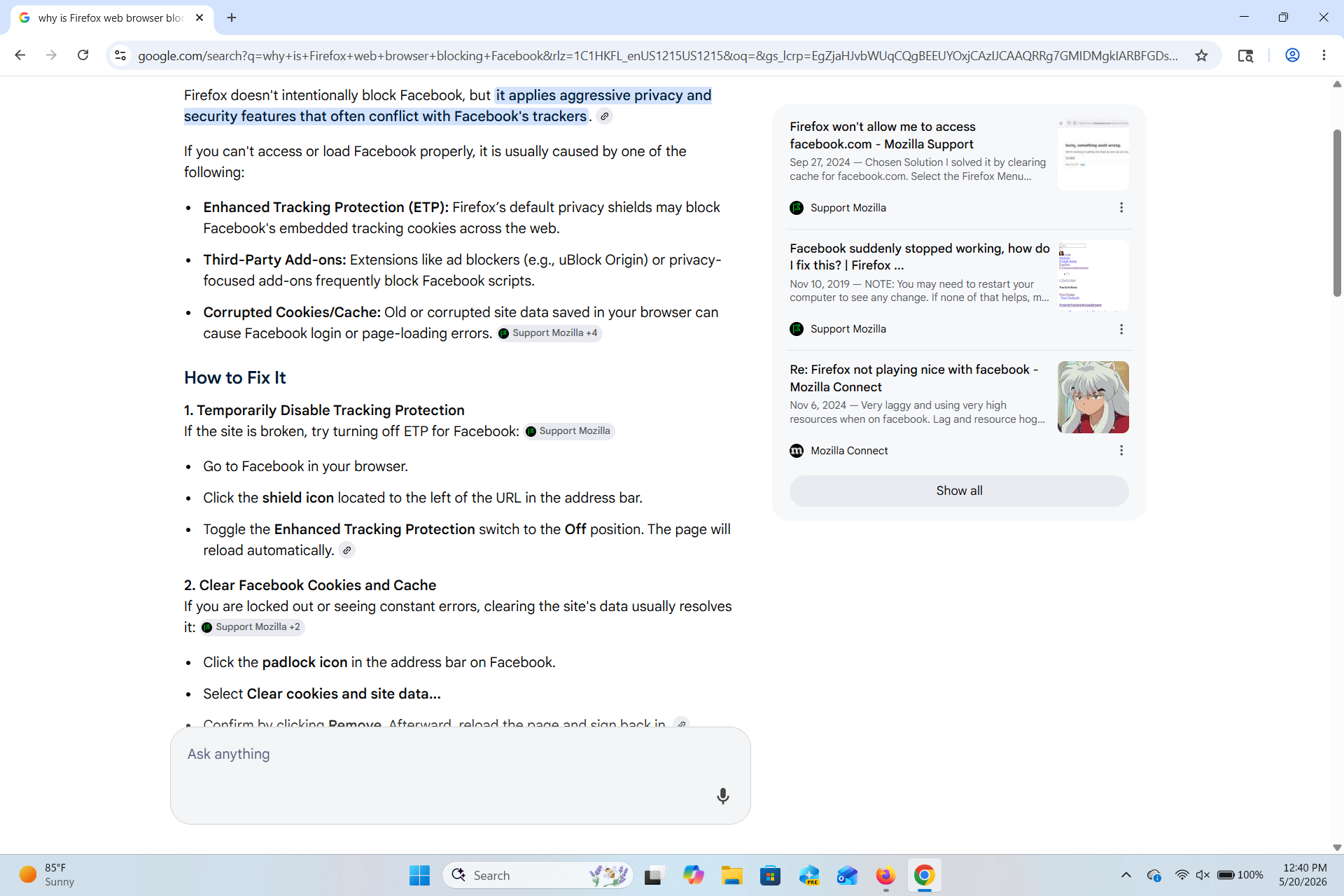
I am able to kind of open Facebook in Chrome, but it does not function well there. This is why I switched to Firefox initially years ago. As for the instructions advising me to click on the lock screen, this was found in a Google search asking why Facebook was being blocked and also why Facebook won't load in Firefox. Both times I got the same instructions. I have attached a screenshot.
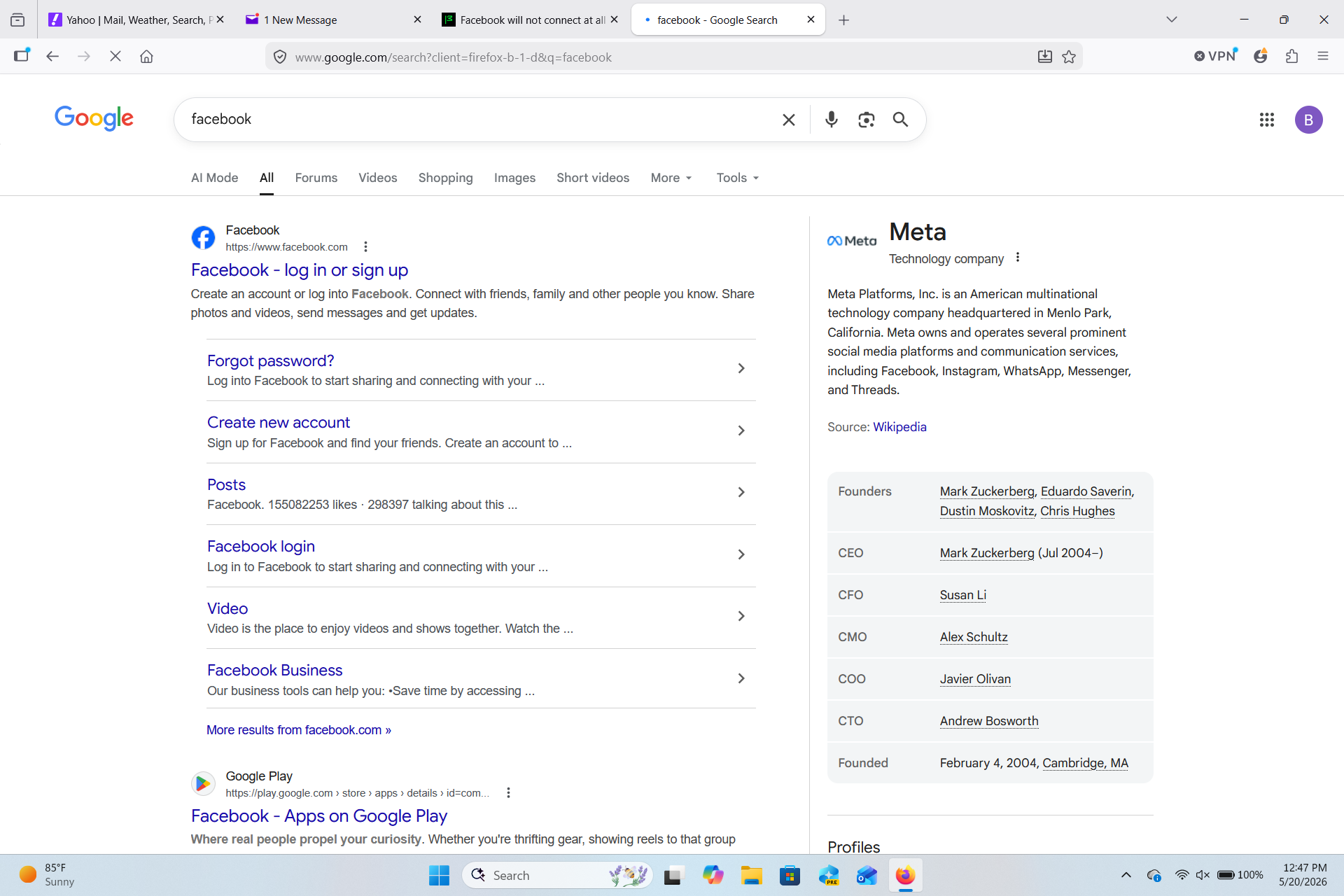
When I try to access Facebook, I open a new tab and/or window, type in either just Facebook or the full address of www.facebook. com and hit enter. The list for Facebook comes up, I click on it, and nothing happens. I have attached a screenshot of this as well. I do not have any shortcut tabs for Facebook anymore. I deleted those thinking those may be corrupt. As of this reply I still cannot access Facebook on Firefox. I can access all other websites, just not Facebook. It seems like it is being blocked somehow but I cannot find out how to fix it.
Thanks Trinittie, I think that there is indeed something in your Firefox that is blocking Facebook. Let's try to find out together.
- Please check if you have Enhanced Tracking Protection (ETP) enabled. You can do that by clicking the shield
 icon in the left part of the address bar.
- If ETP is enabled, try disabling it.
- If the problem is not fixed, try clearing Firefox cache.
- If it does not help, try clearing cookies and data for the website you experience troubles with (warning: you will be logged out on this website).
- If it also does not help, try running Firefox in Troubleshoot Mode. If the problem doesn't persist, please follow the steps from this article to troubleshoot further.
- If nothing from the above helps, try creating a new Firefox profile and check if the issue persists there. If it doesn't, you can start copying files from your old profile to the new one to identify which one causes the issue. See this article on what files to copy.
- If nothing from the above help, that's a compatibility issue. I can help with submitting a bug for you.
Does any of the above help? Looking forward to your update on how it goes!
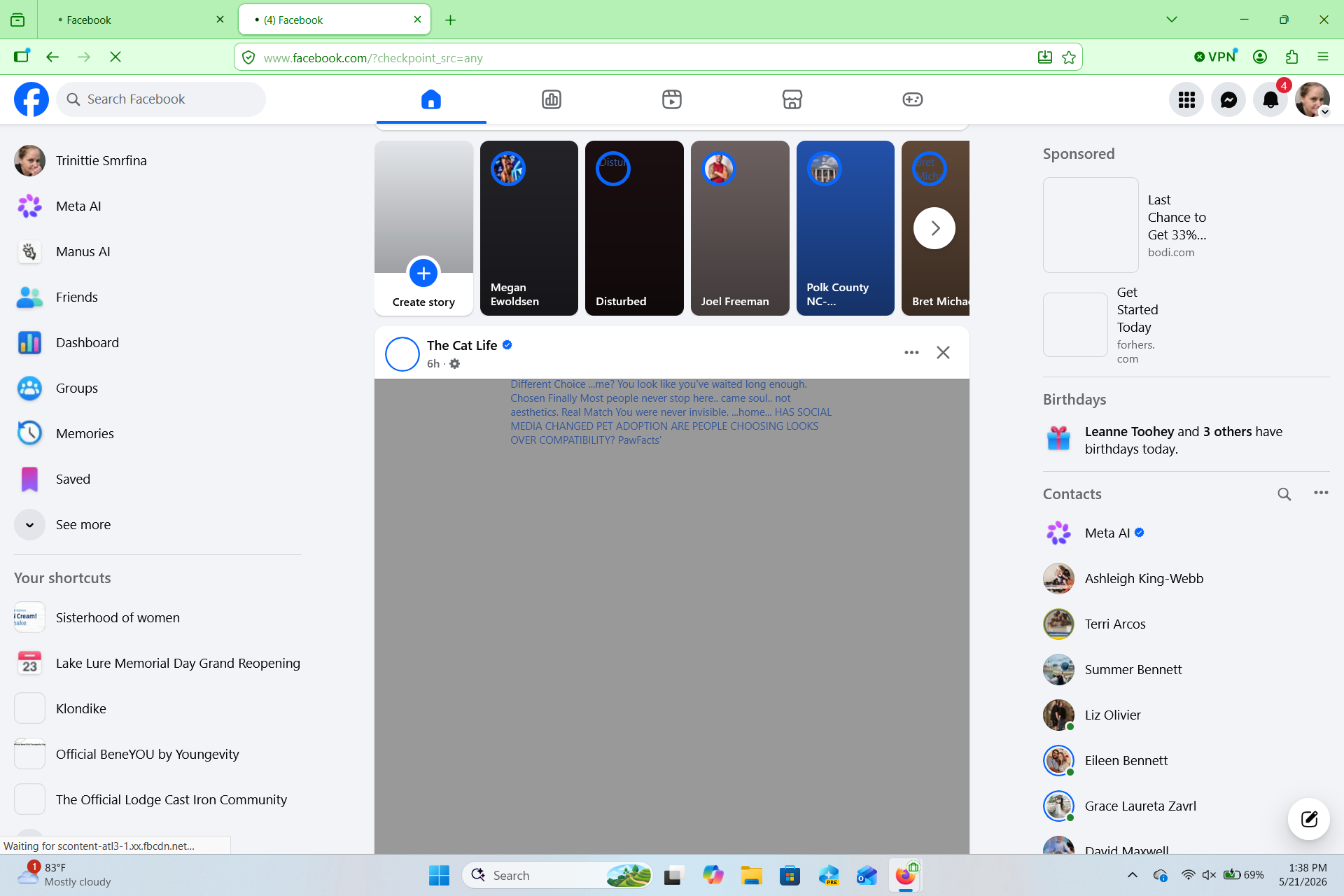
I have tried all of the above and am still not able to fully access Facebook. The first 4 steps were ones I have done numerous times, but I tried them again. They did not change anything, so I created a new profile. I was able to bring Facebook up, but not fully. No graphics load at all and when I tried to click on a random item, the page went blank and I am not able to access it now. I was able to take a screenshot of what loaded prior to me being locked out again. I have even uninstalled my virus protector in case that was the issue, it did not help. I even ran a restore point on my laptop to a prior point last week when everything worked fine, yet this did not help either. Below is the screenshot on the new profile prior to Facebook being blocked and/or crashing, whichever the case may be.
Thanks for all the work Trinittie, last question, do you by chance use Bitdefender ? We had a bug in last Firefox's version that was causing users with Bitdefender not able to login to Facebook. The engineers managed to fix it but I wonder if it came back.
No, I do not use Bitdefender, I use AVG anti-virus, but I uninstalled it before I did the windows restore point, which was before I downloaded it, and I never reinstalled it as of yet.
Ñemoĩporã poravopyre
Your last message gave me an idea, and I went into the files in my computer and found a lone AVG file even after uninstalling it. I deleted the file, cleared my caches and cookies again, then restarted the computer. Facebook is now working in Firefox. Something with AVG was causing an issue with being able to access Facebook. I hope this thread helps anyone else who has had this issue and is using AVG antivirus on their computer.
EDIT: And now I see you found the culprit! It ought not interfere, but, as you can see… :[
^^ Please do mark your answer above as the solution — in case it helps other users facing the same issues. Thanks!
Trinittie, I wish I had better advice, but this just appears to be something on the line between you and the delivery point that's serving the FB content. Do you use any VPN, or have your router set up deliberately in some special way (filtering content, custom network changes, e.g. pointing some settings away from your internet provider to some specific services?)
Were you able to connect from your laptop if you switched locations, e.g. a different WiFi, café, neighbor etc.? Could you share the internet connection from your phone to your laptop, and try connection via such hotspot for a while, to see any difference?
If you open your Firefox preferences and look up "DNS over HTTPS", is it enabled for you, and makes any difference if you disable it? Or vice versa?
Moambuepyre jbr rupive
I have already solved the issue. The AVG antivirus protection was causing a conflict.
Glad to hear you figured it out Trinittie :)