Ko téma oñeñongatúma.
Ejapo porandu pyahu eikotevẽramo pytyvõ.

Ñongatupyre
Two laptops using Firefox - goal is to use one set of Firefox tabs - how?

Dear Support,
I have two laptops - both identical accounts signed in and would like to sync them so that when I open Firefox on laptop 2 it will show me Firefox on laptop 1. and if laptop 2 was last used, then when open laptop 1, it shows me Firefox on laptop 2.
currently it is separate and unique instances.
how do i automate the sync?
thanks, Nicholas
Dear Support,
I have two laptops - both identical accounts signed in and would like to sync them so that when I open Firefox on laptop 2 it will show me Firefox on laptop 1. and if laptop 2 was last used, then when open laptop 1, it shows me Firefox on laptop 2.
currently it is separate and unique instances.
how do i automate the sync?
thanks, Nicholas
Opaite Mbohovái (2)

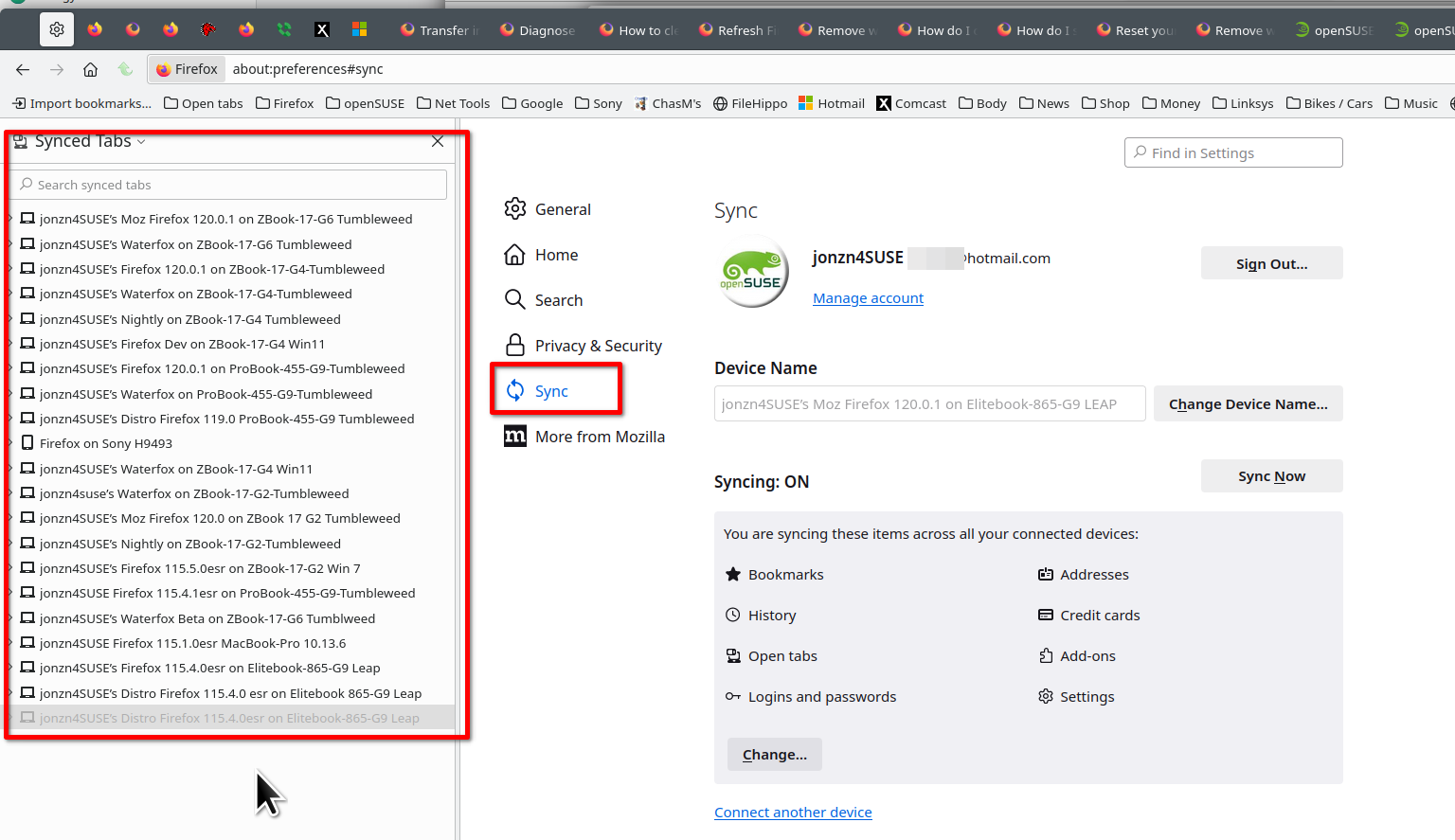
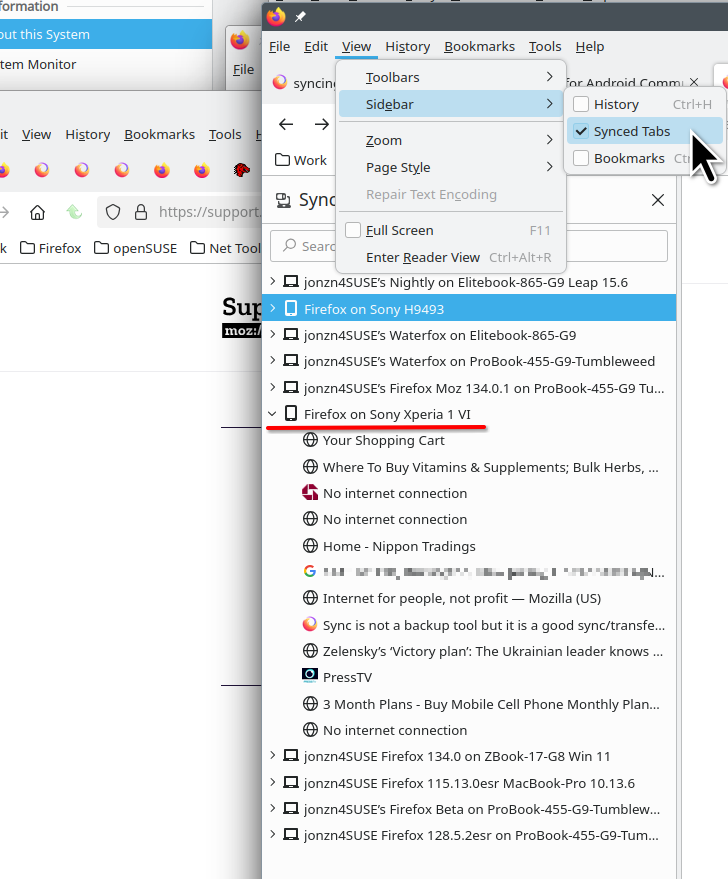
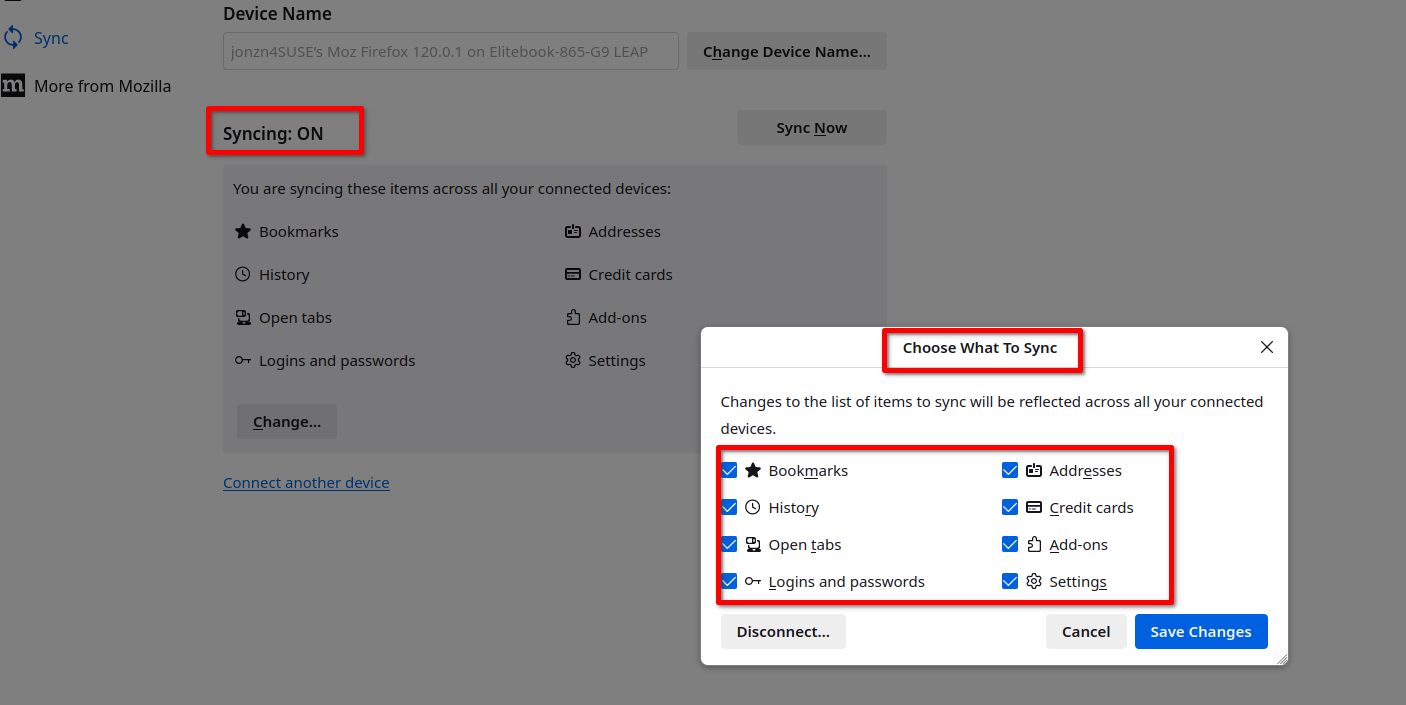
If it's just the same 1 Mozilla account on both computers, they should be able to see each other. see screenshots My account is jonzn4SUSE and as you can see from my screenshot it's on multiple devices. I also run all versions of Firefox plus Waterfox on the devices. Post similar screenshots.