


Can't share screen in Google Meet videocalls

Hello,
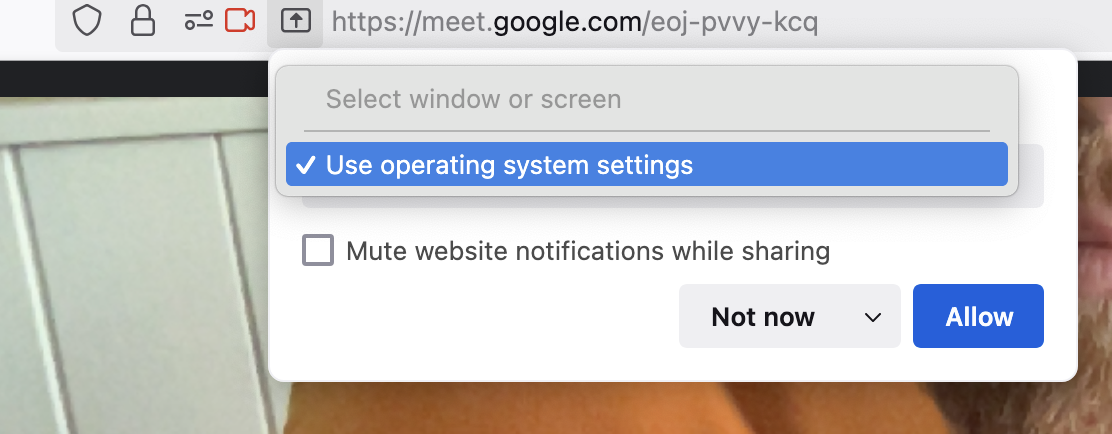
I checked the troubleshoot and gave all the necesarry permissions on my Mac for Google Meet to use my screen (allowed audio, video and screen recording). Nevertheless, I cannot manage to share my screen on Google Meet. As shown in the screenshot, it offers the option to share my whole screen (I cannot select a window or a tab...) but for my audience neither this is working.
Could you please help me fix this?
Many thanks in advance!
Opaite Mbohovái (3)

Mac is in the system settings like it says. Let get on my old 10.13.6 and see.
Moambuepyre jonzn4SUSE rupive
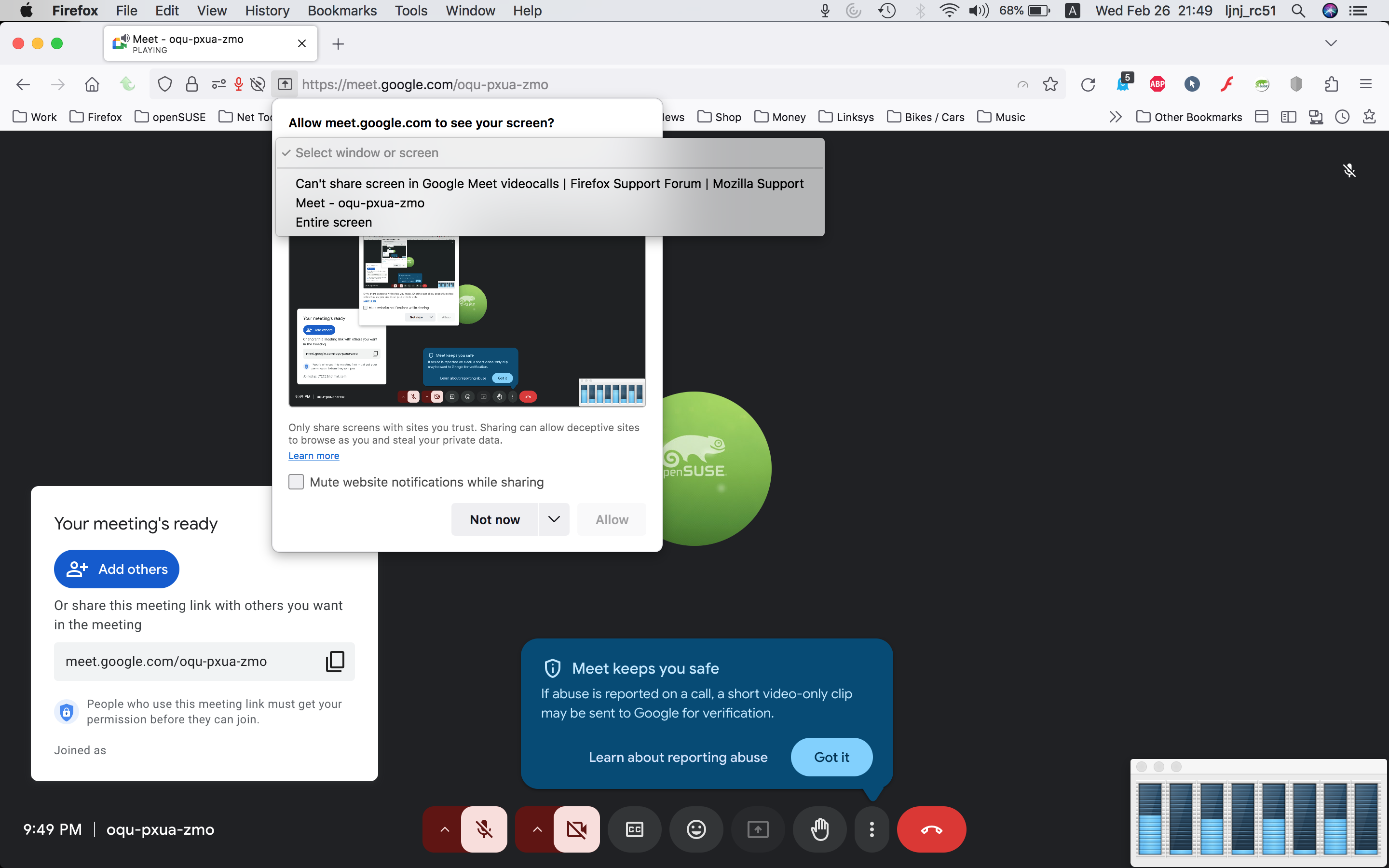
Hit Allow. What happens next?
Here is what I see. see screenshot What OS? If I recall correctly, when you hit allow, it should take to the system settings to make changes. I'm on old mac os.
Moambuepyre jonzn4SUSE rupive