


Firefox opens without Account if opened from icon pinned to taskbar

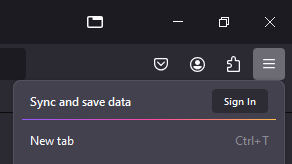
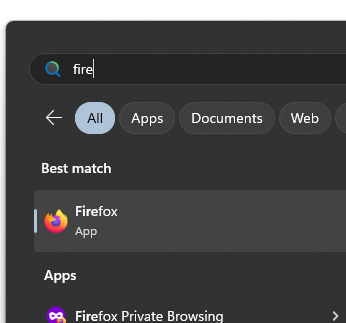
Noticed earlier today that after a Firefox update two icons appeared on the taskbar. Now I'm finding that whenever I try open Firefox from the taskbar it doesn't remember my previous session and looks as if I've signed out, Firefox behaves normally if I launch from the start menu.
I'm using Firefox Browser Windows MSIX package, mozzilla-MSIX - 1.0 v1.3.1.0 (64-bit). On Windows 11 Pro v23H2 build 22631.4169.


Opaite Mbohovái (2)
Seems to have resolved itself after I rebooted my computer. Will update if it reoccurs.
samueljanetzki said
Seems to have resolved itself after I rebooted my computer. Will update if it reoccurs.
It has reoccurred, so if I open Firefox and pin the window to the taskbar, then the properties of that icon point to "C:\Program Files\WindowsApps\Mozilla.Firefox_131.0.0.0_x64__n80bbvh6b1yt2\VFS\ProgramFiles\Firefox Package Root\firefox.exe". This one opens without the account and looks to be a new session.
If I open the start menu and pin to taskbar from there I cannot see where the icon points to, but it opens a new window using the existing session.
Moambuepyre samueljanetzki rupive