


Remove Personall Address Book and Collected Addresses from Address Book
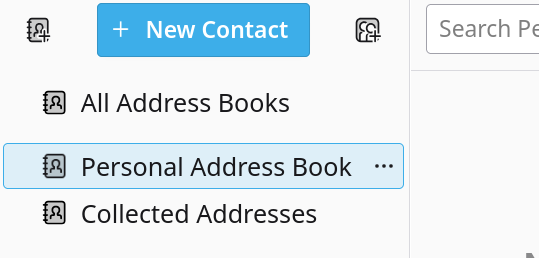
How do I remove these unwanted local books from Address book?
All Replies (2)
'Personal Address Book' and 'Collected Addresses' are the default Address Books in Thunderbird. The data is stored in 'abook.sqlite' and 'history.sqlite' files that are in the profile folder. They are used if ever you want to save an email address as by default 'Personal Address Book' is used. Such as in received email click on email address in message header and select 'Add to Address Book'.
Any email addresses you use when sending mail that are not in another address book are by default auto saved to 'Collected Addresses' unless you choose otherwise.
The 'All Address Books' is not a real address book. It is a virtual address book. It shows an amalgamation of all contacts stored in all the real address books. Generally not used as much as it could be lengthy, but has it's uses eg: if you want to find if you have duplicate contacts in various address books.
If Spam Settings for each account have been set up correctly then you can also use them as whitelists.
Chosen Solution
The short answer - they are not removable.