


Avoid support scams. We will never ask you to call or text a phone number or share personal information. Please report suspicious activity using the “Report Abuse” option.

Learn More
Open

Thunderbird Windows 11

blackserver78

I’m asking for an update: regarding the total message count, folders with no messages now show a dash, which is really confusing. Could this be fixed so that a dash doesn't appear when there are 0 messages? Before the update, it wasn't like that—it used to show the message count, and there was no dash when there were no messages.

I have been asking for this for at least 20 versions now: the backup and restore function—which is supposed to work when setting up a fresh Windows 11 installation, for example—fails to carry over certain settings. Specifically, things like the "Participants," "Date," and "Name" columns, the sort arrows (up/down), and other menu column settings aren't restored correctly. View settings—such as grouping vs. non-grouping or hidden columns—are also lost; after restoring, you have to manually set up all the columns and date ordering again yourself.

Problem 3

When I type a name into the address book and it appears, I have to click next to the name. However, if I click straight into the text field to start writing and then try to send something, a different contact from the address book might appear instead. This is a bug. For example, I typed in "Mom," but instead of clicking next to the name, I clicked into the text field, and my boss ended up receiving the email—it was embarrassing. Could there be a setting so that when an address book name appears and you jump straight to the text field, that name stays selected instead of switching to a different address book entry?
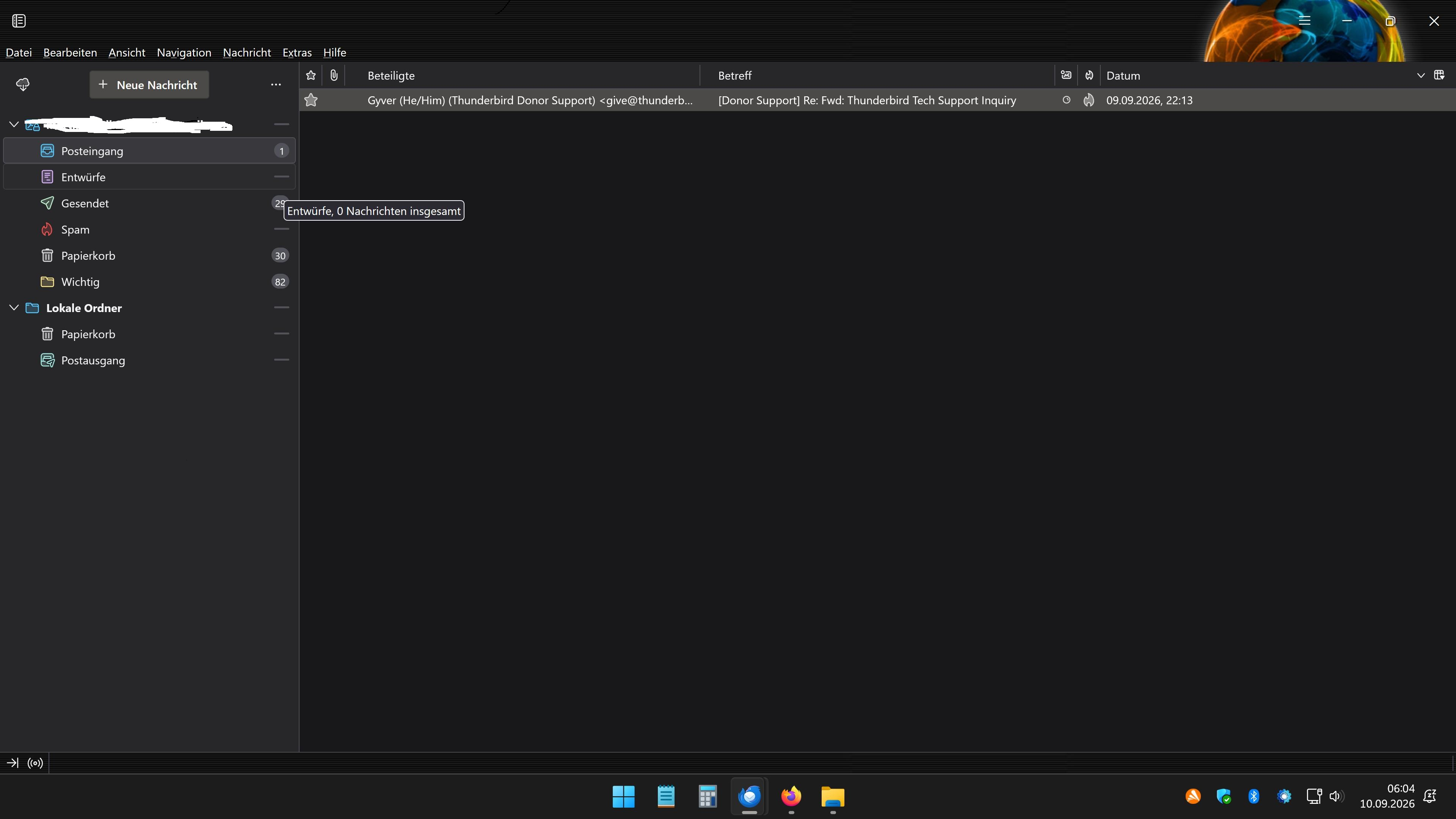
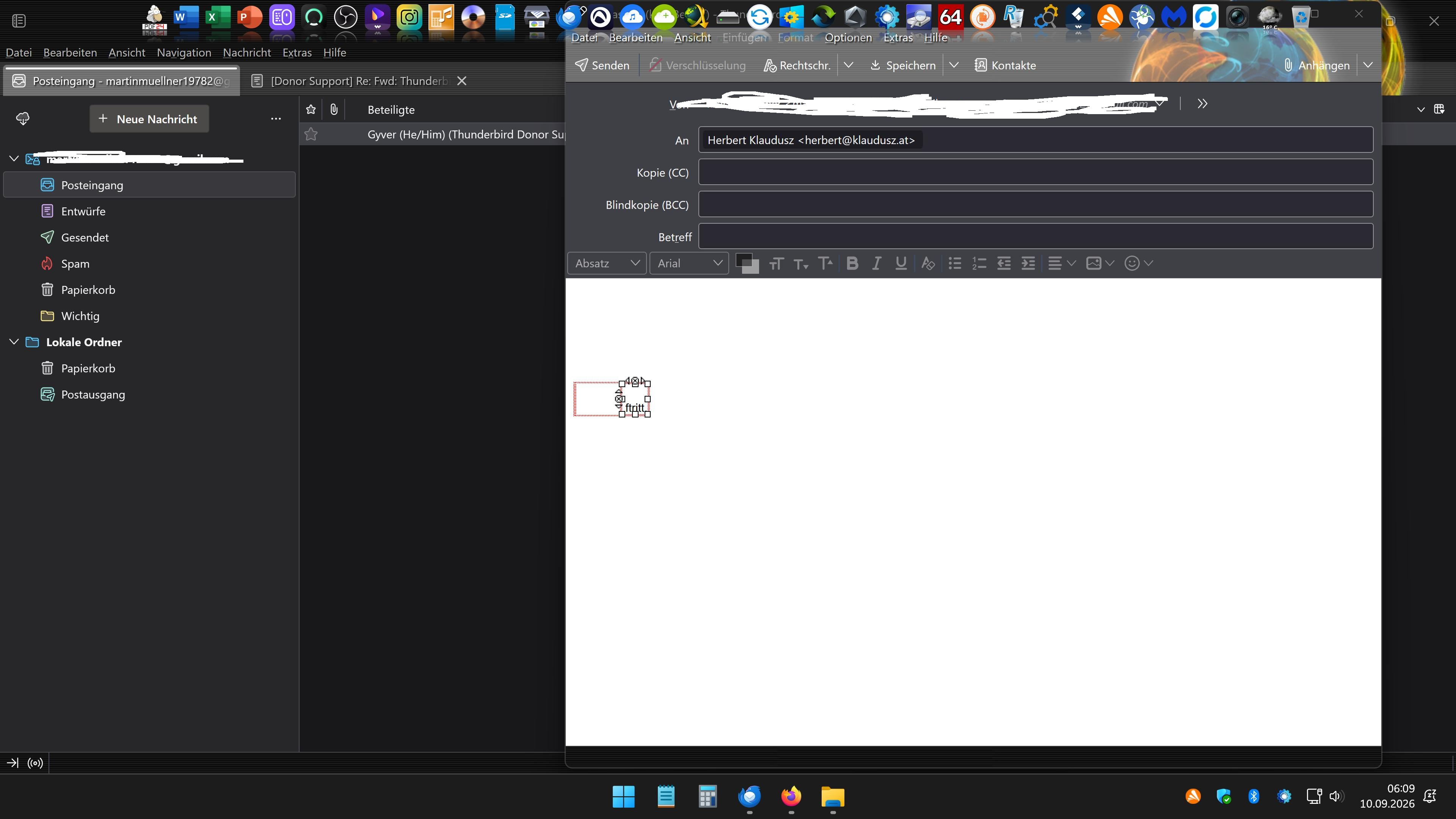
I’m asking for an update: regarding the total message count, folders with no messages now show a dash, which is really confusing. Could this be fixed so that a dash doesn't appear when there are 0 messages? Before the update, it wasn't like that—it used to show the message count, and there was no dash when there were no messages. I have been asking for this for at least 20 versions now: the backup and restore function—which is supposed to work when setting up a fresh Windows 11 installation, for example—fails to carry over certain settings. Specifically, things like the "Participants," "Date," and "Name" columns, the sort arrows (up/down), and other menu column settings aren't restored correctly. View settings—such as grouping vs. non-grouping or hidden columns—are also lost; after restoring, you have to manually set up all the columns and date ordering again yourself. Problem 3 When I type a name into the address book and it appears, I have to click next to the name. However, if I click straight into the text field to start writing and then try to send something, a different contact from the address book might appear instead. This is a bug. For example, I typed in "Mom," but instead of clicking next to the name, I clicked into the text field, and my boss ended up receiving the email—it was embarrassing. Could there be a setting so that when an address book name appears and you jump straight to the text field, that name stays selected instead of switching to a different address book entry?
Capturas de pantalla anexas

You must log in to your account to reply to posts. Please start a new question, if you do not have an account yet.