


Backup Failure

I was reinstalling my windows and created a backup from my old firefox into my usb drive. My backup failed and coudn't be restored, I'm confident that I use the correct password, tried to copy the file from usb drive into my laptop and select it from there but the result is the same, if you guys would be so kind as to guide me on how to restore my backup, since my password and everything is in there. I didn't create another backup since I believe that this one would succeed. Thank you in advance.e
All Replies (7)

I wonder how you created the backup?
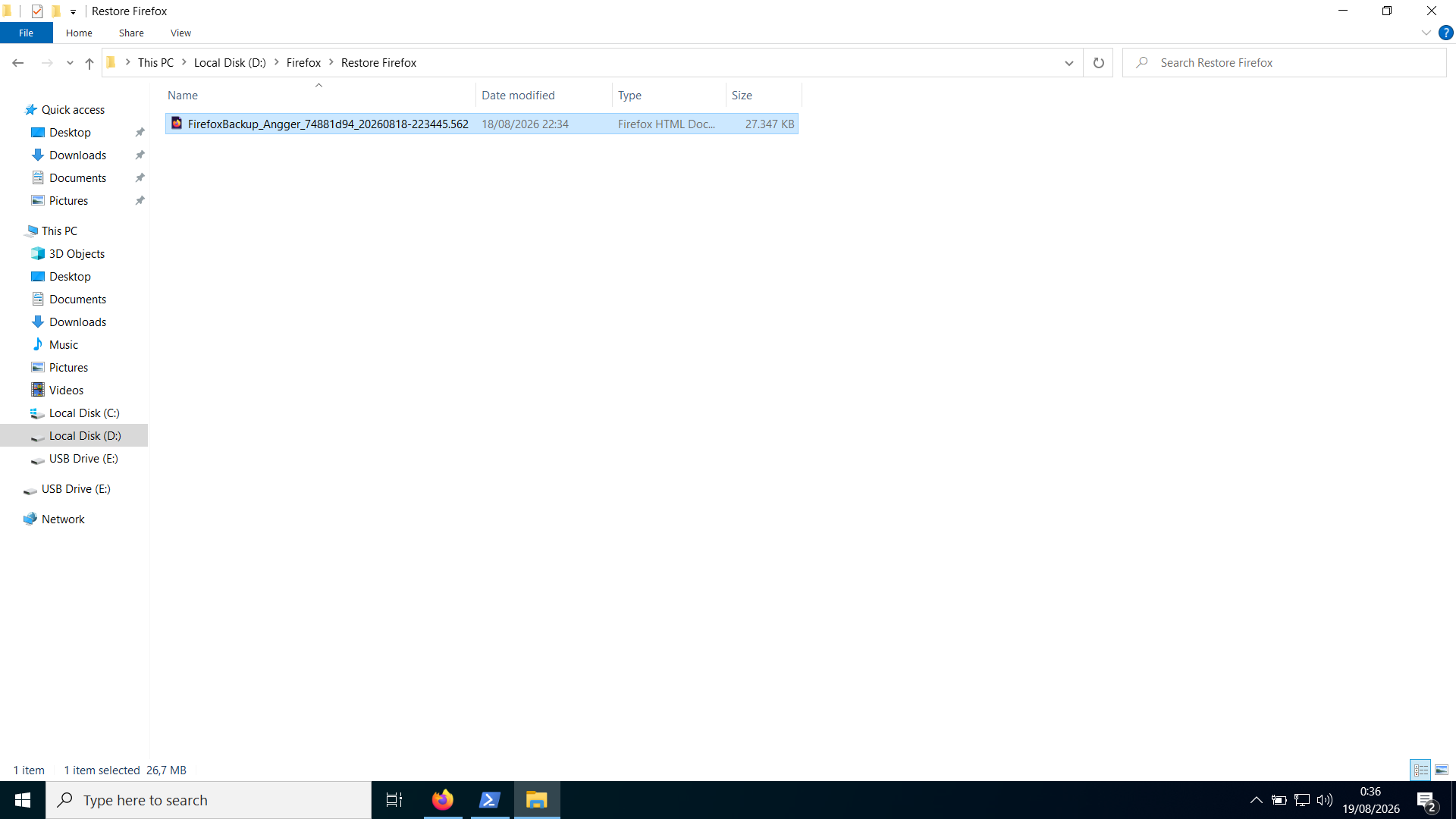
Secondly the file you show is very small Misread: thought it was 27K not 27M I would imagine with an html file there is also an associated folder with the same name, do you have such a folder, or did you only copy the html from the old source etc.
amoun said
I wonder how you created the backup? Secondly the file you show is very small I would imagine with an html file there is also an associated folder with the same name, do you have such a folder, or did you only copy the html from the old source etc.
I created the backup using the settings in Firefox. And all I see is the html file and no other file in sight. When I backed it up, I created a dedicated folder for the backup and just copied the folder entirely, so if there was another file it should have been copied the same way my html file does.
Ok Just made a backup and yes your file seems OK at 27MB as mine is 12MB, not sure I want to try the back up though ??
So you tried the backup from inside Fx via Settings > Account and synchronisation ?
I tried it here

This error message indicates that the password is OK, but the file is corrupted.
I'd open this file (or its copy) in Notepad++ and check for any visible corruption like missing ending tags and so on. The end of the file is usually suspicious.

I'm having the same issue
I created a backup from firefox windows 11 version 159.0.1 (64 bits), which resulted into a 150 MB html file without error. The backup includes confidential data and is protected by a password.
I then try to restore the backup onto a Linux Mint firefox version 159.0.0, entering the password. After a minute or two, the restore fails with french message "Ce fichier ne fonctionne pas. Essayez d'en choisir un autre" (this file does not work. Try selecting another one). Same issue with a second smaller backup file (16 MB size)
I tried to restore the files with both options to restore onto the existing profile or create a new profile. When I open the HTML file on Linux, it properly displays and reminds the restoration procedure using settings menu, however the restore fails.
I have assigned browser.backup.log=true using about:config and restarted firefox on the target linux computer, hoping to get hint about what failed, and track down to resolution/workaround
Inspecting the backup html files, it seems well formed and not truncated, see partial extract below.
It is hard to share. May need to look at the page source code to find the extract. The formatting of the code block (suggested by the markdown support thread at https://support.mozilla.org/fr/questions/1503089) was rejected .
<meta charset="UTF-8">
<meta name="viewport" content="width=device-width, initial-scale=1.0">
<title data-l10n-id="backup-file-title">Restaurer Firefox (look inside page source for the remaining extract</title>
Hi Guillaume Berche,
Please ask a new question for your issue (and feel free to drop a link to it here).