


How to copy all data from my Laptop to my desktop computers

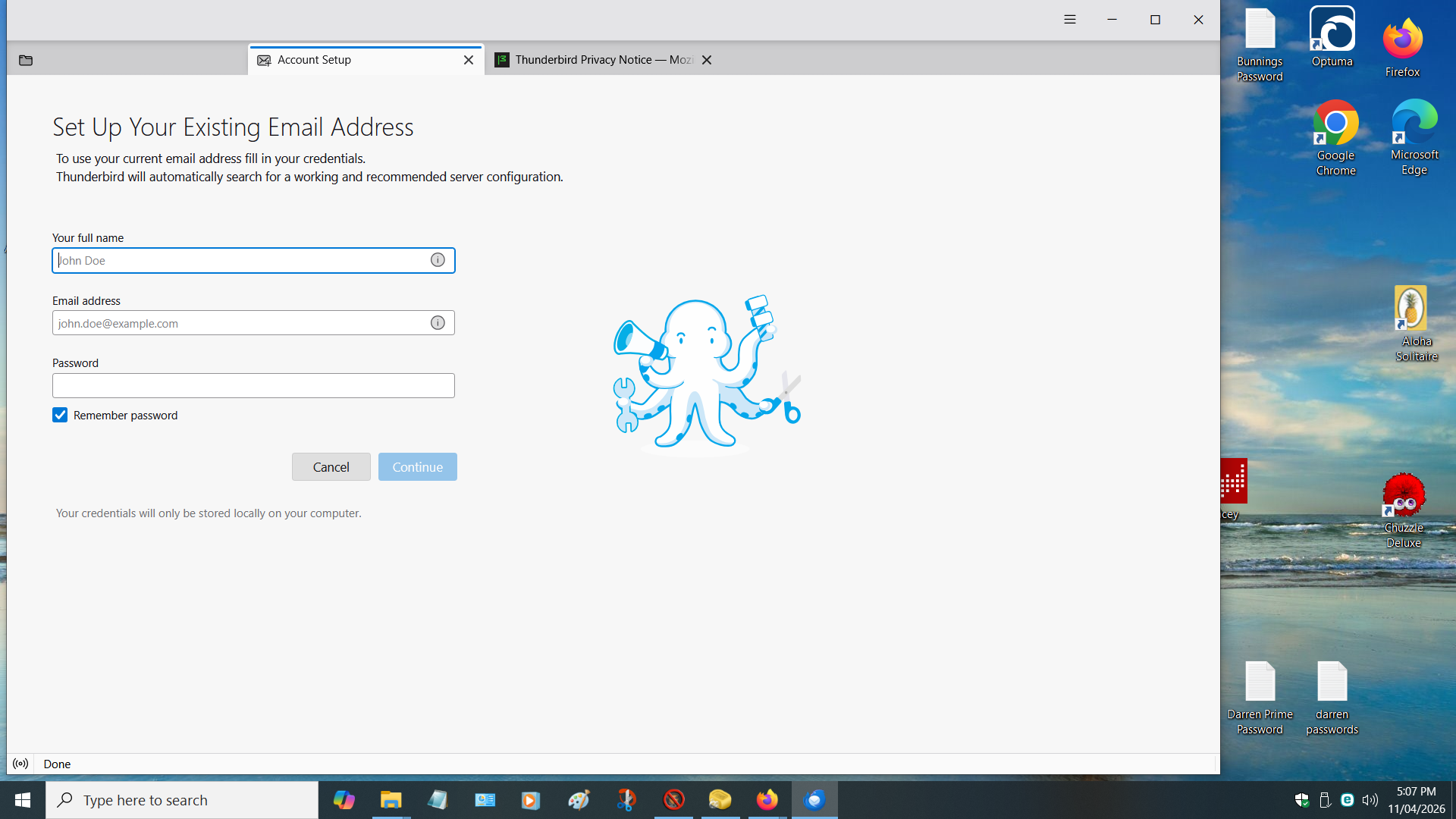
Please assist,I had to delete Thunderbird off my Desktop Computer & After that I copied all data from Thunderbird to my Desktop,BUT BUT when opening thunderbird,It comes up with as per attachment I have re done this 3 times & it is a stuff up & nothing like what it looked like or what the laptop looks like How can I fix this Problem for which I think I created Thank yoy Darryl
Chosen solution
Hi Ed, Thank you for your information Due to the Problems I had with TB I Elected to go into the Registry ( a very Time consuming Job) & Searched for TB.only took me 4 odd hours,the reson being I did not want to make the same mistake again,so Clear out all TB in Registry ( some of the entries go back to when I 1st started using TB(a long long time ago) After that I Searched for TB in my Desktop & after some time,aal was deleted & Now I can start from Fresh O my Laptop,I caopied all the Data from TB in C: Programs onto a USB Stick I then went into Roaming & Copied The TB settings onto another USB Stick Now on the Desktop,In C: Programs,I copied from the USB Stck & also in Roaming the same & I am EXTREMELY PLEASED to Say,It worked Excellently Thank you kindly for you assistance Darryl
Ler a resposta no contexto 👍 0All Replies (2)
Try doing it over this way:
Copy TB files from the laptop
- launch TB on the laptop
- go to TB menu > Help > Troubleshooting Information
- click the Application Basics > Profile Folder 'Open Folder' button
- the profile folder will open
- navigate three levels up to the AppData\Roaming folder
- close TB
- copy the AppData\Roaming\Thunderbird folder to a flash drive
---
Paste the copied TB files to the PC
- open the AppData\Roaming folder like you did above
- delete the Thunderbird folder, or copy it somewhere if you want to save it
- replace it with the Thunderbird folder from the flash drive
- launch TB
Chosen Solution
Hi Ed, Thank you for your information Due to the Problems I had with TB I Elected to go into the Registry ( a very Time consuming Job) & Searched for TB.only took me 4 odd hours,the reson being I did not want to make the same mistake again,so Clear out all TB in Registry ( some of the entries go back to when I 1st started using TB(a long long time ago) After that I Searched for TB in my Desktop & after some time,aal was deleted & Now I can start from Fresh O my Laptop,I caopied all the Data from TB in C: Programs onto a USB Stick I then went into Roaming & Copied The TB settings onto another USB Stick Now on the Desktop,In C: Programs,I copied from the USB Stck & also in Roaming the same & I am EXTREMELY PLEASED to Say,It worked Excellently Thank you kindly for you assistance Darryl