


Move certain emails to a specific folder

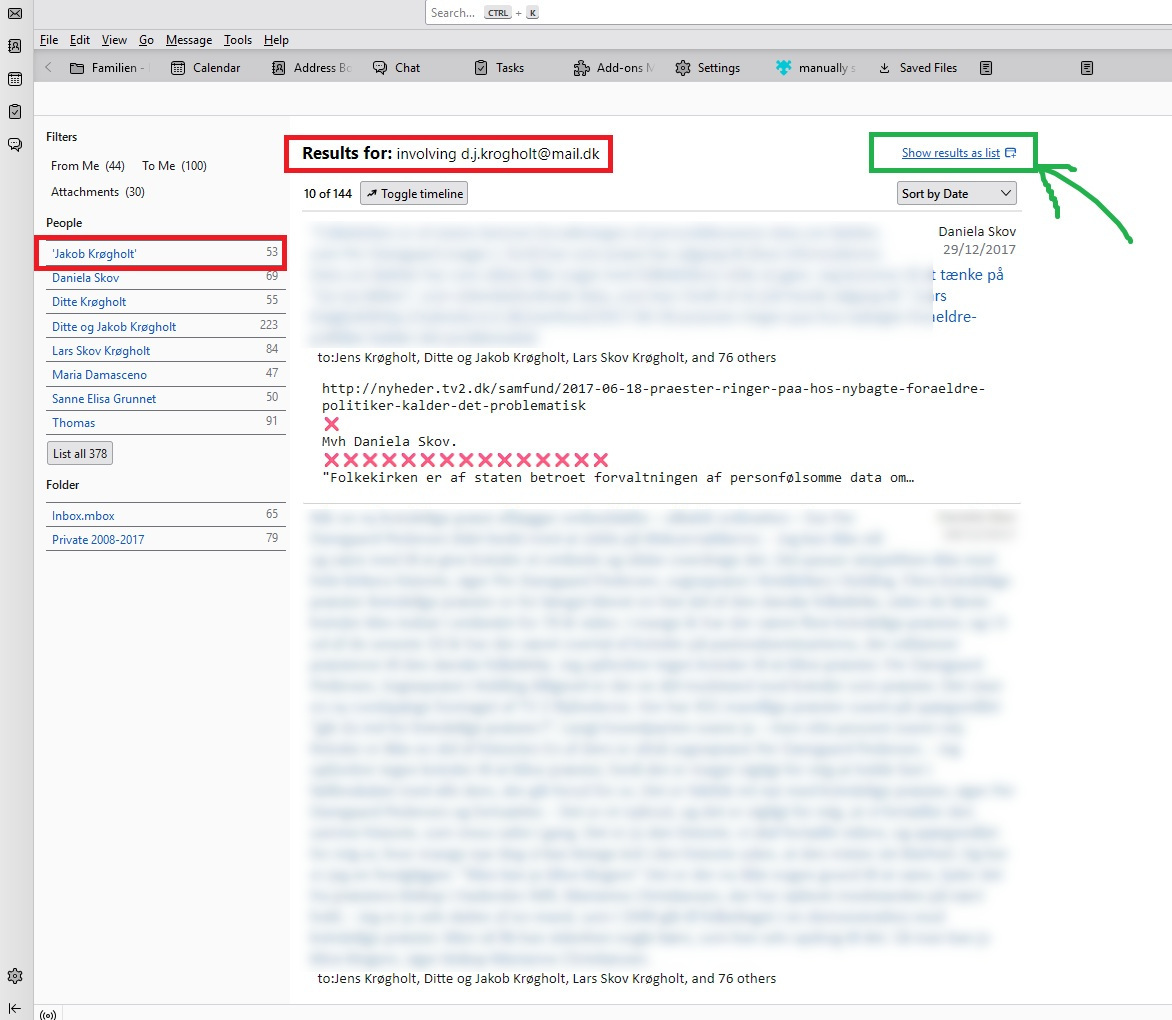
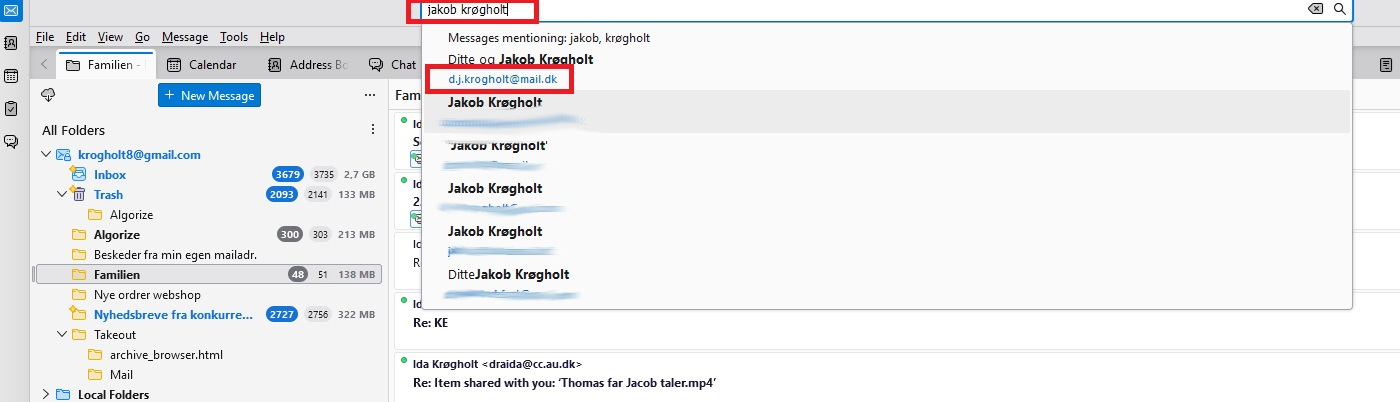
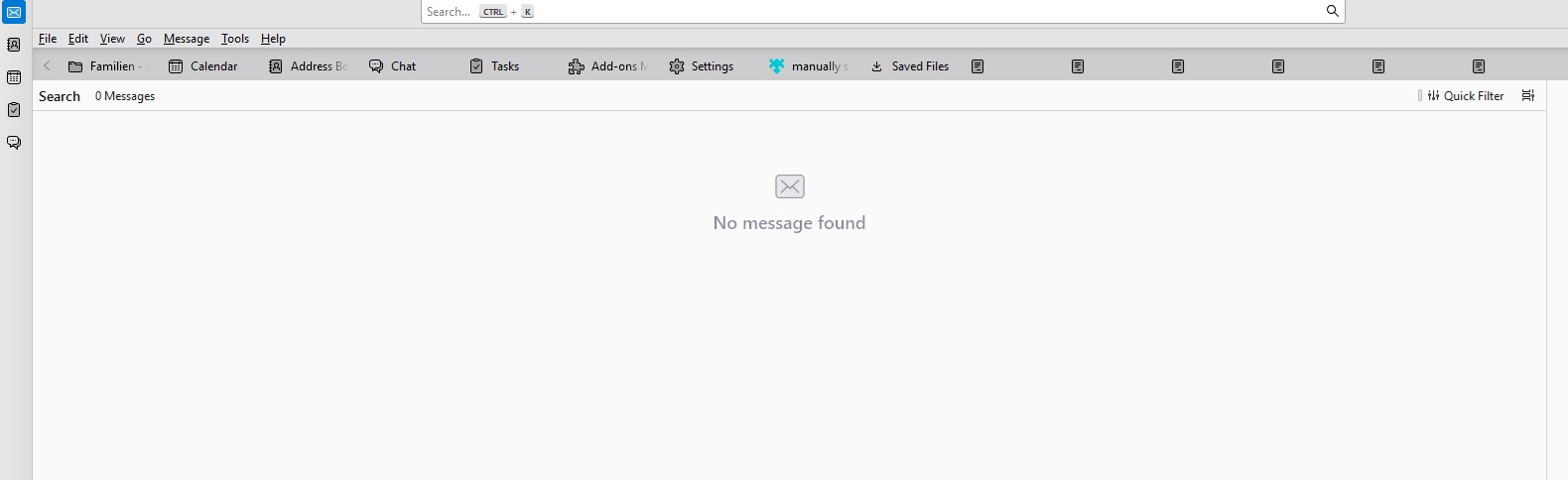
I want to move certain old emails to a specific folder. I type the name of the person in the top bar (see: attached file no. 1). The email address of the person appears under "Message Mentioning". I click on the email address, which opens a new window (see file no. 2). I now want to be able to move all messages from the person in question to a specific folder. Therefore, I click on "Show result as List" (to then be able to open "Create filter from"). But when I click on "show result ...", I just see a blank page (Message not found) (see file no. 3). Am I doing something wrong? Thanks for the help!
I want to move certain old emails to a specific folder.
I type the name of the person in the top bar (see: attached file no. 1). The email address of the person appears under "Message Mentioning". I click on the email address, which opens a new window (see file no. 2). I now want to be able to move all messages from the person in question to a specific folder. Therefore, I click on "Show result as List" (to then be able to open "Create filter from"). But when I click on "show result ...", I just see a blank page (Message not found) (see file no. 3). Am I doing something wrong? Thanks for the help!
All Replies (1)
I think you need to do this https://support.mozilla.org/en-US/kb/rebuilding-global-database