


Can't allow to screen share in any site Firefox 115.0.2
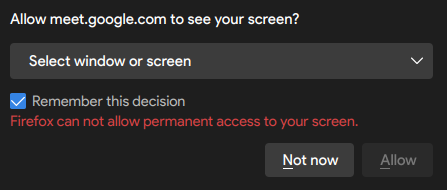
No matter what I try, I can't allow any sites to present my screen or a window, I can't find an option in settings neither in the option to allow in the tab. The "allow" button is simply not available at all. How do I solve that? The problem happens in all sites that I've tried: focusmate, cofocus, discord, google meet, etc
No matter what I try, I can't allow any sites to present my screen or a window, I can't find an option in settings neither in the option to allow in the tab. The "allow" button is simply not available at all. How do I solve that? The problem happens in all sites that I've tried: focusmate, cofocus, discord, google meet, etc
Chosen solution
You should update the title to accurately reflect what you want.
Ler a resposta no contexto 👍 1All Replies (3)

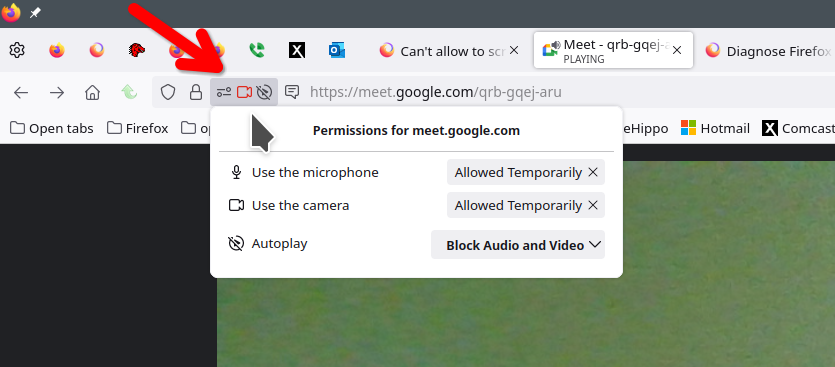
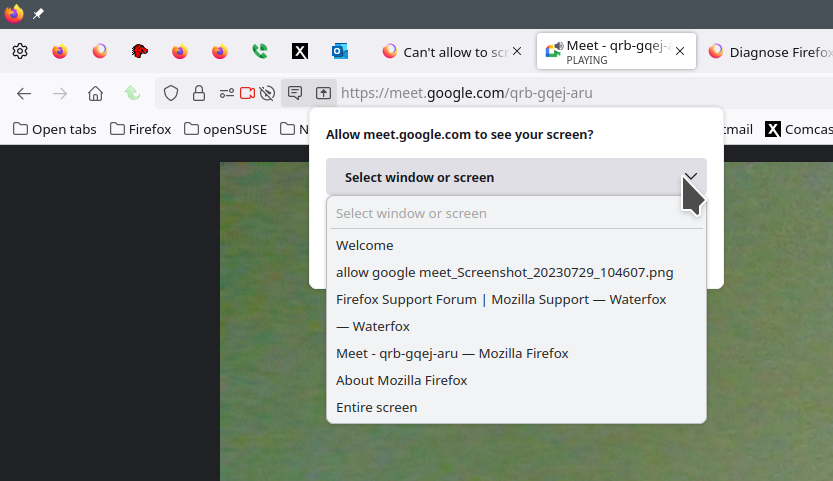
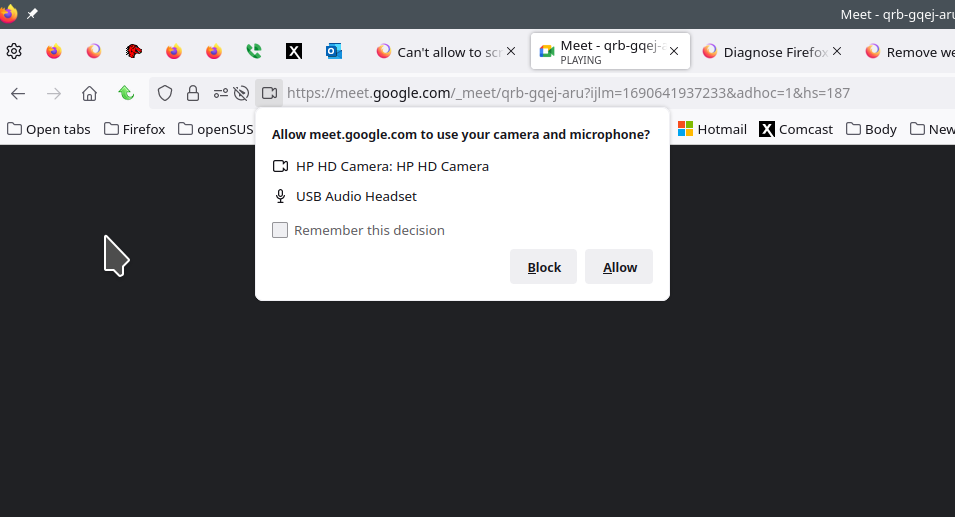
I see the options. see screenshots
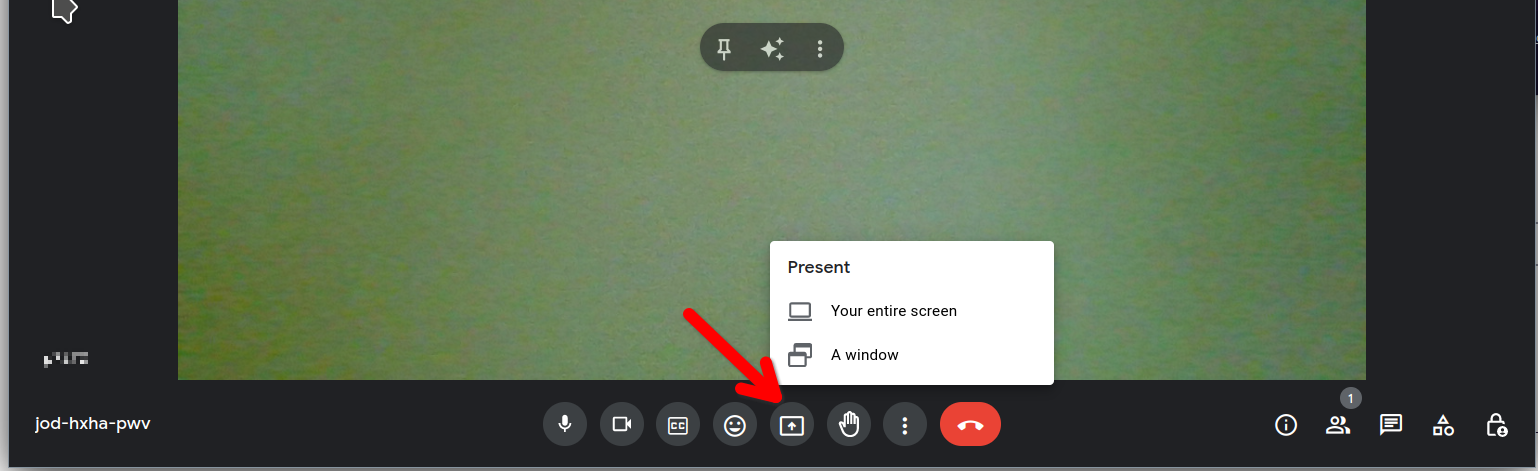
It's not a problem for me to click on "preset now" option, the problem is that Firefox do not permit permanent access to my screen, which is what I want.
Chosen Solution
You should update the title to accurately reflect what you want.