

Este fío arquivouse.
Faga unha nova pregunta se precisa axuda.

Solved
Arquivado
Hamster wheel
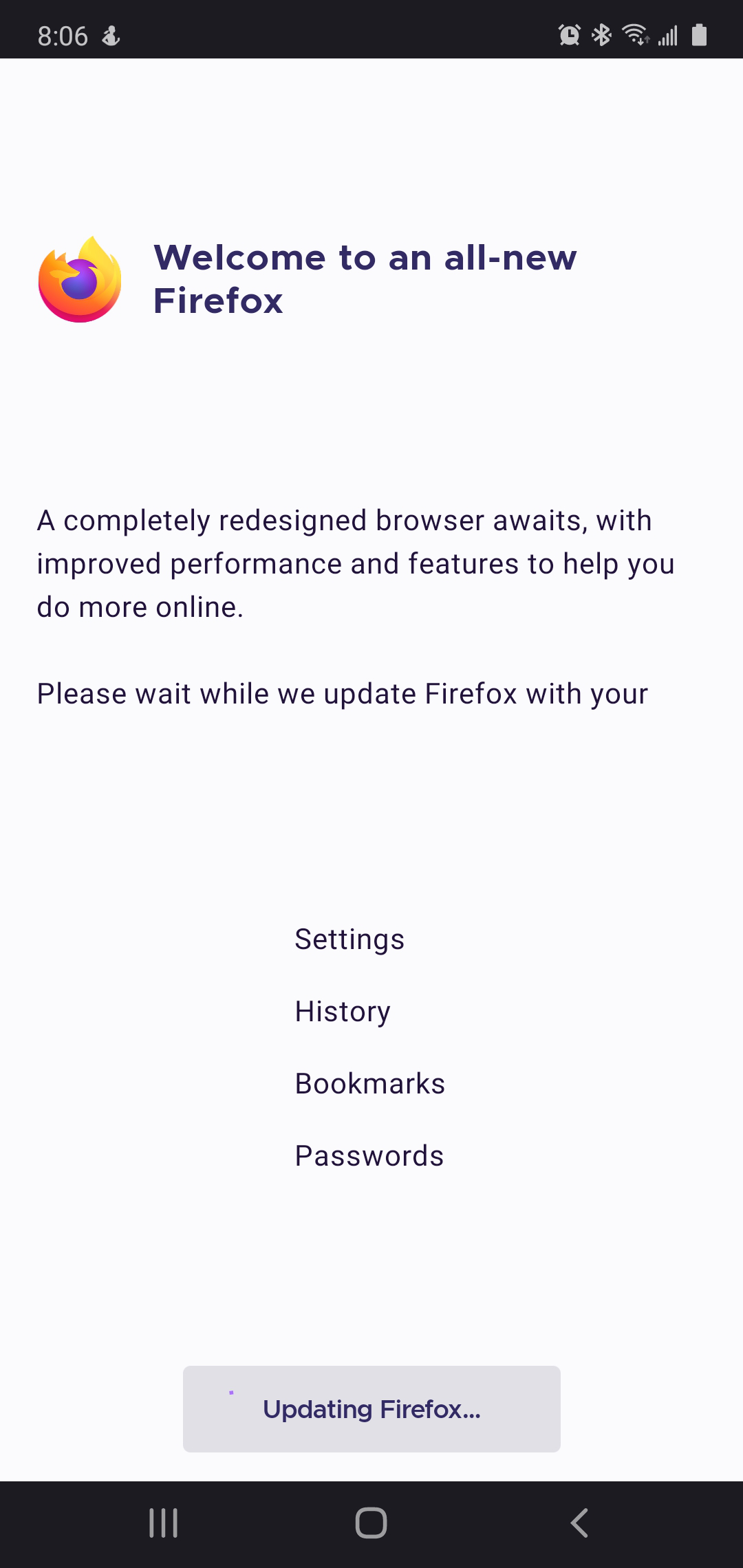
The automatic update has been running for 2 days without any sign of progress. How do I get my browser back?
The automatic update has been running for 2 days without any sign of progress. How do I get my browser back?
Chosen Solution
Hi
If you open the Android Settings app (typically a cog wheel icon) find the Google Play store and select End Task. Turn your device off and back on again and look again for any updates.
All Replies (3)
Try to stop this process and install it again.
Nothing to click on to stop or restart. Turning the phone off and restarting also did not interrupt the non-functioning update.
Chosen Solution
Hi
If you open the Android Settings app (typically a cog wheel icon) find the Google Play store and select End Task. Turn your device off and back on again and look again for any updates.