


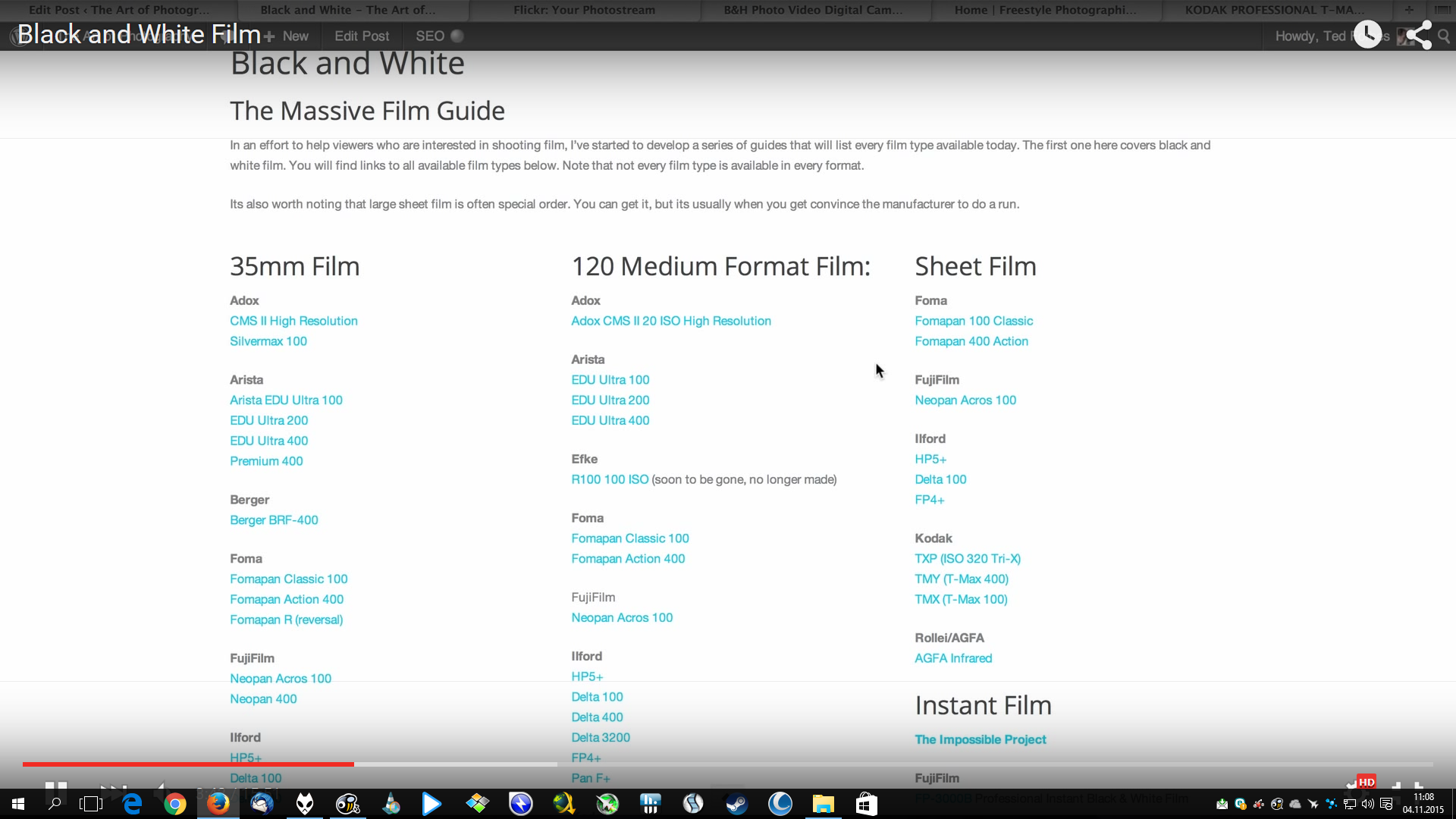
Thin black horizontal lines when watching youtube

The issue is present only when I watch youtube videos on zoom level other than 100% (page zoom) and the youtube OSD is visible. Chrome had similar problem in the past: https://www.reddit.com/r/youtube/comments/3hh9le/horizontal_thin_black_lines_when_going_fullscreen/
Chosen solution
You can try to disable hardware acceleration in Firefox.
- Tools > Options > Advanced > General > Browsing: "Use hardware acceleration when available"
You need to close and restart Firefox after toggling this setting.
You can check if there is an update for your graphics display driver and check for hardware acceleration related issues.
Ler a resposta no contexto 👍 0All Replies (3)
picture
Chosen Solution
You can try to disable hardware acceleration in Firefox.
- Tools > Options > Advanced > General > Browsing: "Use hardware acceleration when available"
You need to close and restart Firefox after toggling this setting.
You can check if there is an update for your graphics display driver and check for hardware acceleration related issues.
Disable hardware acceleration solved the problem