

Cuireadh an snáithe seo sa chartlann.
Cuir ceist nua má tá cabhair uait.

Cartlannaithe
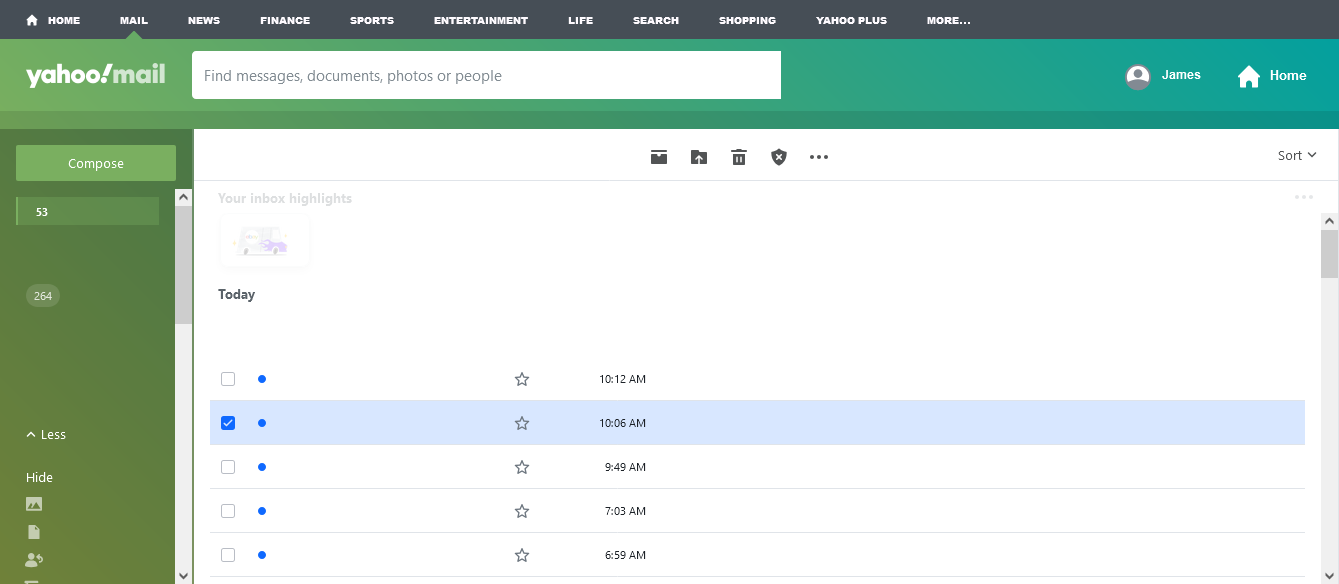
Yahoo not displaying properly in Firefox

Title of emails not displaying. No option for "settings"
Works fine in Chrome.
Title of emails not displaying. No option for "settings"
Works fine in Chrome.
All Replies (3)

Not a good screenshot. Need to show the full browser. What OS? Did you try with Firefox in Troubleshoot Mode? Did you clear your browser cache? https://support.mozilla.org/en-US/kb/clear-cookies-and-site-data-firefox I have no issues. see screenshot

Athraithe ag jonzn4SUSE ar

Attaching screenshot
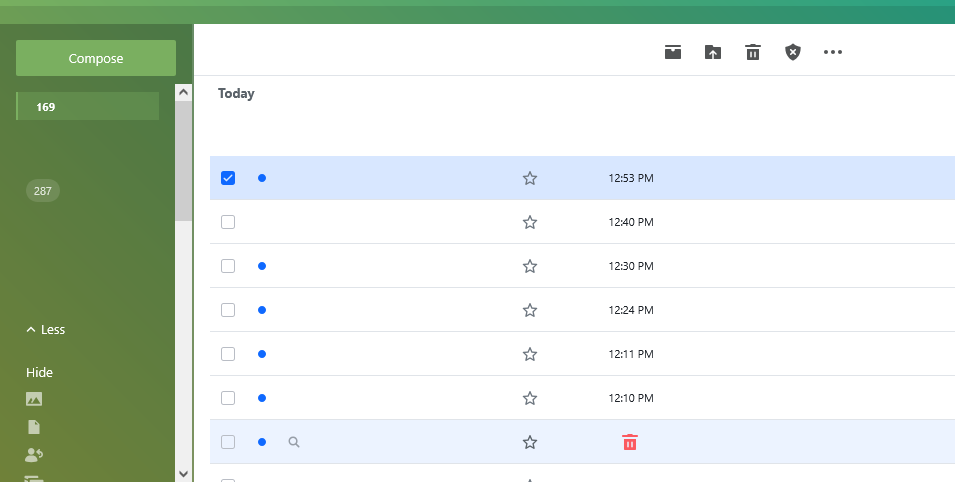
Did you try with Firefox in Troubleshoot Mode? Use the OS screenshot feature and not the one in Firefox. It only shows what's in the window and I cannot tell if you're in Troubleshoot Mode or not. What OS? I assume windows, what security software are you running besides MS Defender?