


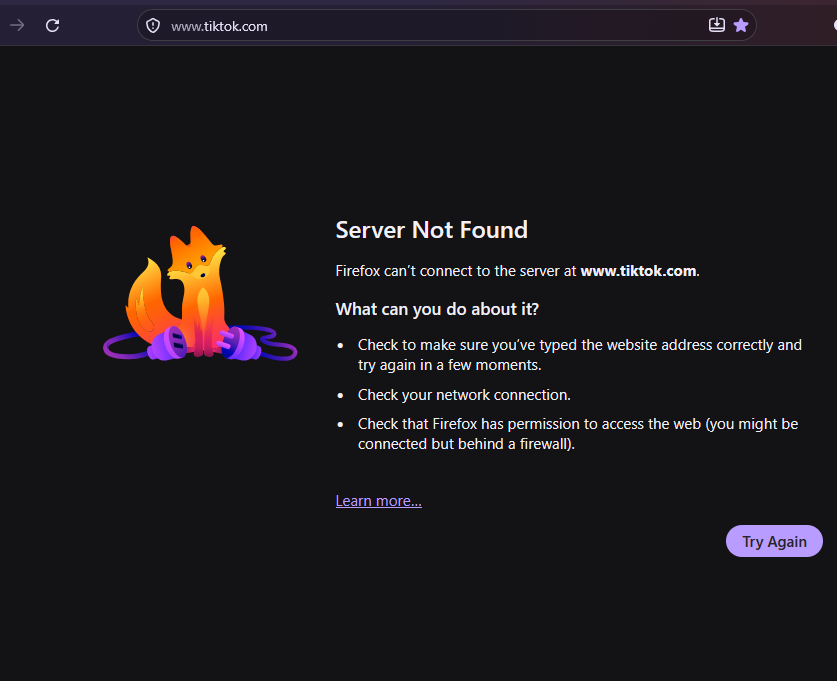
Server Not Found Firefox can’t connect to the server at.....

For the pas 2 mouths i am getting random: "Server Not Found.Firefox can’t connect to the server at" It is happening on random sites that i know for sure they are not down... Waiting , closing fire fox and open it again, refresh but after waiting... helps.
Keazen oplossing
this worked for me https://youtu.be/-nrWPmLw364?si=YHBOOk9NXaCgASsg
Alle antwurden (3)

Hi there, since this has been happening randomly for two months, it is likely a DNS or connection issue rather than a problem with the websites themselves. A few things worth trying in order:
1. Check whether the same sites load in another browser or on another device. If they fail there too, the issue is with your network or router, not Firefox. 2. In Firefox, go to Settings > Privacy & Security, scroll down to DNS over HTTPS, and try switching to a different provider or toggling it off to see if the errors stop. 3. Temporarily disable any VPN or proxy, and check whether your antivirus has HTTPS scanning enabled, since that can interrupt secure connections. 4. Try a fresh Firefox profile to rule out a corrupt network cache.
Let us know which step changes the behavior and we can narrow it down from there.
1. Check whether the same sites load in another browser or on another device. If they fail there too, the issue is with your network or router, not Firefox.
- yes, if i use chrome the site loads...
2. In Firefox, go to Settings > Privacy & Security, scroll down to DNS over HTTPS, and try switching to a different provider or toggling it off to see if the errors stop. - its on default 3. Temporarily disable any VPN or proxy, and check whether your antivirus has HTTPS scanning enabled, since that can interrupt secure connections. - i dont use vpn 4. Try a fresh Firefox profile to rule out a corrupt network cache. - do another profile? but i have all my bookmarks...
Keazen oplossing
this worked for me https://youtu.be/-nrWPmLw364?si=YHBOOk9NXaCgASsg