Windows 10 reached EOS (end of support) on October 14, 2025. If you are on Windows 10, see this article.

Sykje yn Support

Mij stipescams. Wy sille jo nea freegje in telefoannûmer te beljen, der in sms nei ta te stjoeren of persoanlike gegevens te dielen. Meld fertochte aktiviteit mei de opsje ‘Misbrûk melde’.

Mear ynfo

meet.google.com crashes webcam

  • 6 antwurd
  • 0 hawwe dit probleem
  • 135 werjeftes
  • Lêste antwurd fan SuMo Bot
  • Iepenje

  • OS: Windows 11 25H2 (26200.8037)
  • Browser: Firefox 148.0.2
  • Camera: Logitech C925e

When I go to a meeting on meet.google.com, Google Meet says "Camera is starting". My camera light flashes and then stays on. However, Google Meet is unable to connect to the camera.

Upon closing the tab, the camera light stays on and the camera is unresponsive to all apps. The camera must be unplugged and plugged back in to work again.

The issue does not exist when I go to webcammictest.com in Firefox or in other desktop apps. The camera works correctly on meet.google.com when I use Chrome.

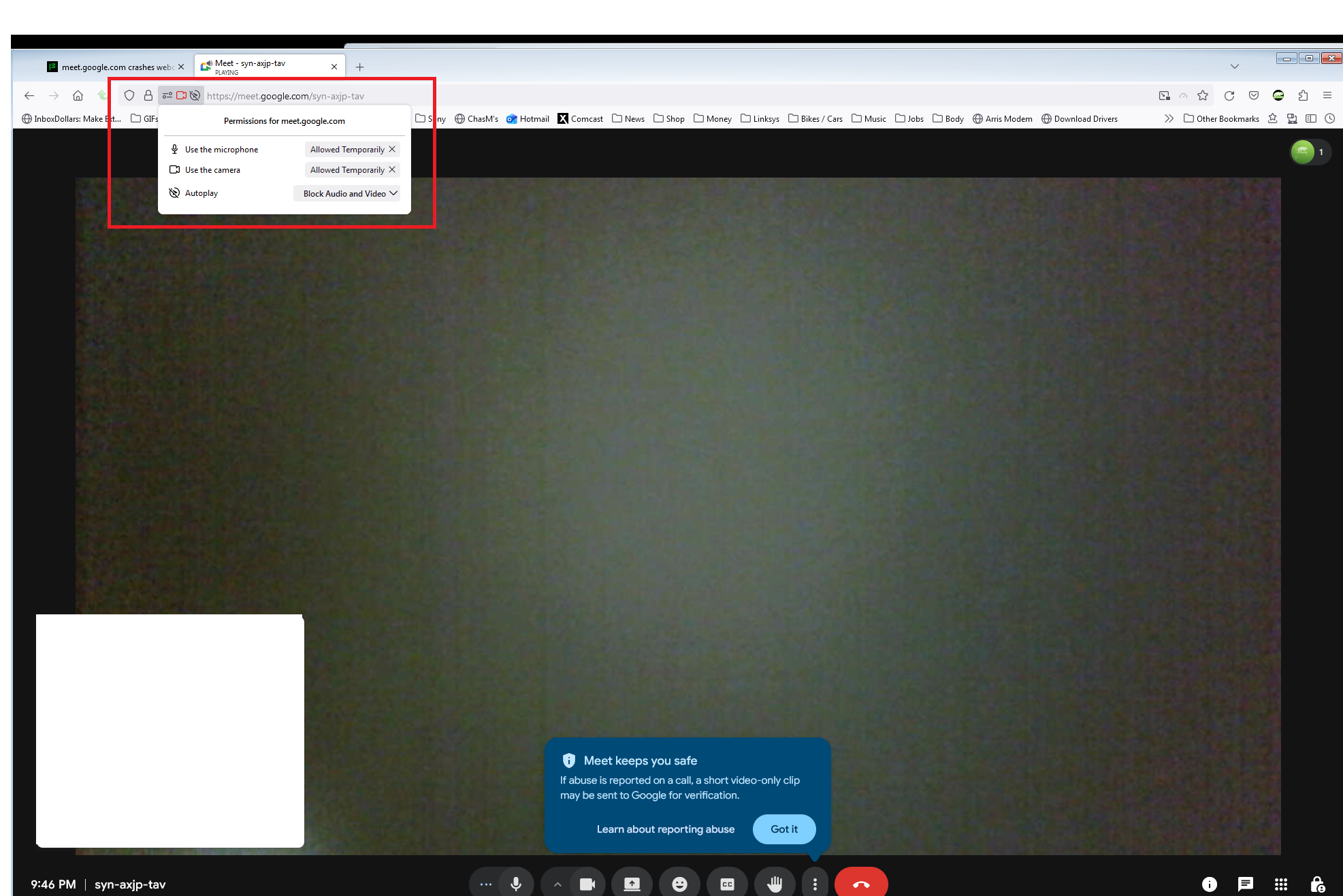
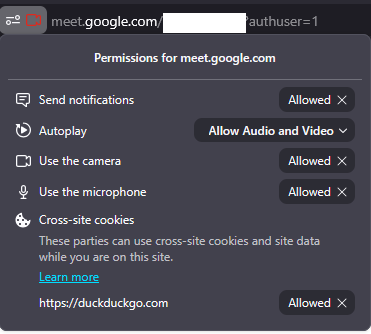
I have tried removing camera and microphone permissions to meet.google.com and re-granting them. I have tried deleting all meet.google.com cookies and storage.
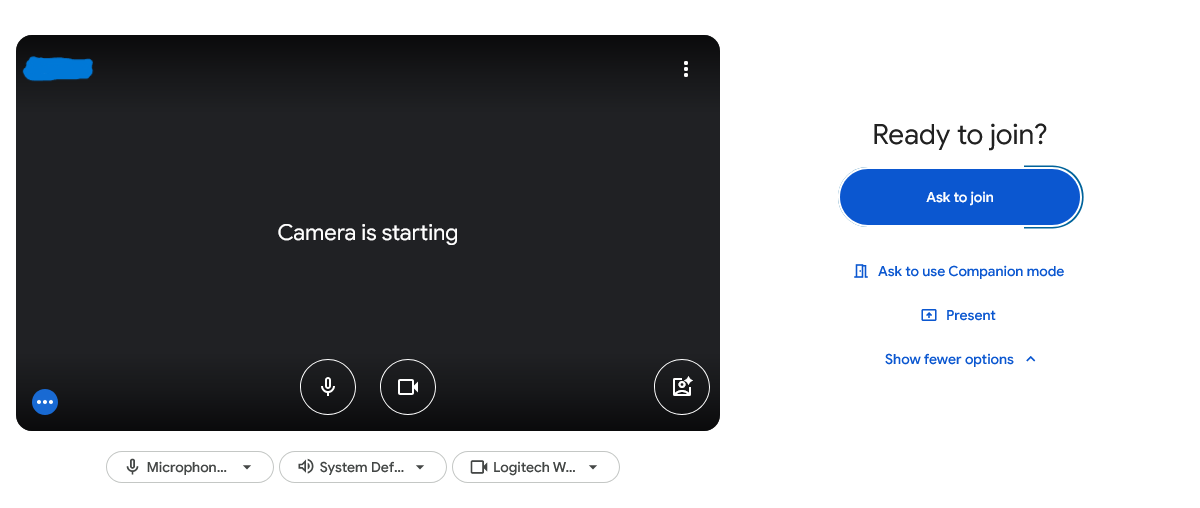
* OS: Windows 11 25H2 (26200.8037) * Browser: Firefox 148.0.2 * Camera: Logitech C925e When I go to a meeting on meet.google.com, Google Meet says "Camera is starting". My camera light flashes and then stays on. However, Google Meet is unable to connect to the camera. Upon closing the tab, the camera light stays on and the camera is unresponsive to all apps. The camera must be unplugged and plugged back in to work again. The issue does not exist when I go to webcammictest.com in Firefox or in other desktop apps. The camera works correctly on meet.google.com when I use Chrome. I have tried removing camera and microphone permissions to meet.google.com and re-granting them. I have tried deleting all meet.google.com cookies and storage.
Keppele skermôfbyldingen

Alle antwurden (6)

Need to show similar screenshot. see mine

Laptop, desktop, or DIY? If not DIY. what make and model?

DIY:

  • CPU: AMD Ryzen 5 3600
  • MB: ASRock B550M Steel Legend
  • GPU: Asus NVIDIA GeForce RTX 2060
  • RAM: 32 GB

Did you try with Firefox in Troubleshoot Mode? https://support.mozilla.org/en-US/kb/diagnose-firefox-issues-using-troubleshoot-mode#search

Are you running security software besides MS Defender? Windows home or pro?

If you're running windows pro, you can also test in Windows Sandbox (VM) to see if you have the same issue. https://www.howtogeek.com/399290/how-to-use-windows-10s-new-sandbox-to-safely-test-apps/

Also try plugging into a different port.

Bewurke troch jonzn4SUSE op

Is your firefox from MS store or Mozilla?

In fraach stelle

Jo moatte jo oanmelde by jo account om op berjochten te antwurdzjen. Stel in nije fraach as jo noch gjin account hawwe.