The built-in translation module in Firefox doesn't work

Firefox 139.0.1 on W11
When I open a page in a foreign language, such as English in my case, I don’t have access to a translation module. Yet this feature exists in Firefox, but I don’t understand why the translation isn’t being offered.
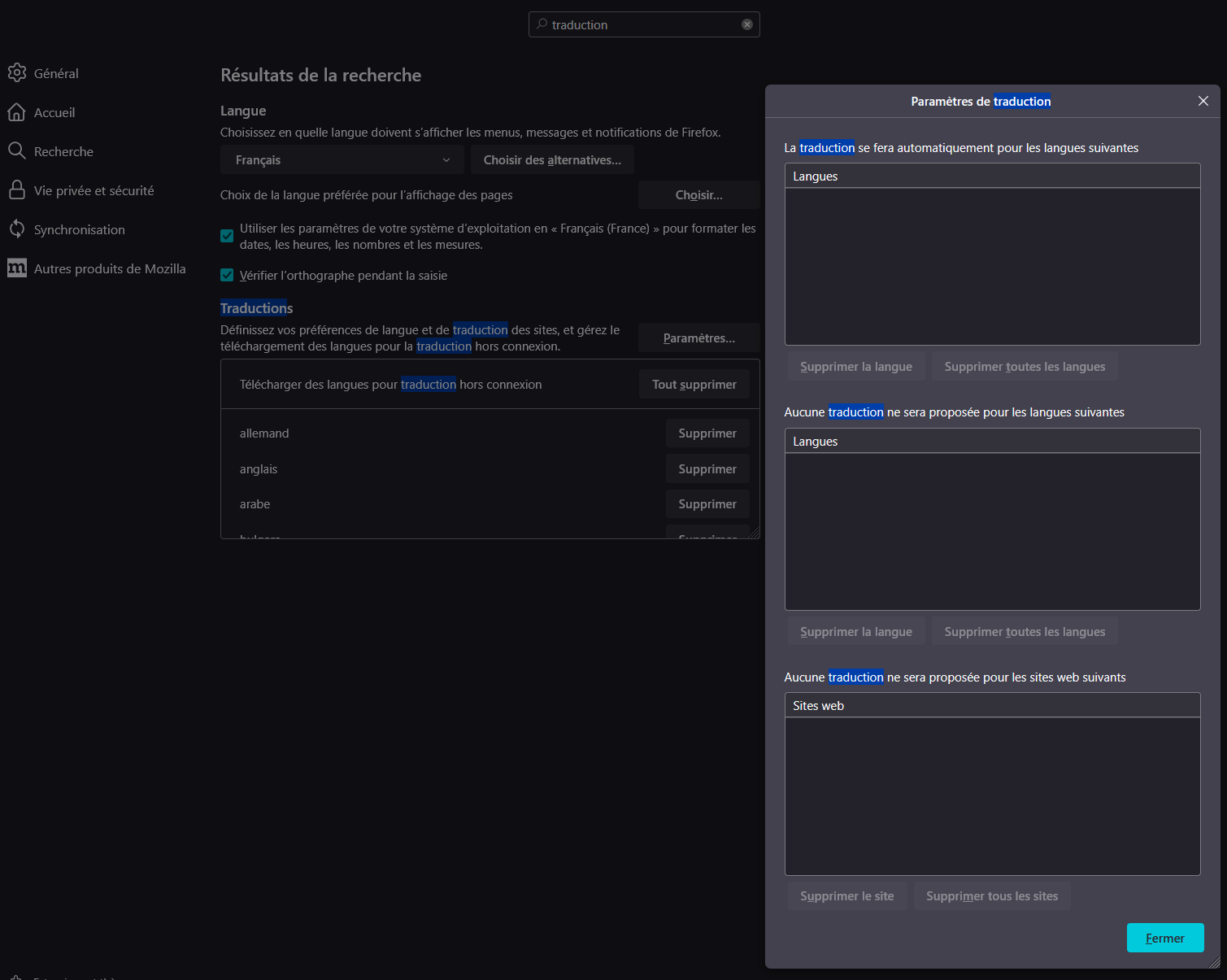
When I search for "Translation" in the Settings, I do find this translation module. I’ve downloaded all the languages and restarted my browser.
When I click on the Settings button for this module (see screenshot), in the section “Translations will be done automatically for the following languages,” I can't add any language there.
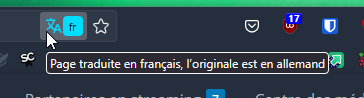
Despite this, when I go back to a web page in a foreign language, like a news article in English, I still don’t see the translation icon in the address bar.
Can you help me resolve this issue? Can I provide any additional information to help?
Thank you
Keazen oplossing
It works fine now. I don't know why my settings didn't take effect earlier, but now it works fine.
Dit antwurd yn kontekst lêze 👍 0Alle antwurden (2)
Hello
A working environment (user) in a given situation does not correspond to a working environment (other user) in a given situation, please understand that it is difficult to give an opinion.
Je réside en France.
Personnaliser les paramètres de traduction https://support.mozilla.org/fr/kb/traduction-sites-web#w_personnaliser-les-parametres-de-traduction Avez-vous sélectionné, Toujours traduire les pages en anglais.
As far as i'm concerned, i have no problem.
Except, by way of illustration, take a look at https://connect.mozilla.org/t5/discussions/enhance-the-translation-feature-in-the-firefox-adress-bar/m-p/66042
When I come across a web page written partially in French but also in English
Maybe, see your translations log.
Keazen oplossing
It works fine now. I don't know why my settings didn't take effect earlier, but now it works fine.