


Zoom controls unavailable
macOS Sonoma, M1 Not sure when this happened, but I can no longer change my zoom level in settings. As you can see in the screenshot, the - and + are both greyed out and I can't use them. Using cmd+ or cmd- doesnt work either.

Alle antwurden (5)
Provide steps to replicate. The Zoom controls are where?
In the top right drop-down menu (the icon is the 3 horizontal lines)
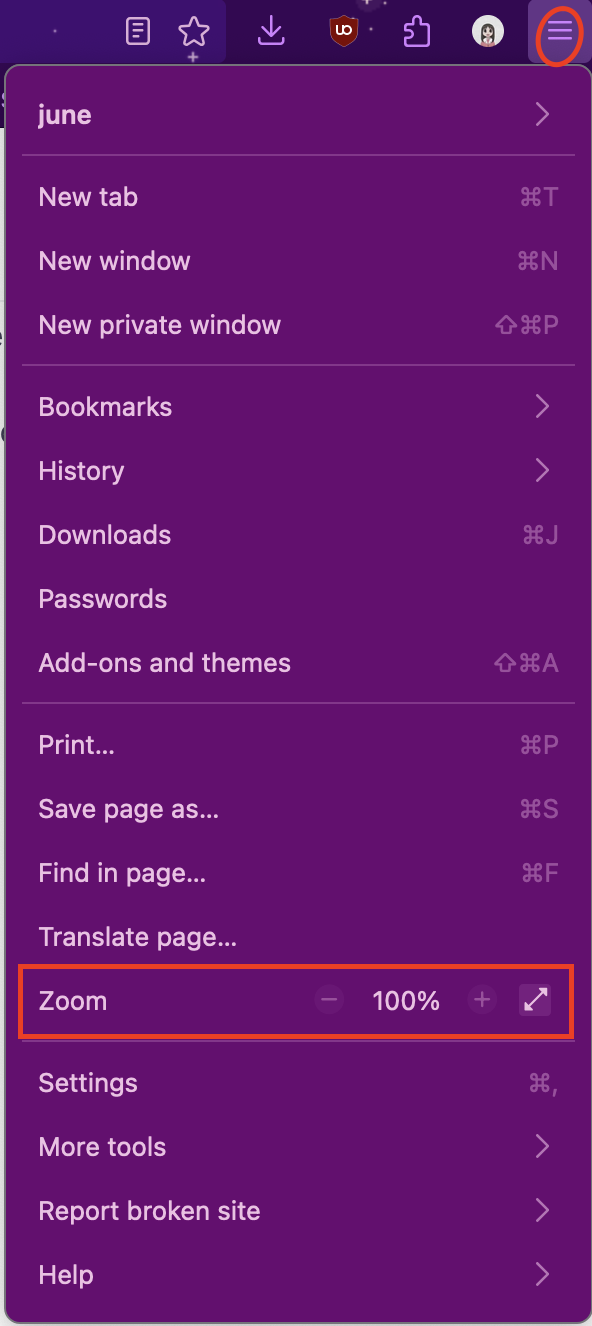
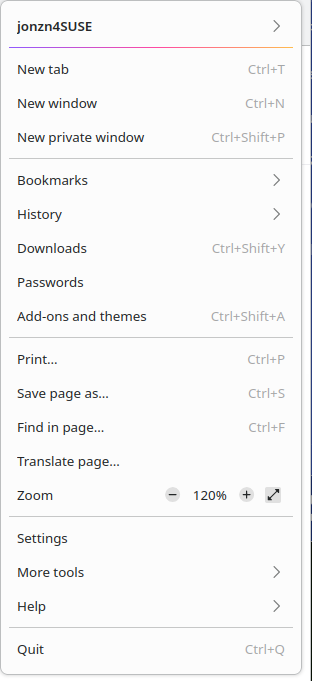
Much better screenshot. Is that color part of a theme? Did you try Firefox in Troubleshoot Mode? https://support.mozilla.org/en-US/kb/diagnose-firefox-issues-using-troubleshoot-mode#search104 Can you log into another account and see if it has the same issue? My mac at work just updated to Sequoia, but I'll check in a few. No issues for me on my Linux computer. see screenshot
Are the keyboard shortcuts "Ctrl +" and "CTRL -" not working as well?
Start Firefox in Troubleshoot Mode to check if one of the extensions ("3-bar" menu button or Tools -> Add-ons -> Extensions) or if hardware acceleration or if userChrome.css/userContent.css is causing the problem.
- switch to the Default System theme: "3-bar" menu button or Tools -> Add-ons -> Themes
- do NOT click "Refresh Firefox" in the Troubleshoot Mode start window
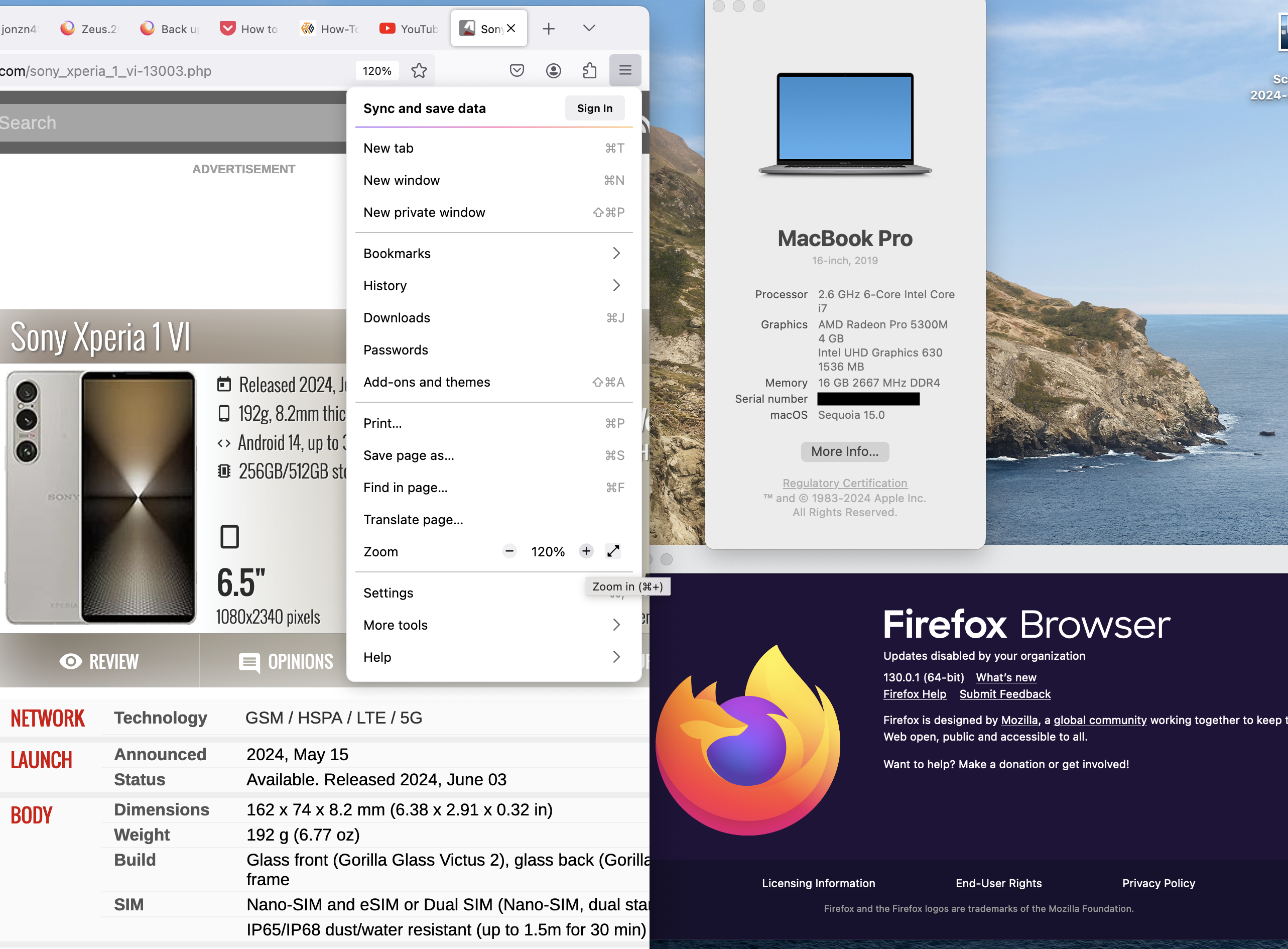
No issues for me on my work mac. see screenshot
Bewurke troch jonzn4SUSE op