


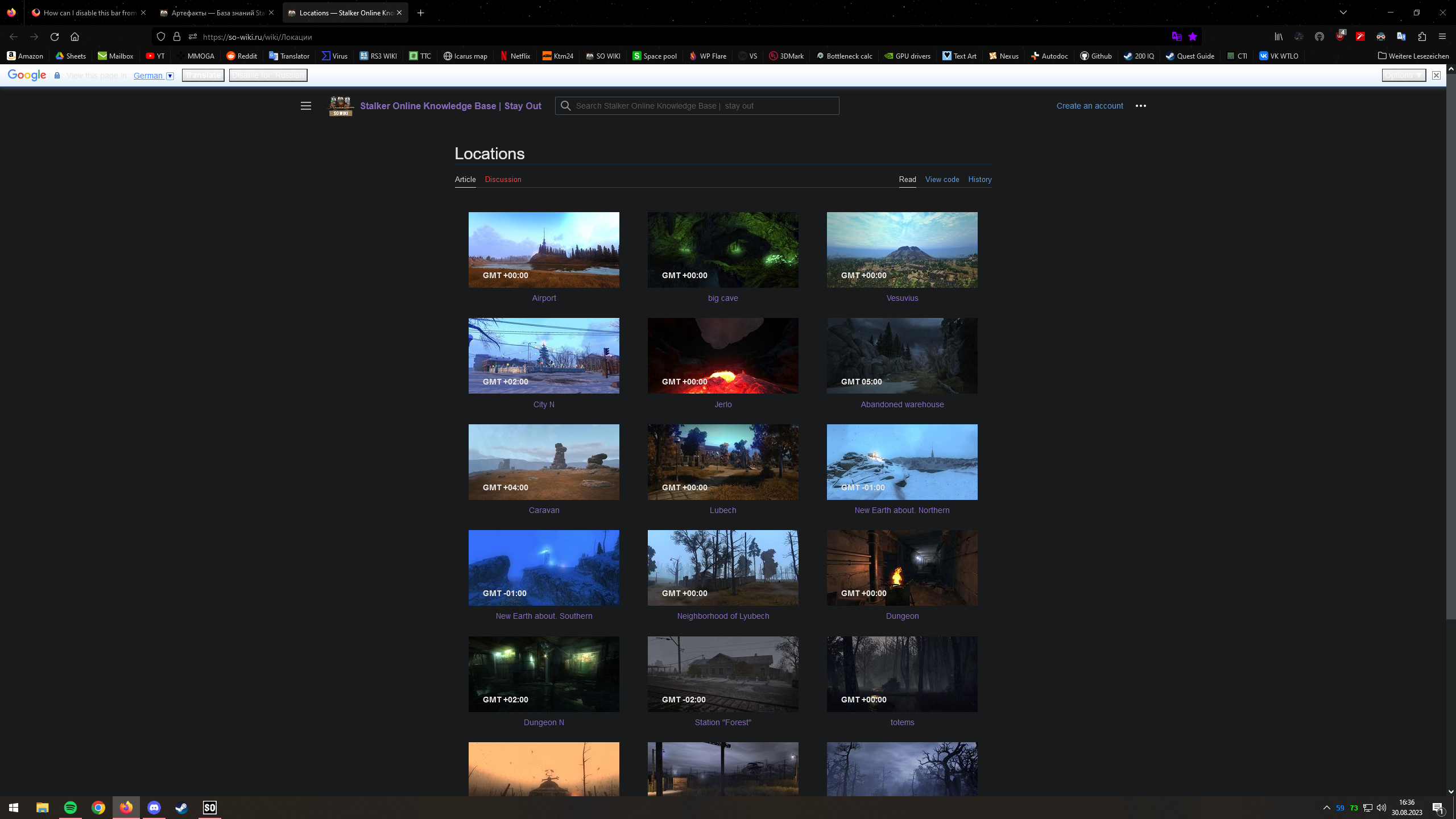
How can I disable this bar from showing?
I use an translator extension for firefox for russian so I do not need this integrated tool and it's annoying to see it everytime I open a russian page. Please help me, I don't know what the source is of this translator but I can tell it's not from an extensions as I deleted every extension and tried, not worked.
I use an translator extension for firefox for russian so I do not need this integrated tool and it's annoying to see it everytime I open a russian page. Please help me, I don't know what the source is of this translator but I can tell it's not from an extensions as I deleted every extension and tried, not worked.

Keazen oplossing
Add the following line to uBlock Origin's "My filters":
||google.com/translate_a/element.js?cb=googletranslateelementinit
Alle antwurden (2)
Ight, here it is.
Keazen oplossing
Add the following line to uBlock Origin's "My filters":
||google.com/translate_a/element.js?cb=googletranslateelementinit