


Unable to Sign in with

I am unable to sign in with google on Firefox. I have disabled all my add-ons. Have popups turned on and still I cannot click on the lock in Google link on. I have also noticed that I am unable to sign in using Facebook on another website. Ity appears as if I am not getting pop-ups but I don't have popups turned off. I have restarted Firefox and still no joy.
Any help or advice would be greatly appreciated.
Keazen oplossing
I really am new at this kind of thing. I am so sorry. Uninstalling and re-installing firefox seems to have sorted the issue. I am so sorry for taking up your time.
Dit antwurd yn kontekst lêze 👍 0Alle antwurden (5)
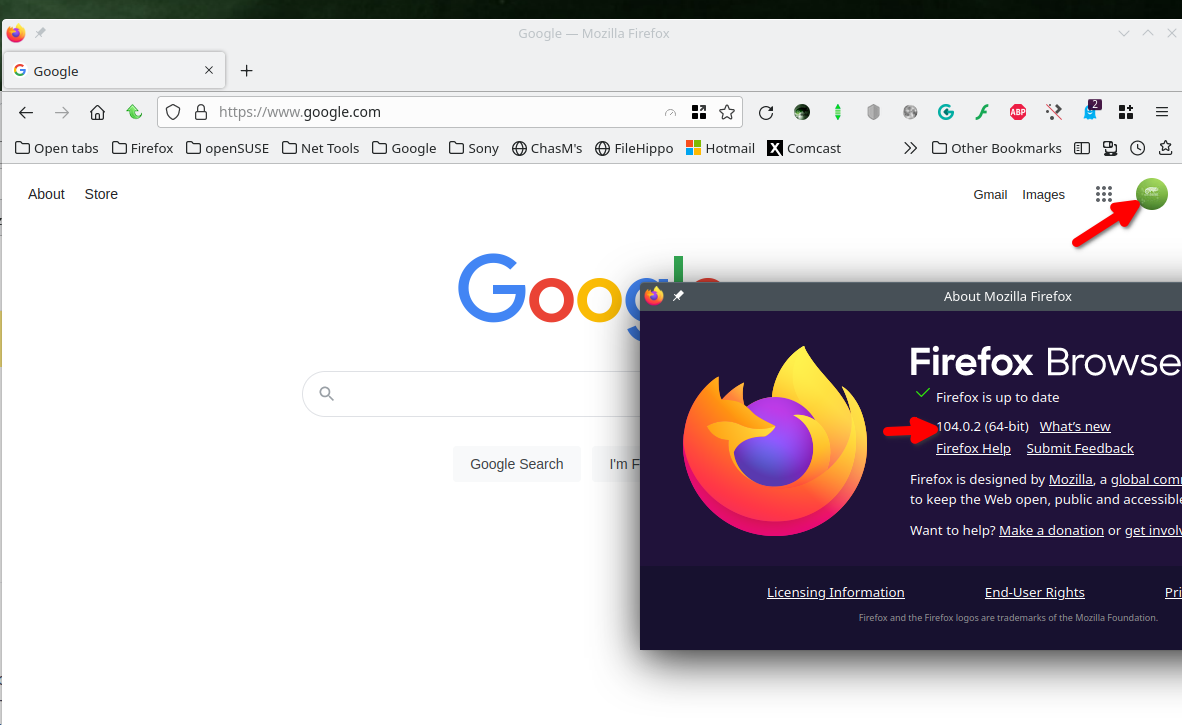
I'm able to log into my google account. see screenshot Did you clear your browser cache? https://support.mozilla.org/en-US/kb/how-clear-firefox-cache Try the option to Forget About The Site, but make sure you know your password. https://support.mozilla.org/en-US/kb/remove-websites-address-bar-suggestions
I can log into my google account but can't login into a particular website using google login. It will allow me to click on twitrch or apple ID but not on google. I have done all that you suggested above but still not working.
https://www.dndbeyond.com/sign-in?returnUrl=https://www.dndbeyond.com/
Is the link to the website
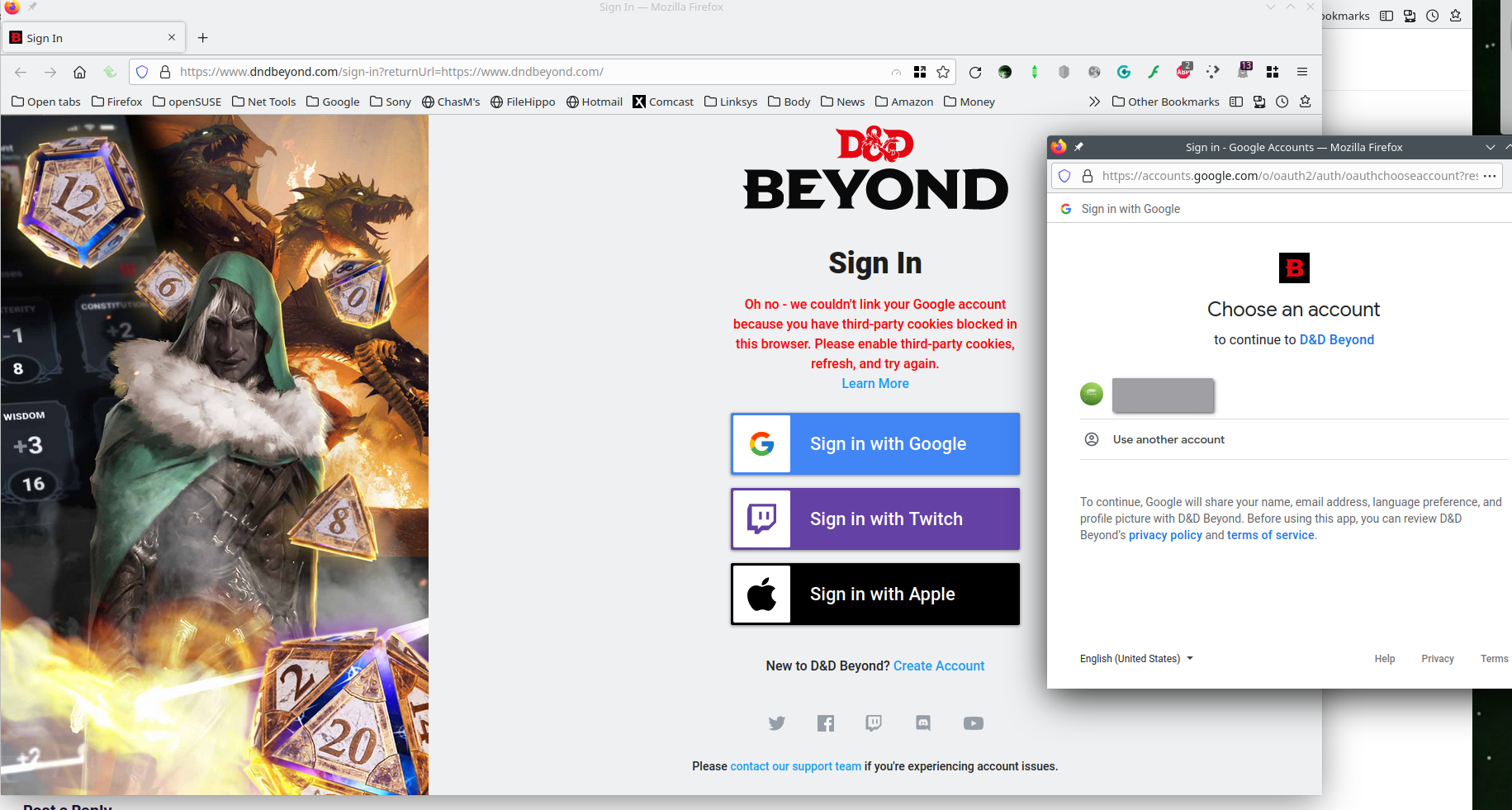
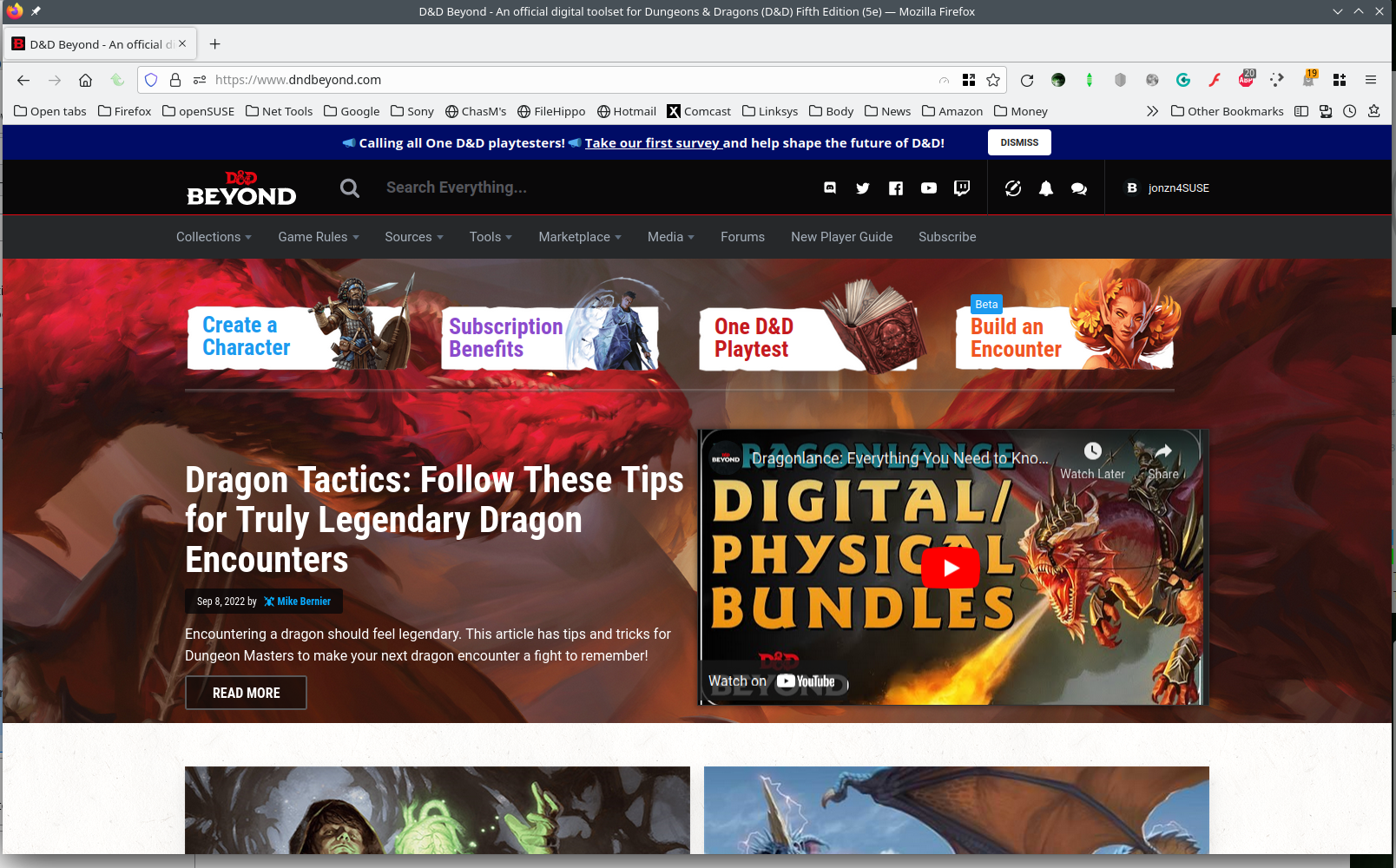
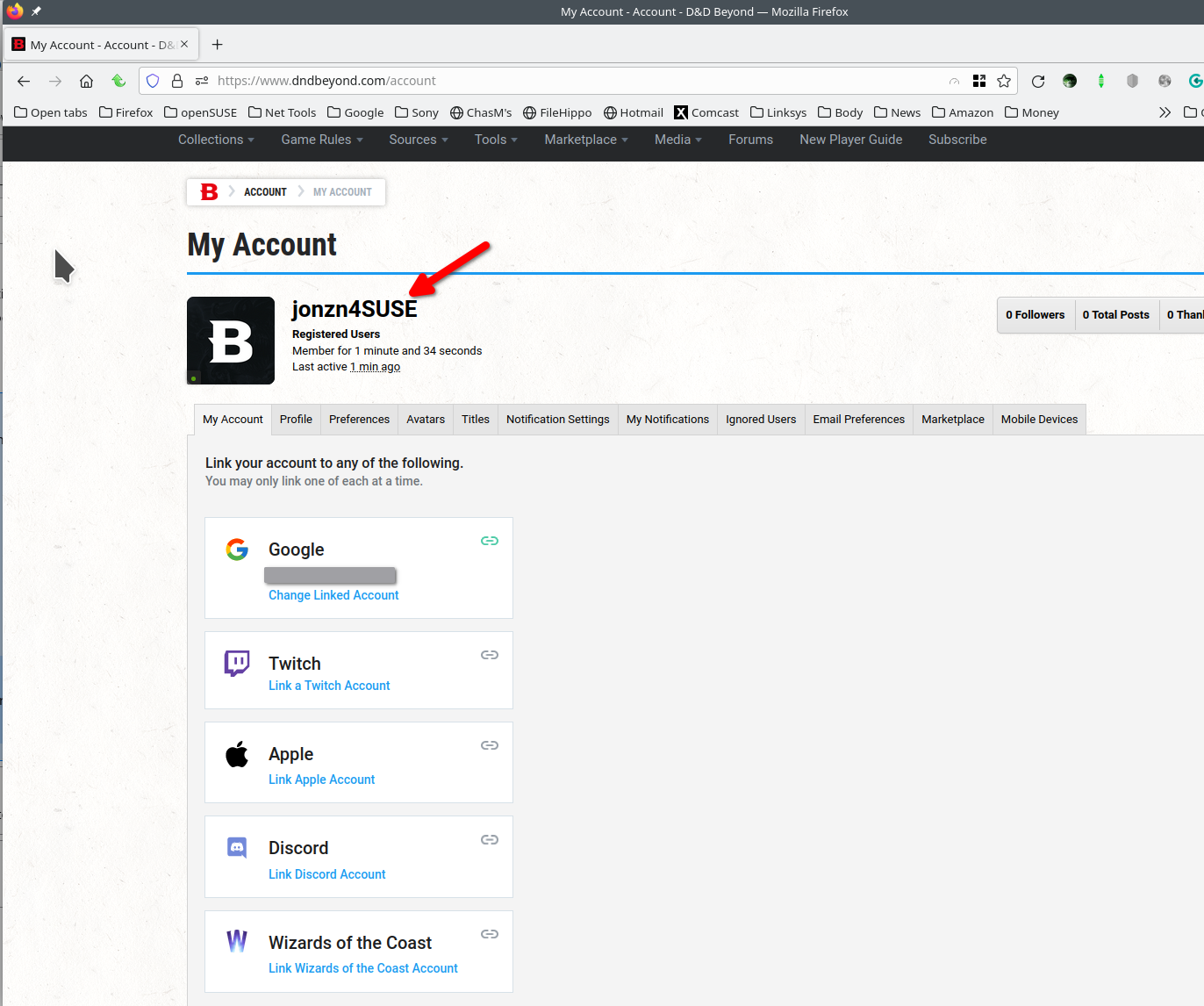
It works for me. see screenshots I had to turn off Ghostery and allow 3rd party cookies to create an account. This is why you have to show us your issue. Just telling us you have an issue will not help us help you. Did you try Firefox in Safe Mode? https://support.mozilla.org/en-US/kb/diagnose-firefox-issues-using-troubleshoot-mode#w_how-to-start-firefox-in-4troubleshoot-modesf5safe-modesf


Bewurke troch jonzn4SUSE op
Keazen oplossing
I really am new at this kind of thing. I am so sorry. Uninstalling and re-installing firefox seems to have sorted the issue. I am so sorry for taking up your time.