


How do I see what data firefox sync has already saved?

I have had problems with sync before, giving me bookmarks I didn't want, etc. But I want to try it again.
I have a Firefox account to log into with sync, but I would like to delete all the data (bookmarks & passwords), and then sync all my firefox browsers to one profile that I have set up on FDE on my laptop.
So I'm thinking I need to first delete all my current data on Firefox Sync, and then log in only with my FDE profile, sync that, and then log in via other browsers and sync those. But how do I make sure that no data gets placed onto my FDE profile from other browsers via sync?
Alle antwurden (5)
In fact, after logging into sync, I see that FF has already installed an old version of my bookmarks.
Do I need to simply delete my account and start a new one?
You can install the About Sync extension in Firefox 72 and newer on desktop to check what data is stored on the Sync server via the about:sync page provided by this extension.
Close and restart Firefox to access the about:sync page added by this extension (see the about:about page for possible about pages).
OK I did that, but I'm not sure what option to select. When I'm logged in to FF Sync, I can see the following options when I enter about:sync in the URL bar (see screenshot)
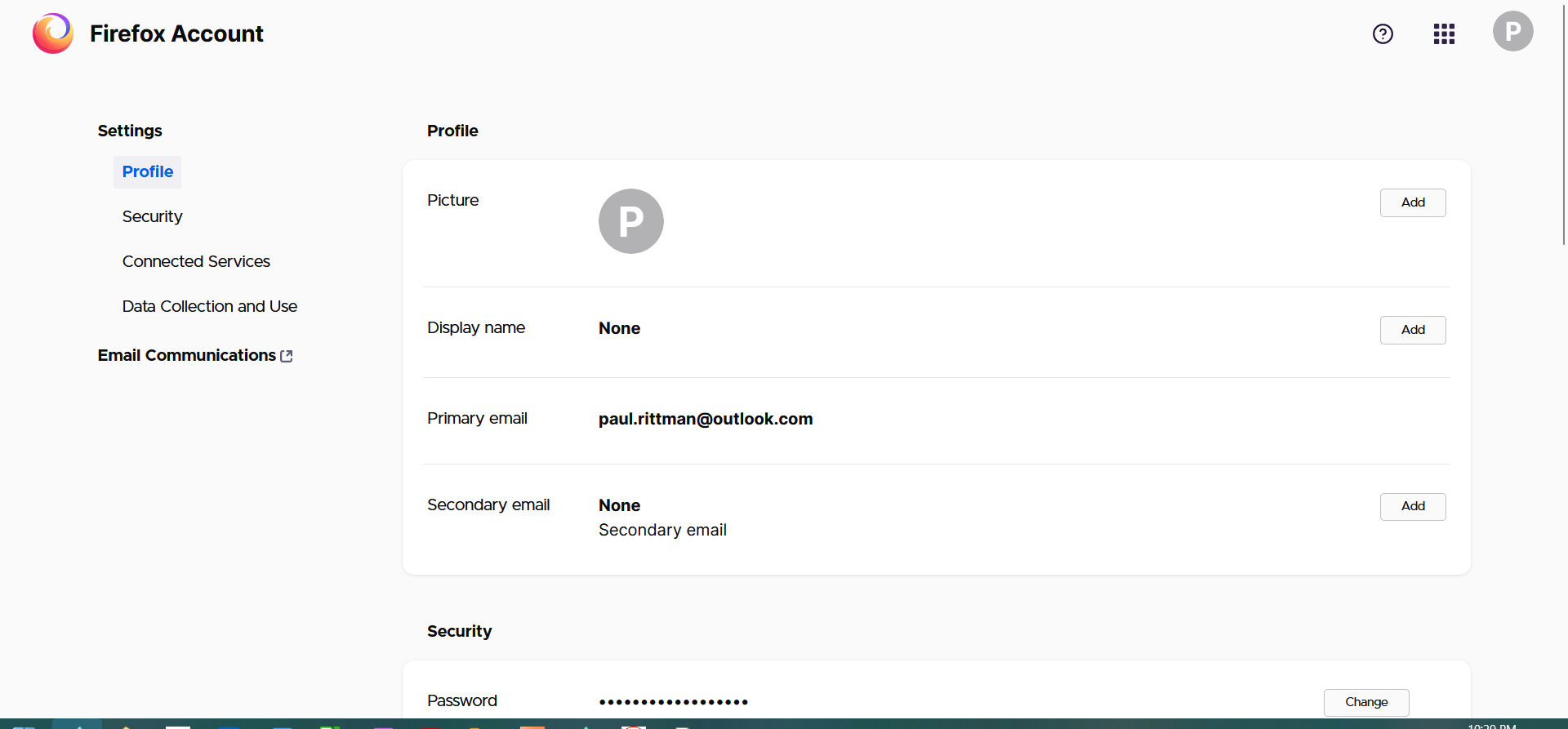
Bewurke troch prr op
Any suggestions on what option to select?

If you wish only to delete all data stored by sync, then can't this be achieved simply by reseting your password?
From this article it would appear so: https://support.mozilla.org/en-US/kb/ive-lost-my-firefox-sync-account-information (see the section "I’ve forgotten my Firefox account password – how do I reset it?")