


Cyrillic is transcripted to Latin alphabet

Hello, I am using Firefox for many years with Ubuntu but recently Firefox started to transcript Cyrillic page into Latin ones. I tried to change some of the language settings, but nothing worked. My standard language is German. How can I make Firefox show the pages in Cyrillic alphabet? Thank you for your help.
Keazen oplossing
I found the reason: it was the add-on Latynka that did this. Thank you very much for yout help.
Alle antwurden (4)
Here are two screenshots: one with Firefox an one with Chromium.
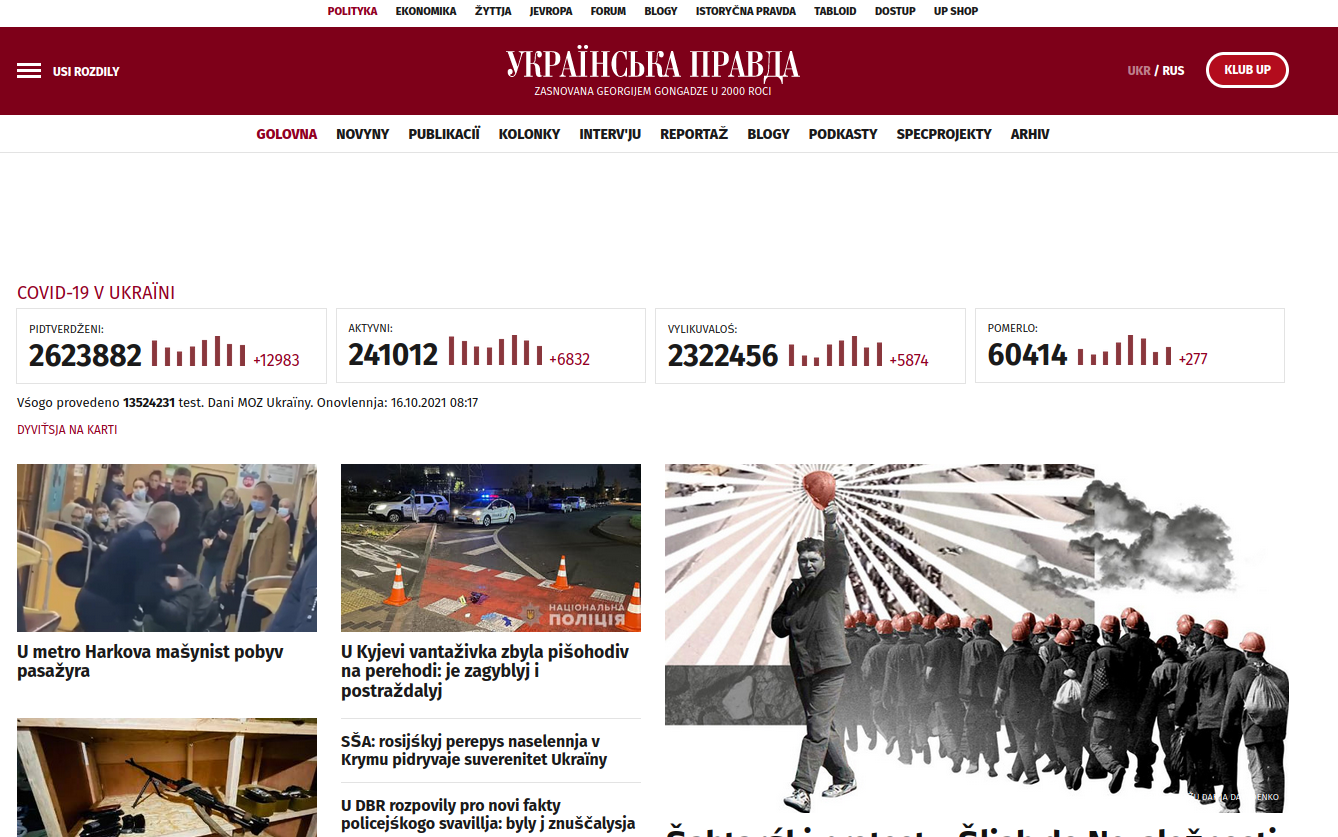
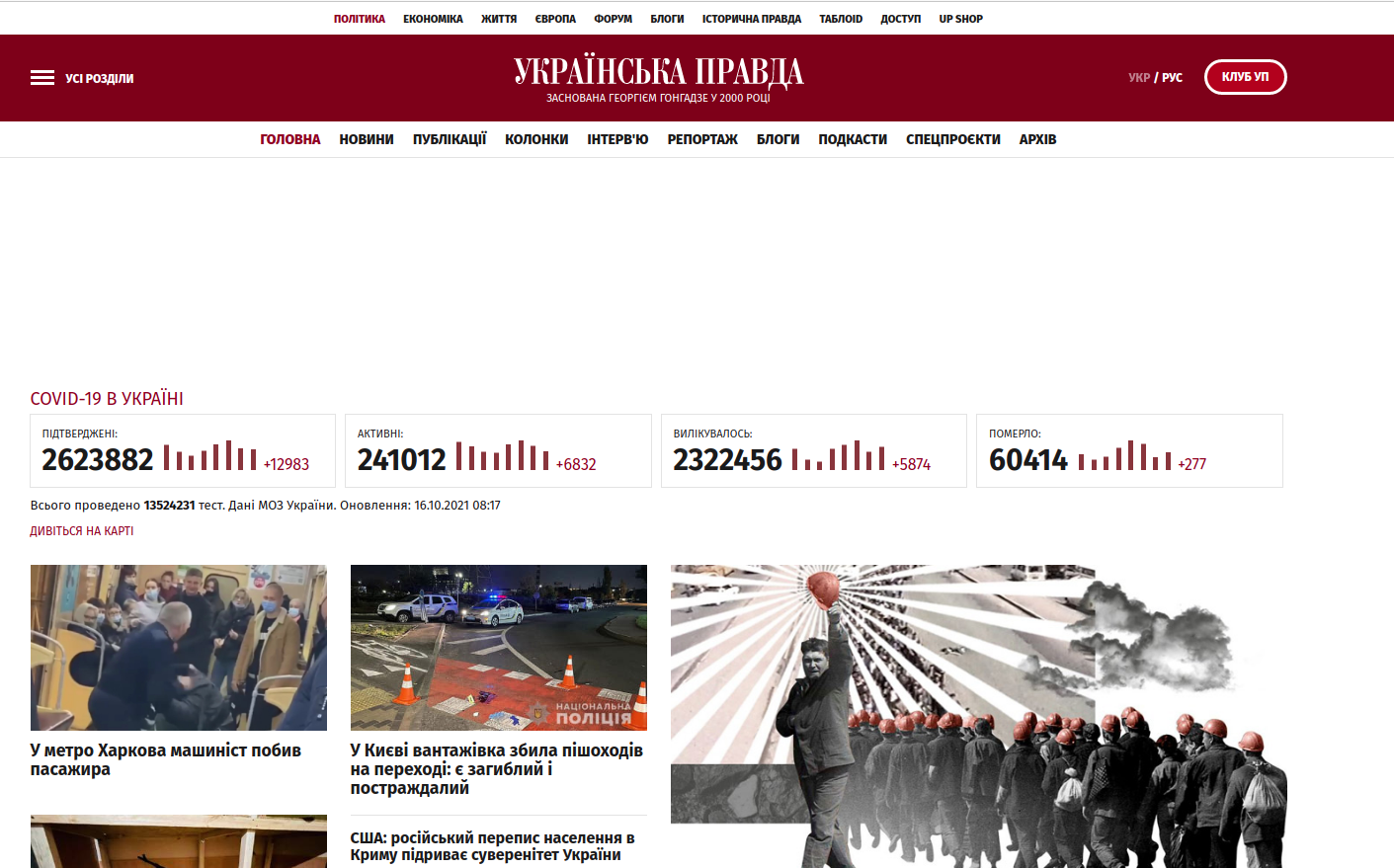

Website?
Try downloading a separate copy of Firefox and run it from the folder(do not sign into you Firefox account) to see what happens.
https://www.mozilla.org/en-US/firefox/all/#product-desktop-release
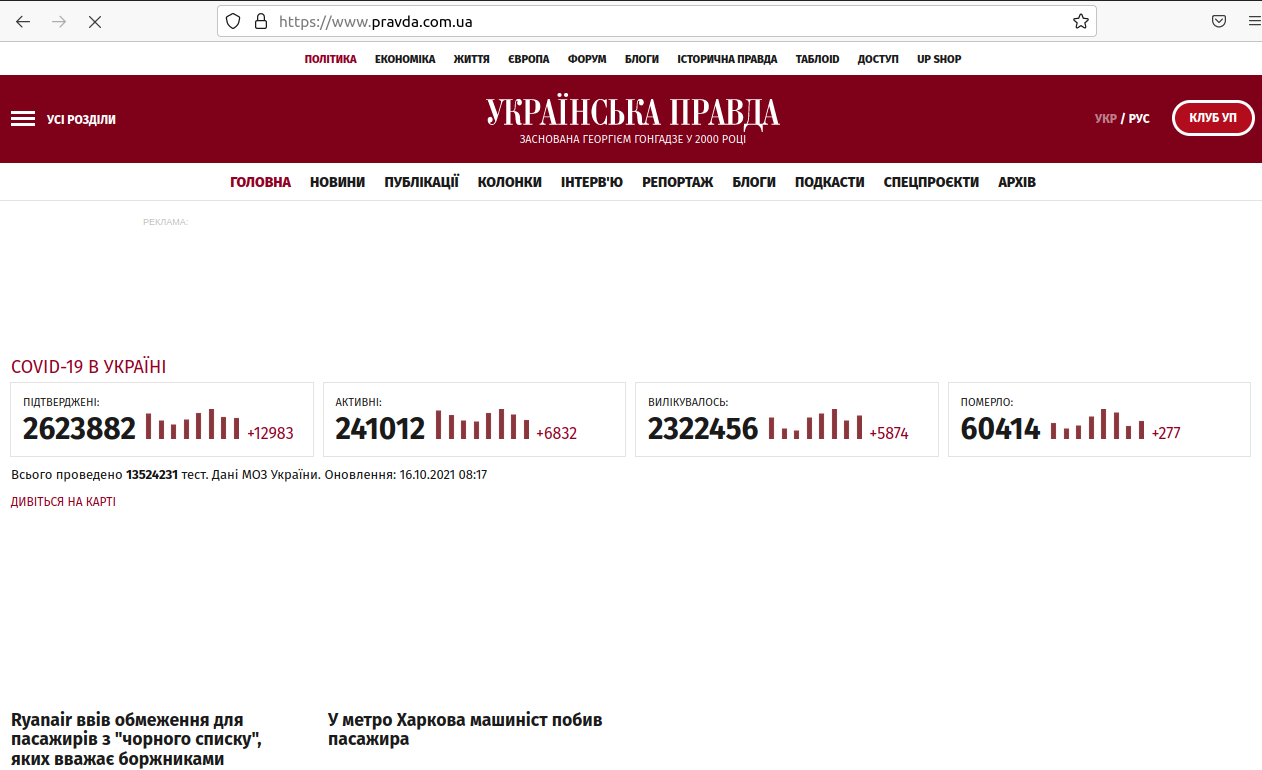
The website of the screenshots is https://pravda.com.ua but the problem is on every homepage in Ukrainian oer Russian. I did as you recomended and started Firefox from the downloaded folder and it works correctly. (Don't mind the missing pictures, my wifi is sometimes slow). What can I do to make my regular Firefox work like that? Thank you!
Keazen oplossing
I found the reason: it was the add-on Latynka that did this. Thank you very much for yout help.