


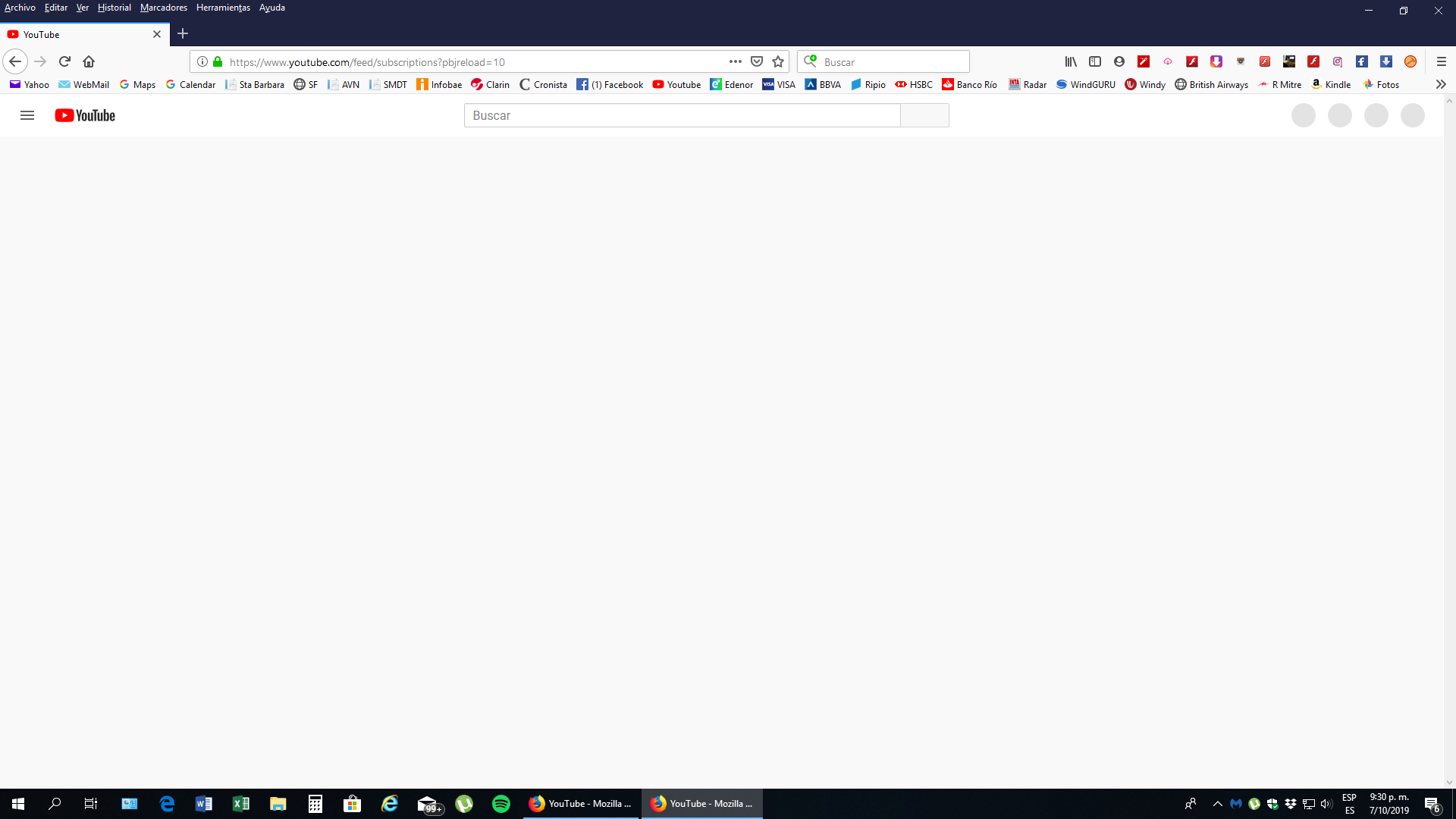
YouTube no carga de manera correcta en Firefox Quantum, ¿Como podria solucionar este inconveniente?

NO hay caso. No logro que youtube se cargue. Ya hice el REFRESCO de Firefox y no hay caso La unica forma de que funcione es si abro un link de youtube desde un mail. Ahi se abre una pestaña con youtube correctamente.
Alle antwurden (4)

Traducción Translation
YouTube does not load correctly in Firefox Quantum, how could I solve this problem?
There is NO case. I can't get youtube to load. I already made the Firefox REFRESCO and there is no case. The only way it works is if I open a YouTube link from an email. There opens a tab with YouTube correctly.
How are you accessing YouTube now? Using a bookmark? Something else?
¿Cómo estás accediendo a YouTube ahora? ¿Usando un marcador? ¿Algo más?
If you are using a bookmark, replace it with a new one. Si está utilizando un marcador, reemplácelo por uno nuevo.
Reemplace el marcador por uno nuevo. Funciono al principio pero cuando en Youtube hago click en "suscripciones" en el menu, la pantalla queda nuevamente en blanco. Que puede suceder?
You can try these steps in case of issues with web pages:
You can reload web page(s) and bypass the cache to refresh possibly outdated or corrupted files.
- hold down the Shift key and left-click the Reload button
- press "Ctrl + F5" or press "Ctrl + Shift + R" (Windows,Linux)
- press "Command + Shift + R" (Mac)
Clear the Cache and remove the Cookies for websites that cause problems via the "3-bar" Firefox menu button (Options/Preferences).
"Remove the Cookies" for websites that cause problems:
- Options/Preferences -> Privacy & Security
Cookies and Site Data -> Manage Data
"Clear the Cache":
- Options/Preferences -> Privacy & Security
Cookies and Site Data -> Clear Data -> Cached Web Content: Clear
Start Firefox in Safe Mode to check if one of the extensions ("3-bar" menu button or Tools -> Add-ons -> Extensions) or if hardware acceleration is causing the problem.
- switch to the DEFAULT theme: "3-bar" menu button or Tools -> Add-ons -> Themes
- do NOT click the "Refresh Firefox" button on the Safe Mode start window