


Some websites connot login automatically
I used Linkedin and some other website on Firefox. Different with installing 68.0.2 directly, I cannot login on these website automatically even I have save the password.This problem only happens on the Firefox which was upgrade from 68.0.0. This problem also impact the ajax response in some addons I am developing. For example, I cannot ajax some website for login information.
Could you please help me to solve this problem? Thank you very much!
Alle antwurden (5)

Start Firefox in Safe Mode {web link}
A small dialog should appear. Click Start In Safe Mode (not Refresh). Is the problem still there?
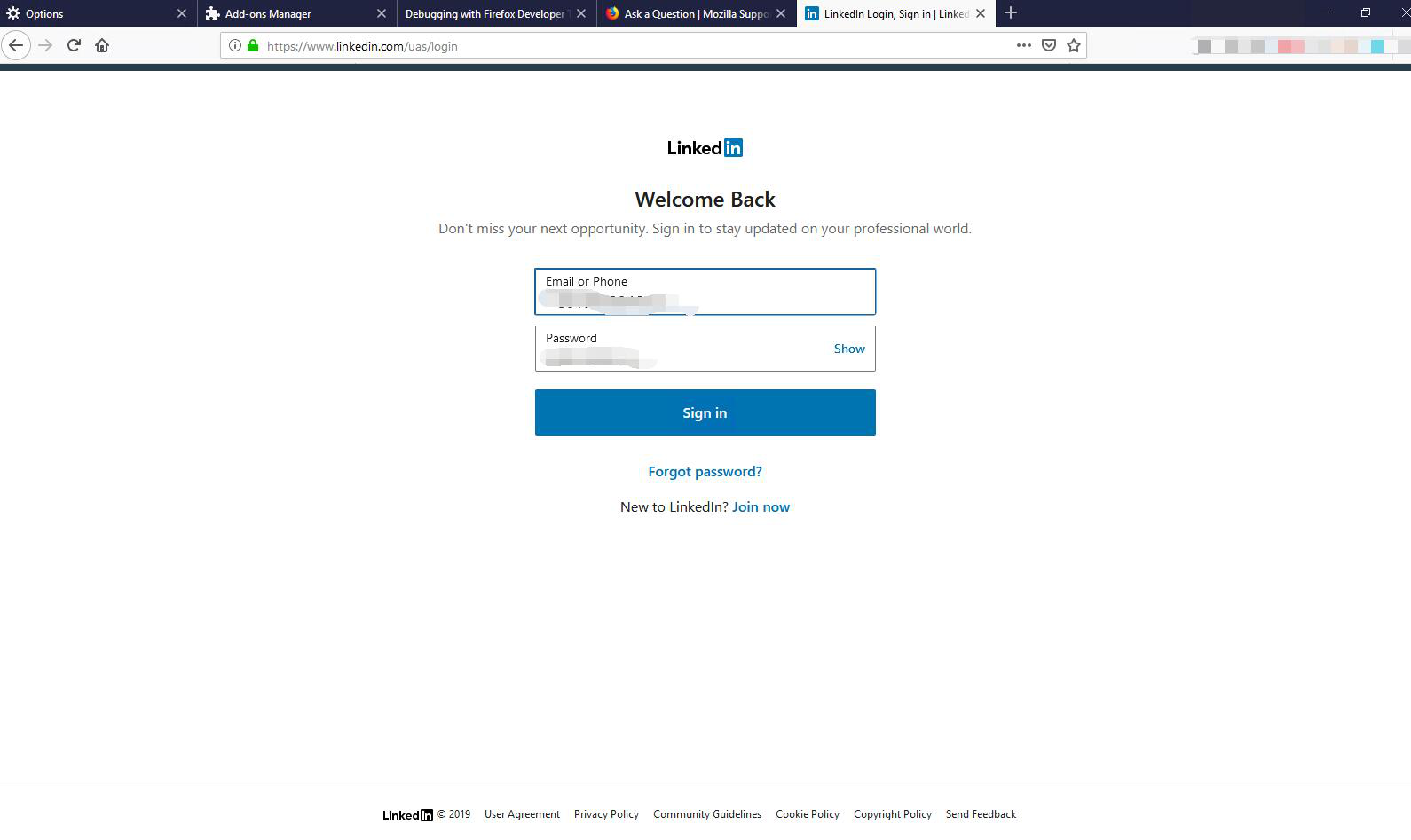
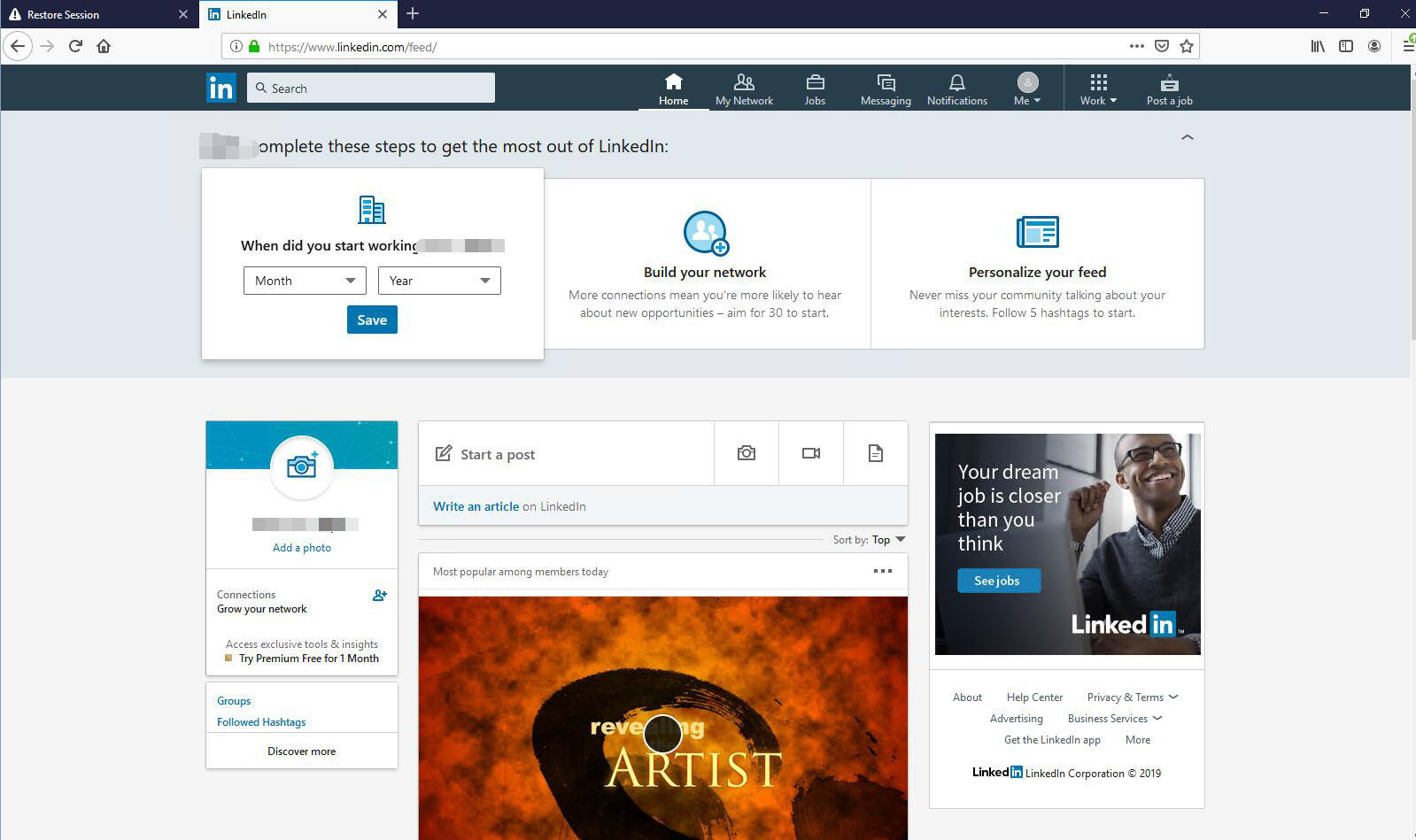
Thank you for your help.But this issue still happened after running in safe mode. I have confirmed save password after the small dialog popup up.But after I close the tab I have logged in and restart a new tab, I still had to click log in button like the picture 1. In the Firefox68.0.2 which was installed directly, I could log in the website directly like the picture 2.
samgsc said
I still had to click log in button
The Password Manager only fills in the login data. You need to click the 'login' button yourself.
Or are you saying you want to stay logged in when you leave the website?
Thank you for your help. Yes, I want to stay logged in when I leave the website.I could logged in again automatically in Firefox which was installed directly, but it doesn't work in Firefox which was updated from 68.0.0.
Type about:preferences#privacy<enter> in the address bar. The button next to History, select Use Custom Settings.
Turn off Always Use Private Browsing Mode Turn on Remember My Browsing And Download History At the bottom of the page, turn on Clear History When Firefox Closes. At the far right, press the Settings button. Turn on ONLY Cache and Form And Search History leaving the others off.