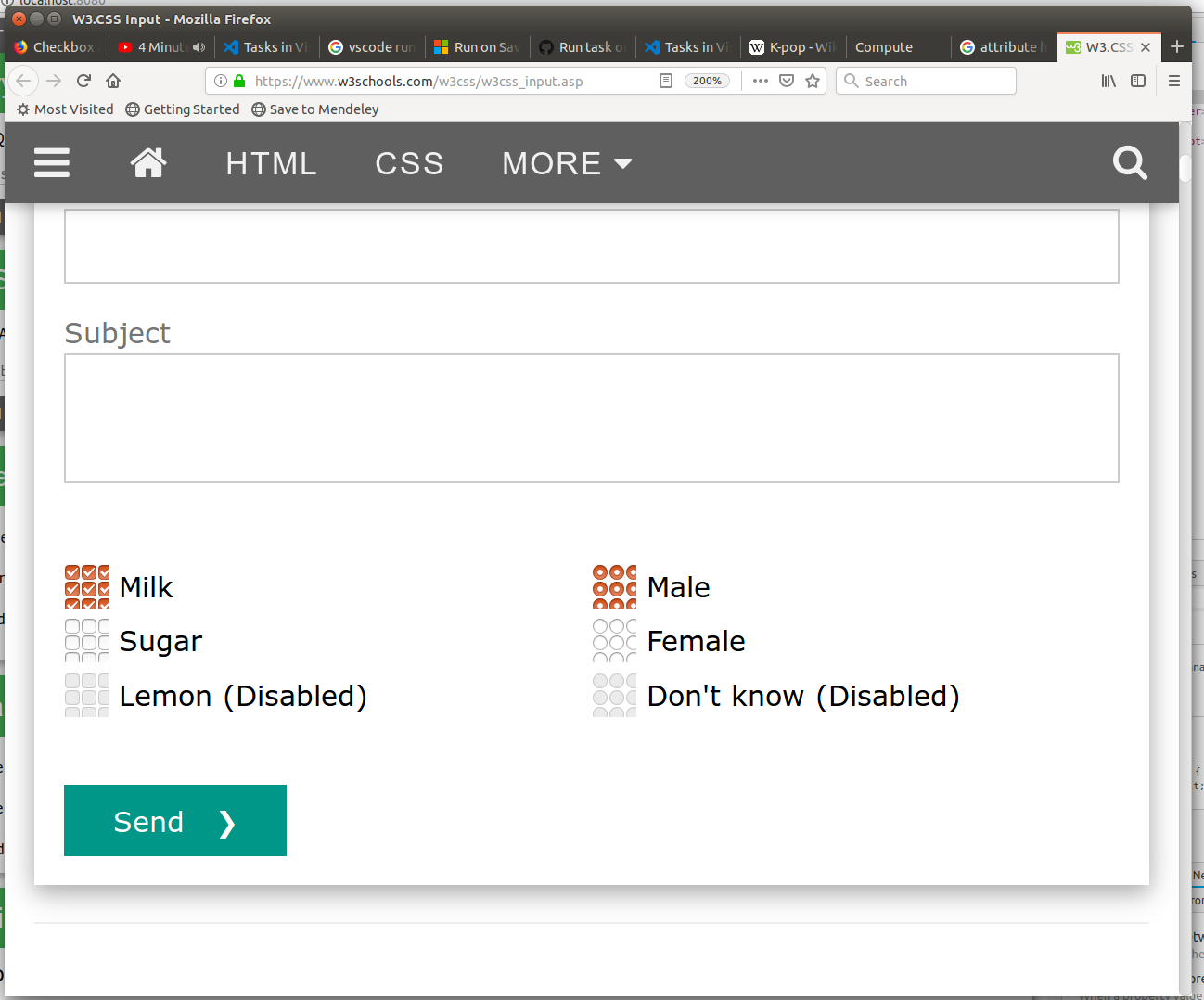
Checkbox and radiobutton is rendered in grid-like pattern. How to fix it?

Hi, I have a problem with checkboxes and radiobuttons in firefox.
It renders a checkbox in grid-like pattern when the checkbox is styled with width and height attributes. It can be best seen in the provided image together with inspect-element for that checkbox. The relevant site is https://www.w3schools.com/w3css/w3css_input.asp. But it can be done for any checkbox.
I'm using Ubuntu 14.04 and I've updated to Firefox v65 but the problem persists. In Chrome it gets rendered correctly.
Please advise on how to fix this behavior.
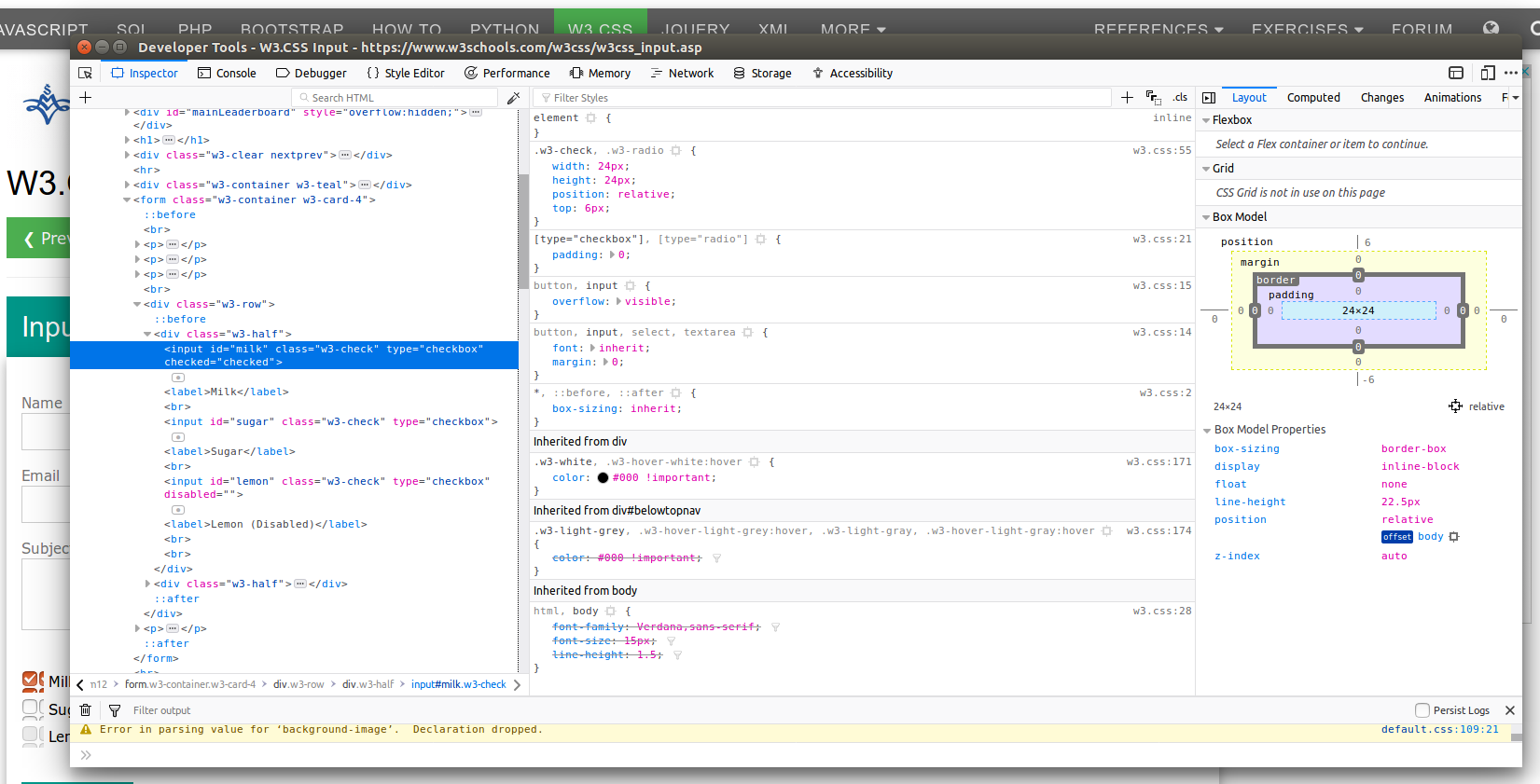
Bewurke troch massa.kassa op
Alle antwurden (9)
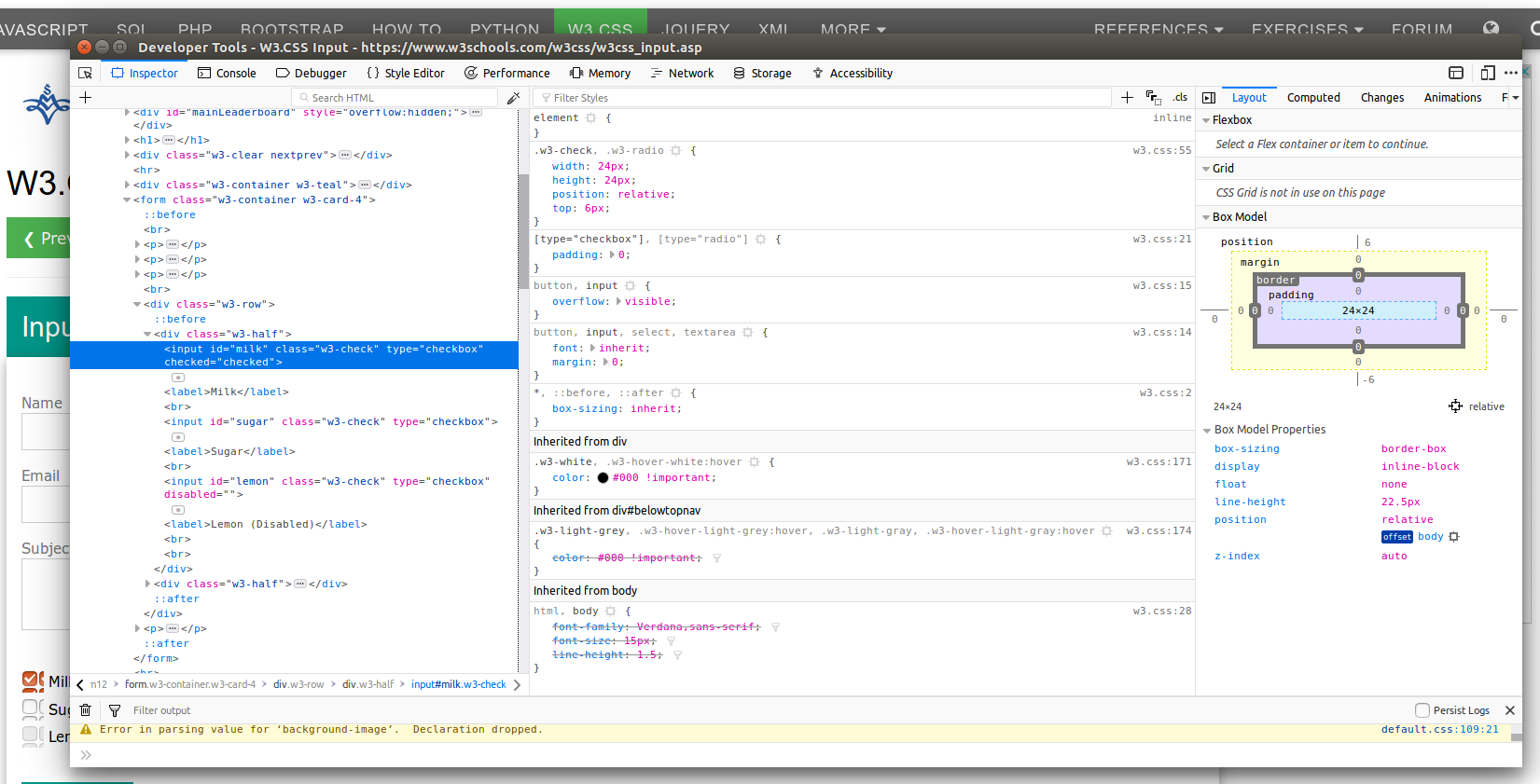
Somehow, the image didn't reach the post.

Update your Flash Player or remove it using these links; Uninstall Flash Player | Windows {web link} Uninstall Flash Player | Mac {web link}
Note: Windows users should download the ActiveX for Internet Explorer. and the plugin for Plugin-based browsers (like Firefox).
Note: Windows 8 and Windows 10 have built-in flash players and Adobe will cause a conflict. Install the plugin only. Not the ActiveX.
Flash Player Version 32.0.0.114
https://get.adobe.com/flashplayer/ Direct link scans current system and browser Note: Other software is offered in the download. <Windows Only>
https://get.adobe.com/flashplayer/otherversions/ Step 1: Select Operating System Step 2: Select A Version (Firefox, Win IE . . . .) Note: Other software is offered in the download. <Windows Only> +++++++++++++++++++ See if there are updates for your graphics drivers https://support.mozilla.org/en-US/kb/upgrade-graphics-drivers-use-hardware-acceleration
Hi, Thanks for the response. I've removed every trace of adobe flash which I could find.
I've also disabled the hardware acceleration for firefox. But the problem is still there.
Best regards
Start Firefox in Safe Mode {web link}
A small dialog should appear. Click Start In Safe Mode (not Refresh). Is the problem still there?
Hi, yes, the problem is still there. I'm including a part of terminal output below.
Its full of messages like: $ firefox -safe-mode
(firefox:18352): GLib-GObject-CRITICAL **: g_object_unref: assertion 'object->ref_count > 0' failed
(firefox:18352): GLib-GObject-WARNING **: g_object_get_valist: object class 'GtkSettings' has no property named 'gtk-decoration-layout'
(firefox:18352): Gtk-WARNING **: Theme parsing error: <data>:1:34: Expected ')' in color definition
(firefox:18352): GLib-GObject-CRITICAL **: g_object_ref: assertion 'object->ref_count > 0' failed
(/usr/lib/firefox/firefox:18585): GLib-GObject-CRITICAL **: g_object_ref: assertion 'object->ref_count > 0' failed
(/usr/lib/firefox/firefox:18585): GLib-GObject-CRITICAL **: g_object_unref: assertion 'object->ref_count > 0' failed
(/usr/lib/firefox/firefox:18640): GLib-GObject-WARNING **: g_object_get_valist: object class 'GtkSettings' has no property named 'gtk-decoration-layout'
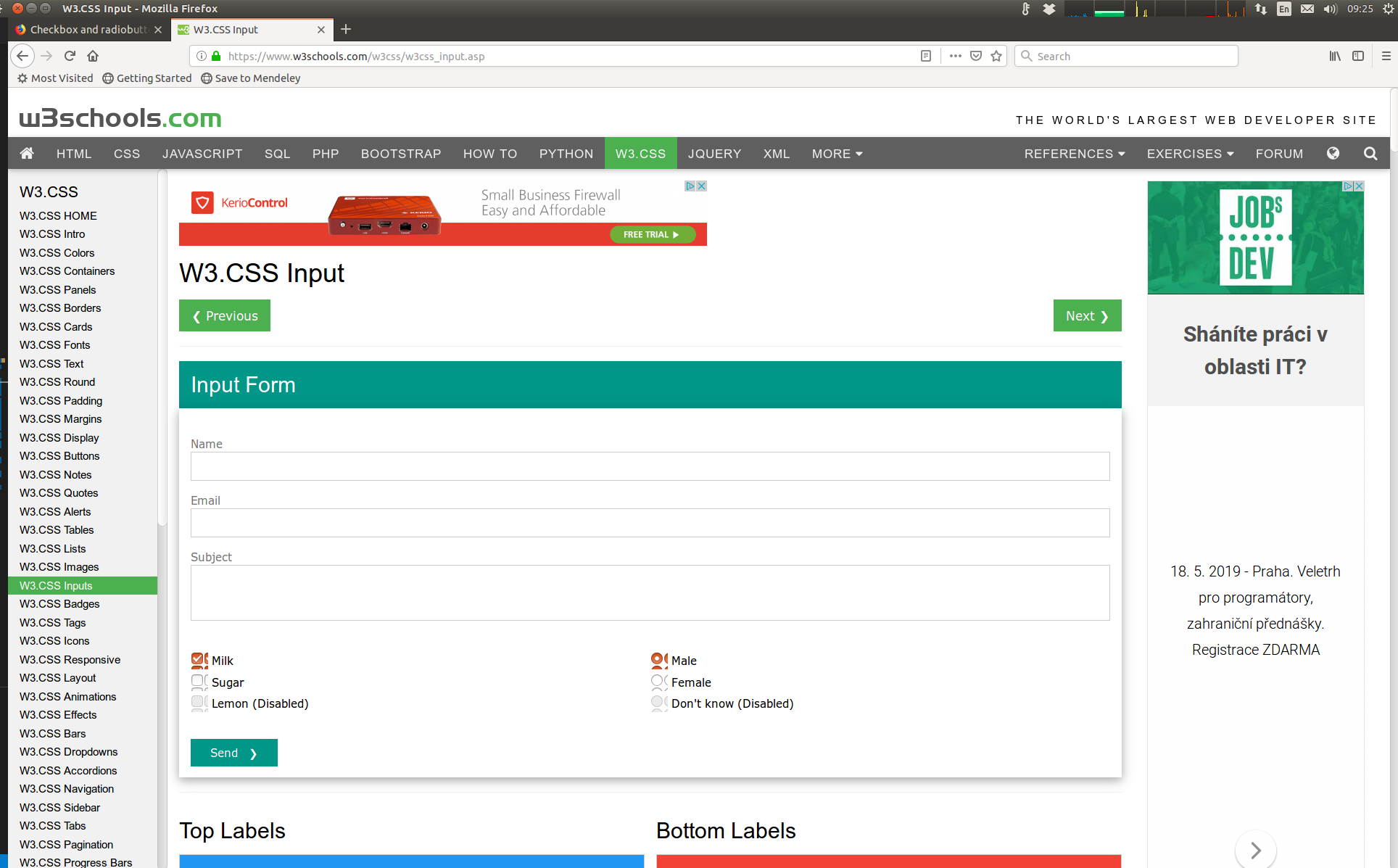
I called for more help. Can you post a screenshot of what the webpage looks like? (Without the tool window covering it.)
Hello, here it is.
Bewurke troch massa.kassa op
Ah. I see what you are talking about.
Load the web page. Then, to reload the page bypassing the cache and force a fresh retrieval; Ctrl+Shift+R (Mac=Command+Shift+R)
So, I've tried the Ctrl+Shift+R - It didn't help. (It did trigger new round of requests for the server).
I've found that it does not matter on which web it is. It suffice that the checkbox has non-default size with both width and height filled. And it is responsive to zoom (screenshot). If I remove "height" or "width" it returns normal size checkbox.