


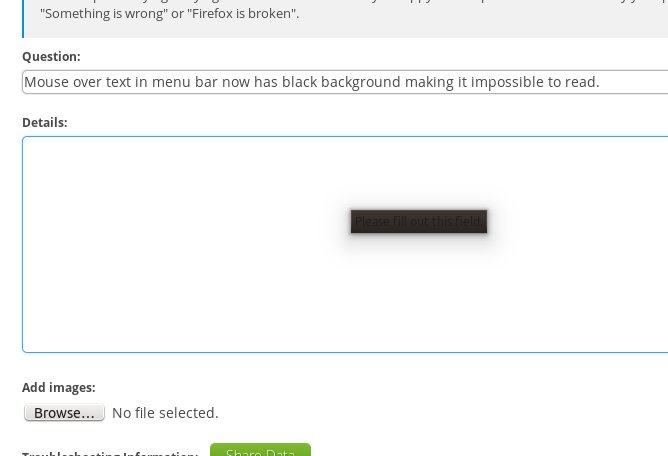
Mouse over text in menu bar now has black background making it impossible to read.

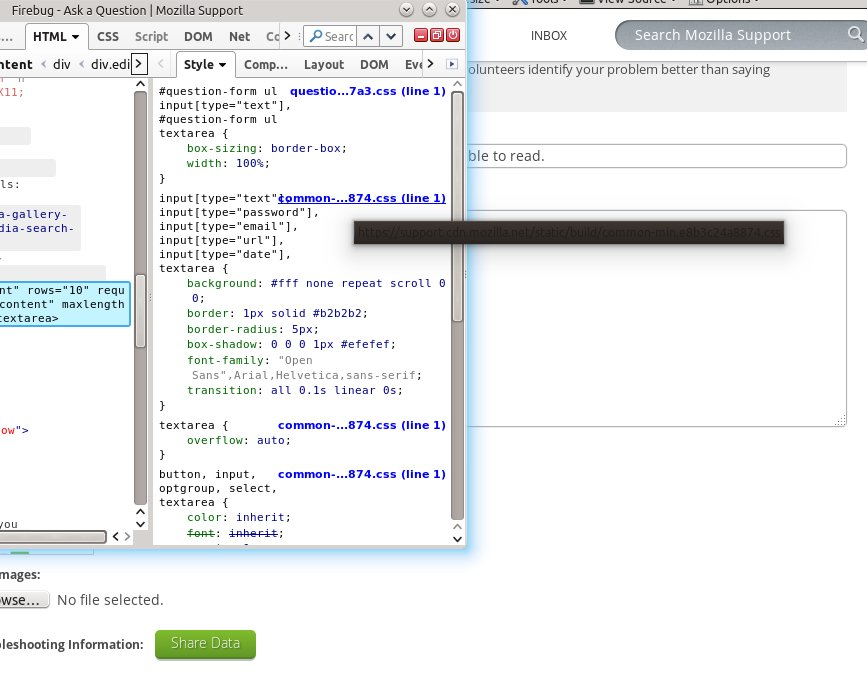
Since the last update, I can no longer read the mouse over title text on elements in firefox. They show black text on a really dark background. How do I fix this?
Alle antwurden (11)
You can try to use a different GTK 3 theme in case the Linux theme you currently use isn't working properly with the current Firefox release.
I went to extensions and tried a few different themes including ones that had GTK in their name, but the problem was the same. Am I supposed to look for something specific?

Hello,
Try Firefox Safe Mode to see if the problem goes away. Firefox Safe Mode is a troubleshooting mode that temporarily turns off hardware acceleration, resets some settings, and disables add-ons (extensions and themes).
If Firefox is open, you can restart in Firefox Safe Mode from the Help menu:
- Click the menu button
 , click Help
  and select Restart with Add-ons Disabled.
If Firefox is not running, you can start Firefox in Safe Mode as follows:
- On Windows: Hold the Shift key when you open the Firefox desktop or Start menu shortcut.
- On Mac: Hold the option key while starting Firefox.
- On Linux: Quit Firefox, go to your Terminal and run firefox -safe-mode
(you may need to specify the Firefox installation path e.g. /usr/lib/firefox)
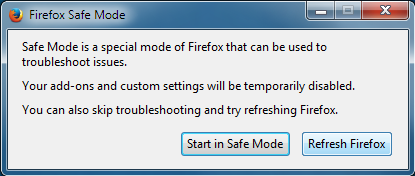
When the Firefox Safe Mode window appears, select "Start in Safe Mode".
If the issue is not present in Firefox Safe Mode, your problem is probably caused by an extension, theme, or hardware acceleration. Please follow the steps in the Troubleshoot extensions, themes and hardware acceleration issues to solve common Firefox problems article to find the cause.
To exit Firefox Safe Mode, just close Firefox and wait a few seconds before opening Firefox for normal use again.
When you figure out what's causing your issues, please let us know. It might help others with the same problem. Thank you!
The issue still exists in safe mode.
Attached is a screen shot of the problem in safe mode.
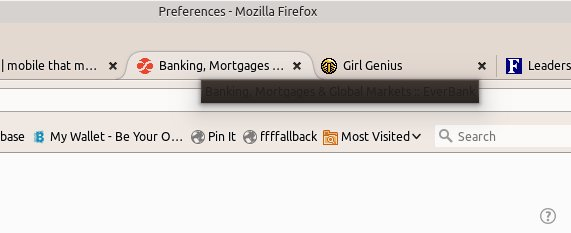
Is there any way to edit the theme to change the font color in those boxes?
Did you try some other Linux themes?
Yes, I did try to install several different Linux themes. The issue was persistent.
Scribe said
Hello, Try Firefox Safe Mode to see if the problem goes away. Firefox Safe Mode is a troubleshooting mode that temporarily turns off hardware acceleration, resets some settings, and disables add-ons (extensions and themes). If Firefox is open, you can restart in Firefox Safe Mode from the Help menu:If Firefox is not running, you can start Firefox in Safe Mode as follows:
- Click the menu button
When the Firefox Safe Mode window appears, select "Start in Safe Mode".
- On Windows: Hold the Shift key when you open the Firefox desktop or Start menu shortcut.
- On Mac: Hold the option key while starting Firefox.
- On Linux: Quit Firefox, go to your Terminal and run firefox -safe-mode
(you may need to specify the Firefox installation path e.g. /usr/lib/firefox)If the issue is not present in Firefox Safe Mode, your problem is probably caused by an extension, theme, or hardware acceleration. Please follow the steps in the Troubleshoot extensions, themes and hardware acceleration issues to solve common Firefox problems article to find the cause. To exit Firefox Safe Mode, just close Firefox and wait a few seconds before opening Firefox for normal use again. When you figure out what's causing your issues, please let us know. It might help others with the same problem. Thank you!
You didn't say what to do if the problem persists in safe mode.
Maybe someone could tell me how to modify the FF style for that element. or tell me what that element is called so that i can create a style for it.
This problem is still unsolved and annoying.