


Login Screen For Merrill Lynch Does Not Display Login Information

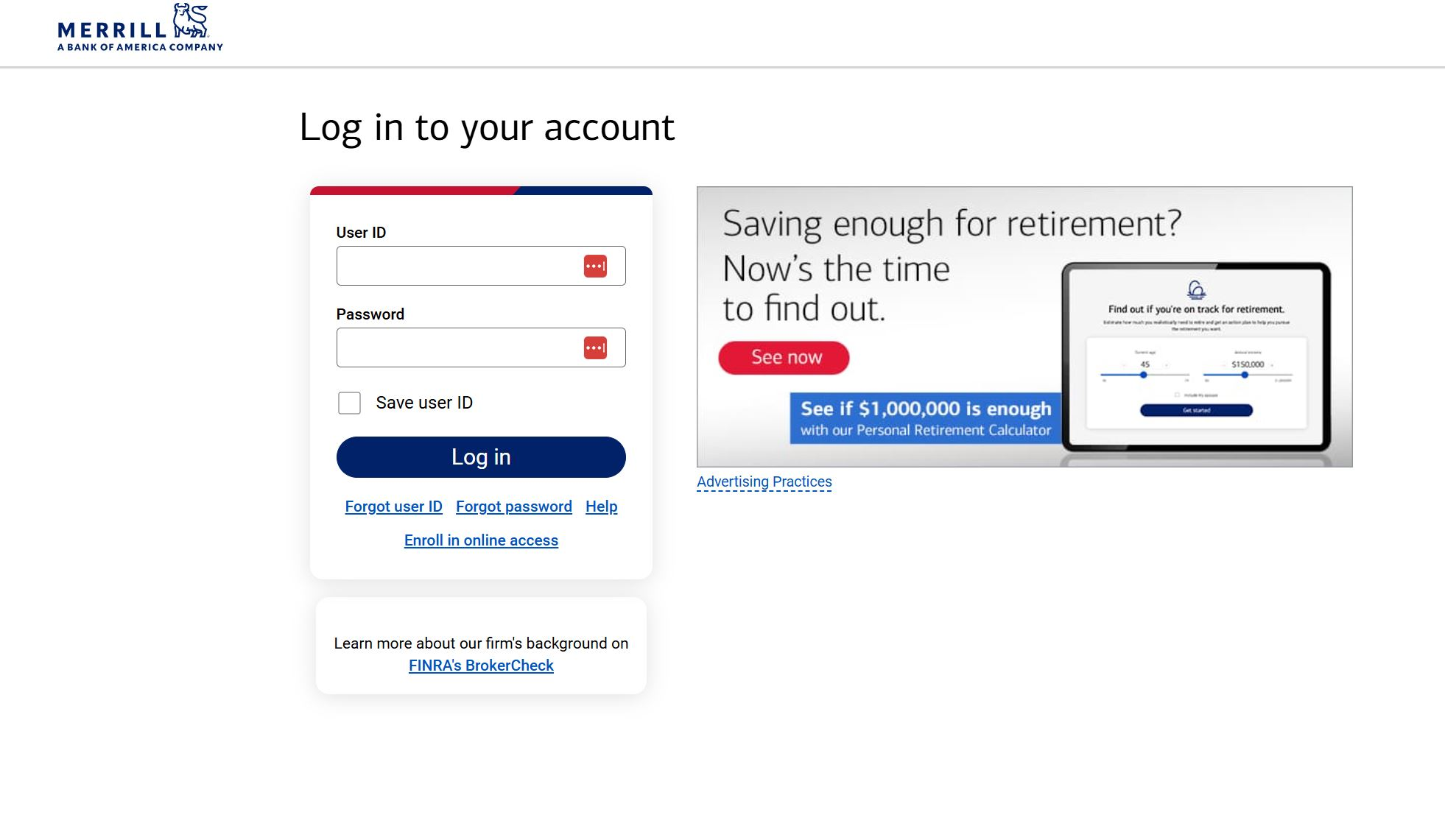
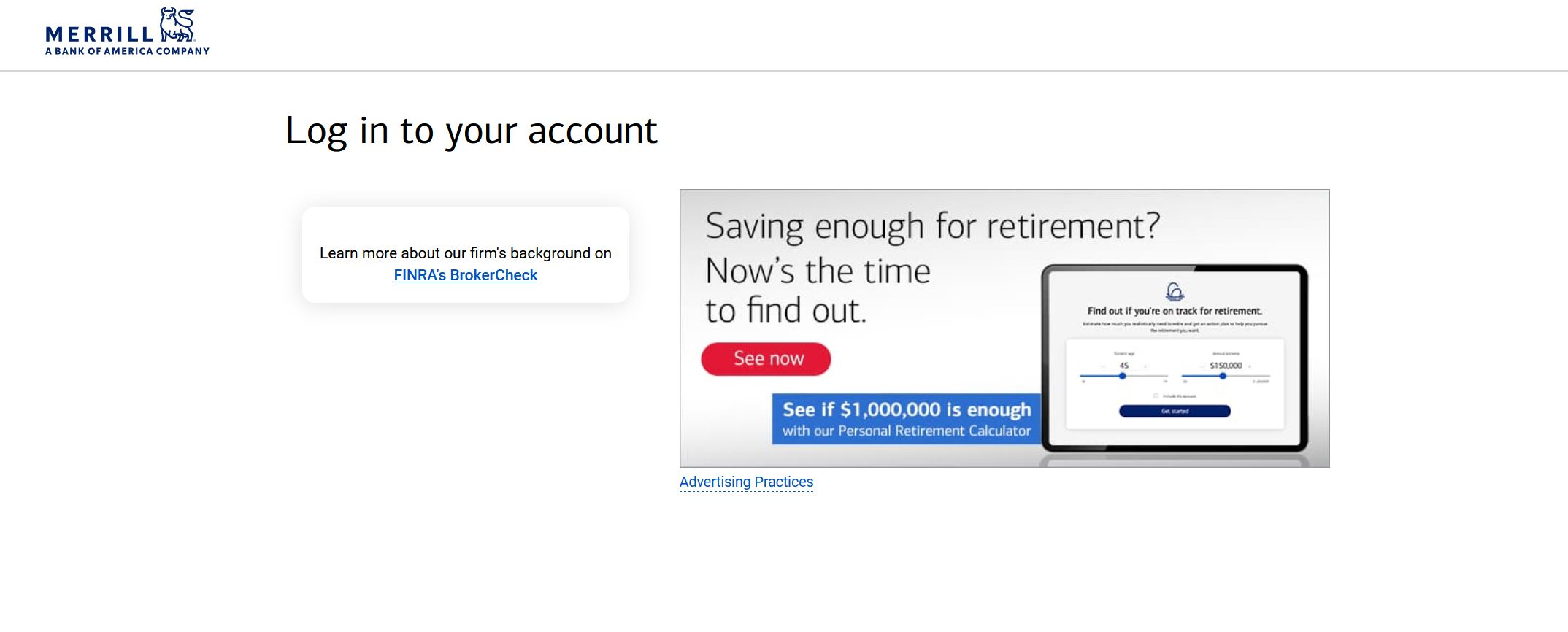
The Merrill Lynch login screen does not appear. Ad blockers are disabled; the problem does not appear with other browsers. Screenshots are attached for the same site using FF and Edge. I asked this question a few weeks ago but never got an answer. I'm using FF 153.03 64-bit
Toutes les réponses (8)
Hello
https://support.mozilla.org/en-US/questions/1586679
Have you take a look at your Manage local site storage settings https://support.mozilla.org/en-US/kb/storage
Hypothesis? among other
The Exceptions - Cookies and Site Data
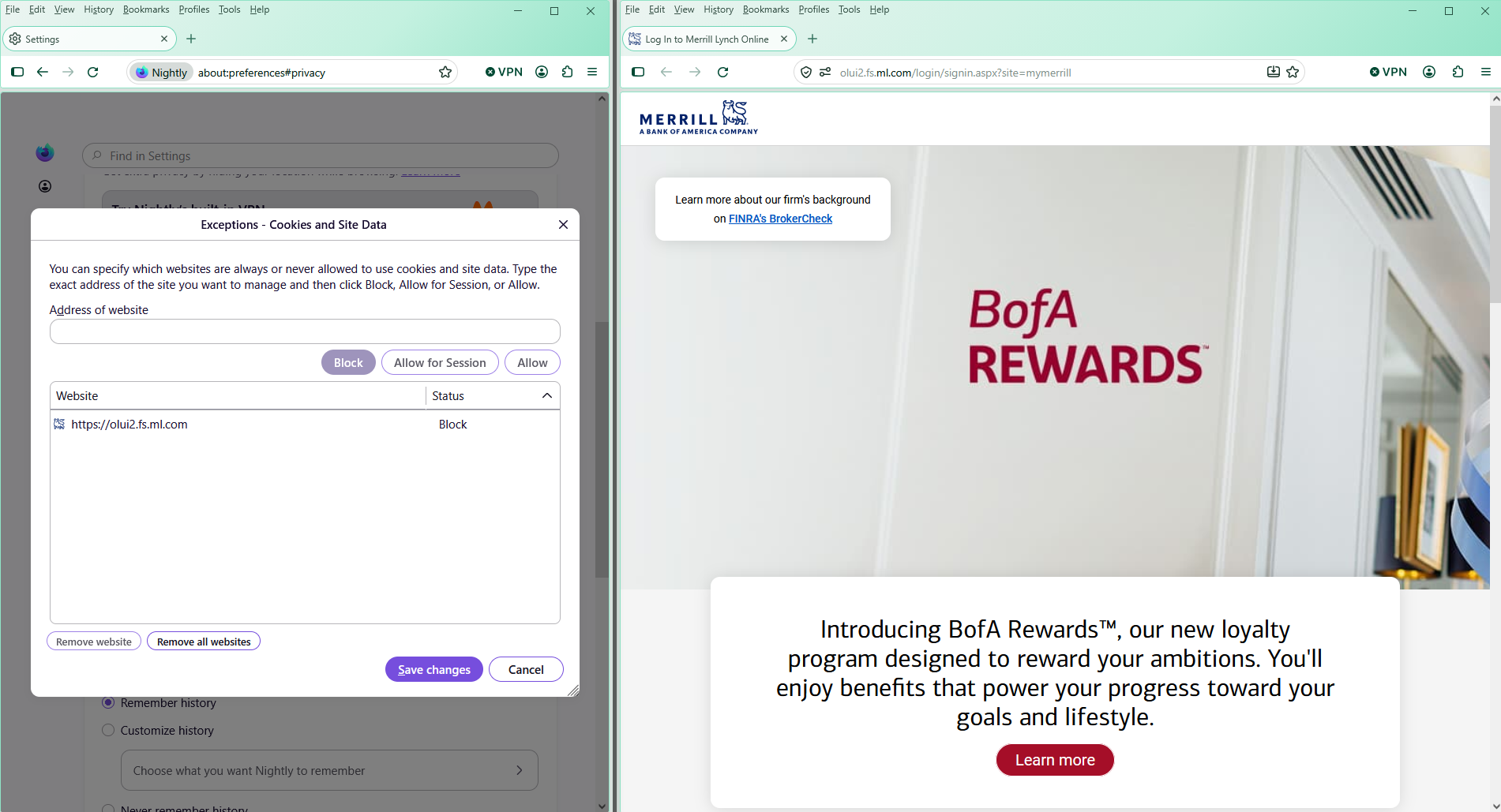
This answer does not address my problem. Please have my question reviewed by a human, not an AI bot.
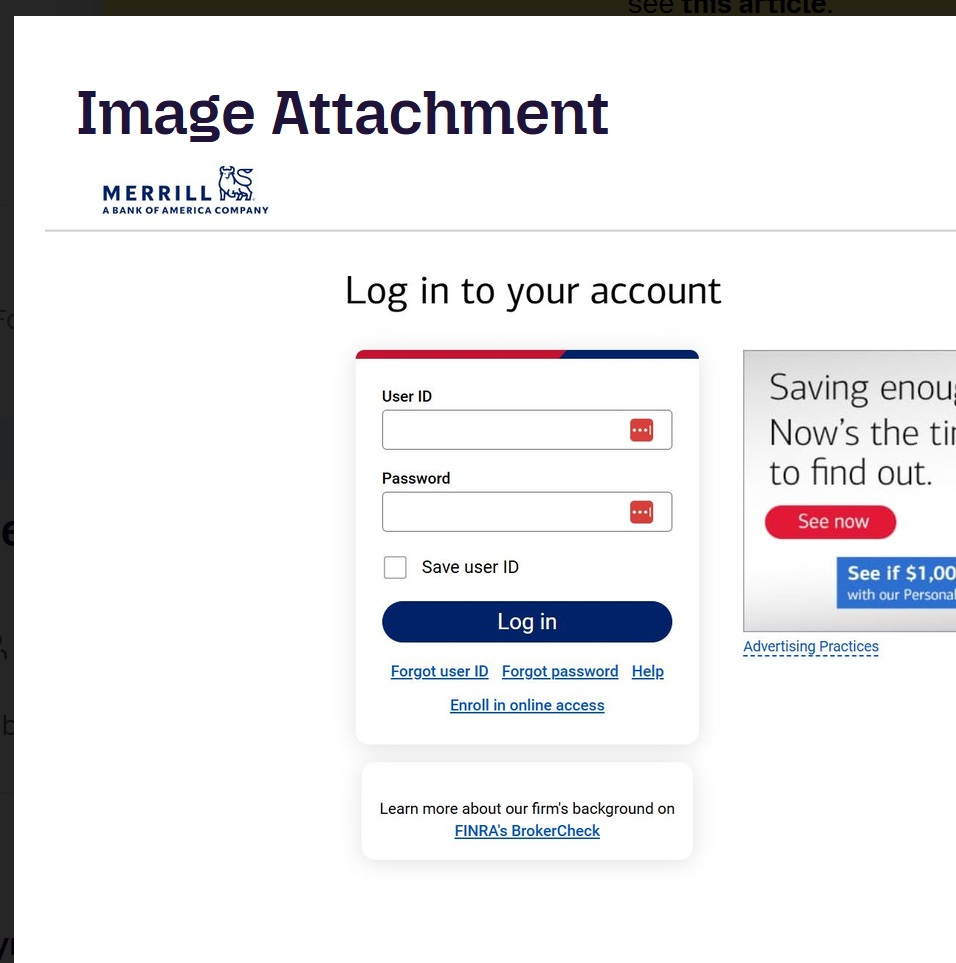
Your first screen shot does show the login screen ??
and
The French Agent 'virtuel' is human
Modifié le par amoun
Does it happen if you try logging in using a new Private Window?
It might be just a stale data or something similar. Here are some standard troubleshooting steps that may resolve the issue:
- Try clearing Firefox cache.
- If it does not help, try clearing cookies and data for the website you experience troubles with — you can do that from the shield button, but also look for any other related host names they might be using for cross–domain communication, in case you have some older exceptions stored for these (domains that sound related to their brand…)
- If it also does not help, try running Firefox in Troubleshoot Mode. If the problem doesn't persist, please follow the steps from this article to troubleshoot further.
- Please check if you have Enhanced Tracking Protection (ETP) enabled. You can do that by clicking the shield
 icon in the left part of the address bar. If ETP is enabled, try disabling it.
- If nothing from the above helps, try creating a new Firefox profile and check if the issue persists there. If it doesn't, you can start copying files from your old profile to the new one to identify which one causes the issue. See this article on what files to copy.
About https://support.mozilla.org/en-US/user/Agentvirtuel i am human.
I tried a situation, hypothesis, because of cookies https://support.mozilla.org/en-US/kb/cookies-information-websites-store-on-your-computer
Apparently, according to your answer cookies this is not the problem.
The first screenshot was made with MSFT Edge, the second one with FF
Ty for the reply. Nothing helps. I guess I will have to switch to MSFT Edge.
The site that I'm trying to reach is https://olui2.fs.ml.com/login/signin.aspx
I wonder if anyone else has the same problem.
I have also noticed my Bank of America login screen is very different in FF compared to Edge (screenshots attached: the first one from FF, the second one from Edge) The bookmark for FF and Edge are the same
https://secure.bankofamerica.com/login/sign-in/signOnV2Screen.go
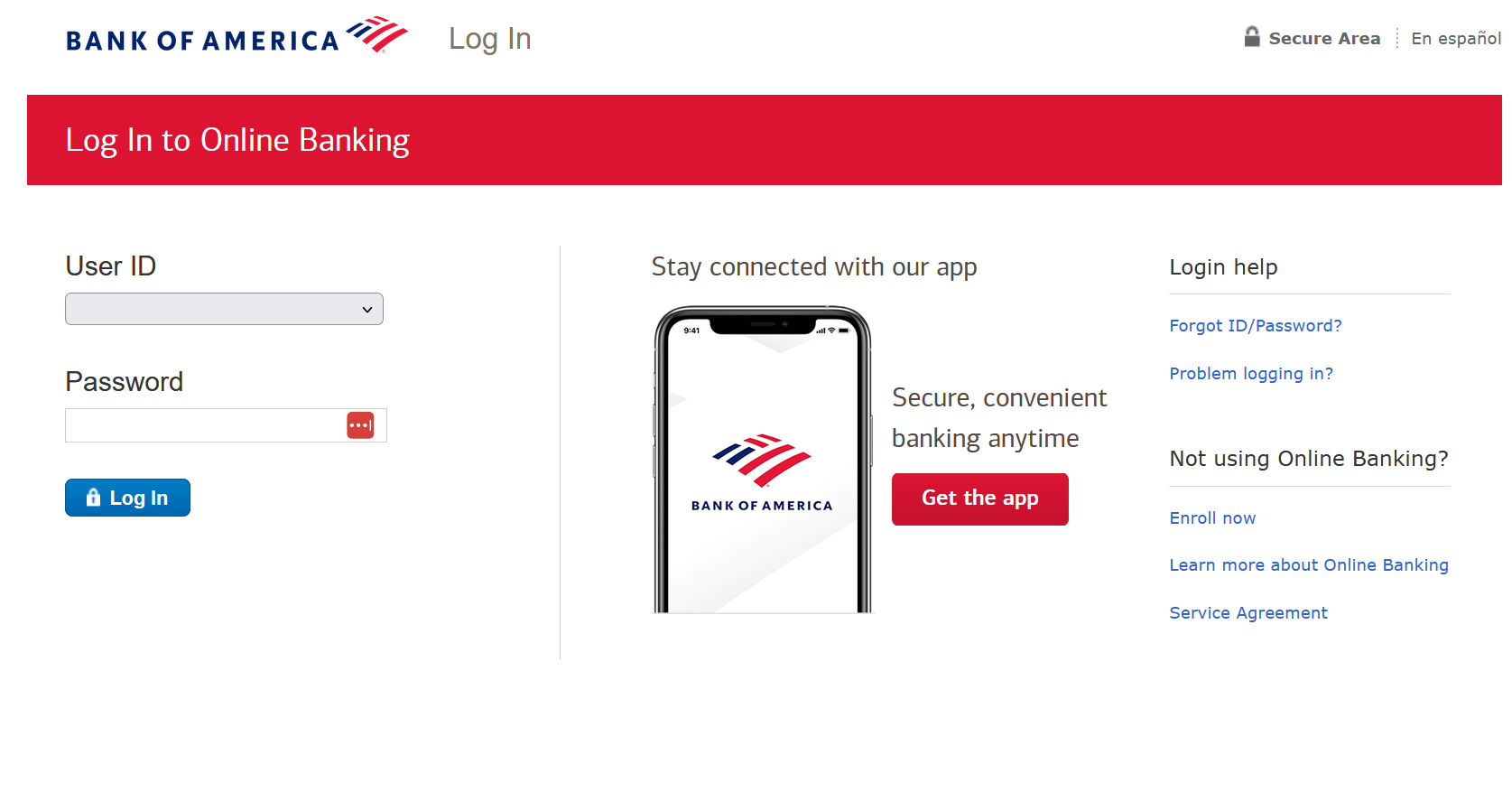
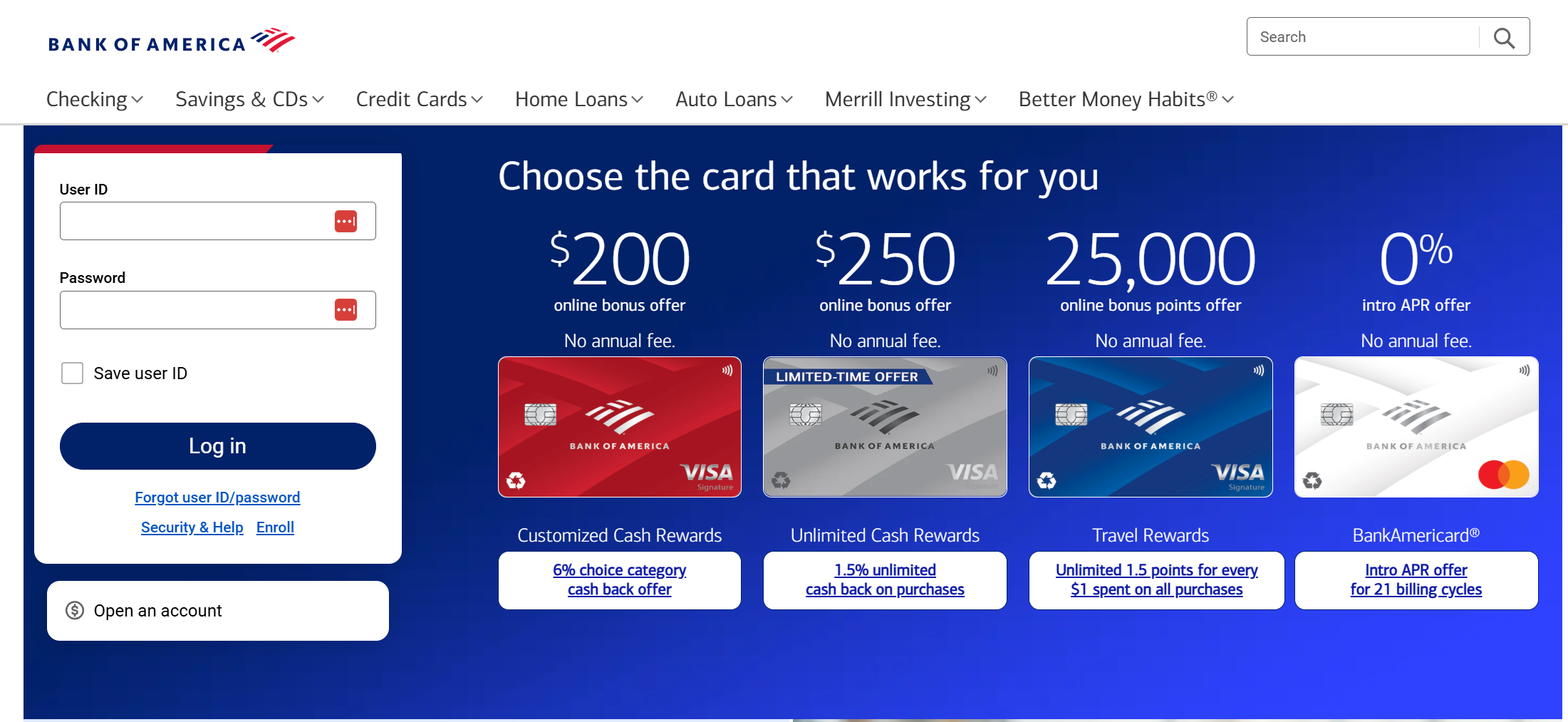
I tried your link ( https://olui2.fs.ml.com/login/signin.aspx ) and yes no popup for logging in however I noted the prefixed subdomain olui2.fs.
So I made an exception in my cookies option to allow for just the overall domain name "ml.com" and it works fine. So try that No http or anything preceding the actual domain name etc. Which then allow all sub domains etc.
Modifié le par amoun