


Yahoo mail

I am unable to sign in to my yahoo mail account. It gives me a fault that "something went wrong, please try another device". I can use brave as my browser and sign in with no problem but not with firefox. Any idea why?
Toutes les réponses (16)

Works for me. see screenshot Have you tried with Firefox in Troubleshoot Mode? https://support.mozilla.org/en-US/kb/diagnose-firefox-issues-using-troubleshoot-mode#w_how-to-start-firefox-in-4troubleshoot-modesf5safe-modesf
Did you clear your browser cache? https://support.mozilla.org/en-US/kb/clear-cookies-and-site-data-firefox
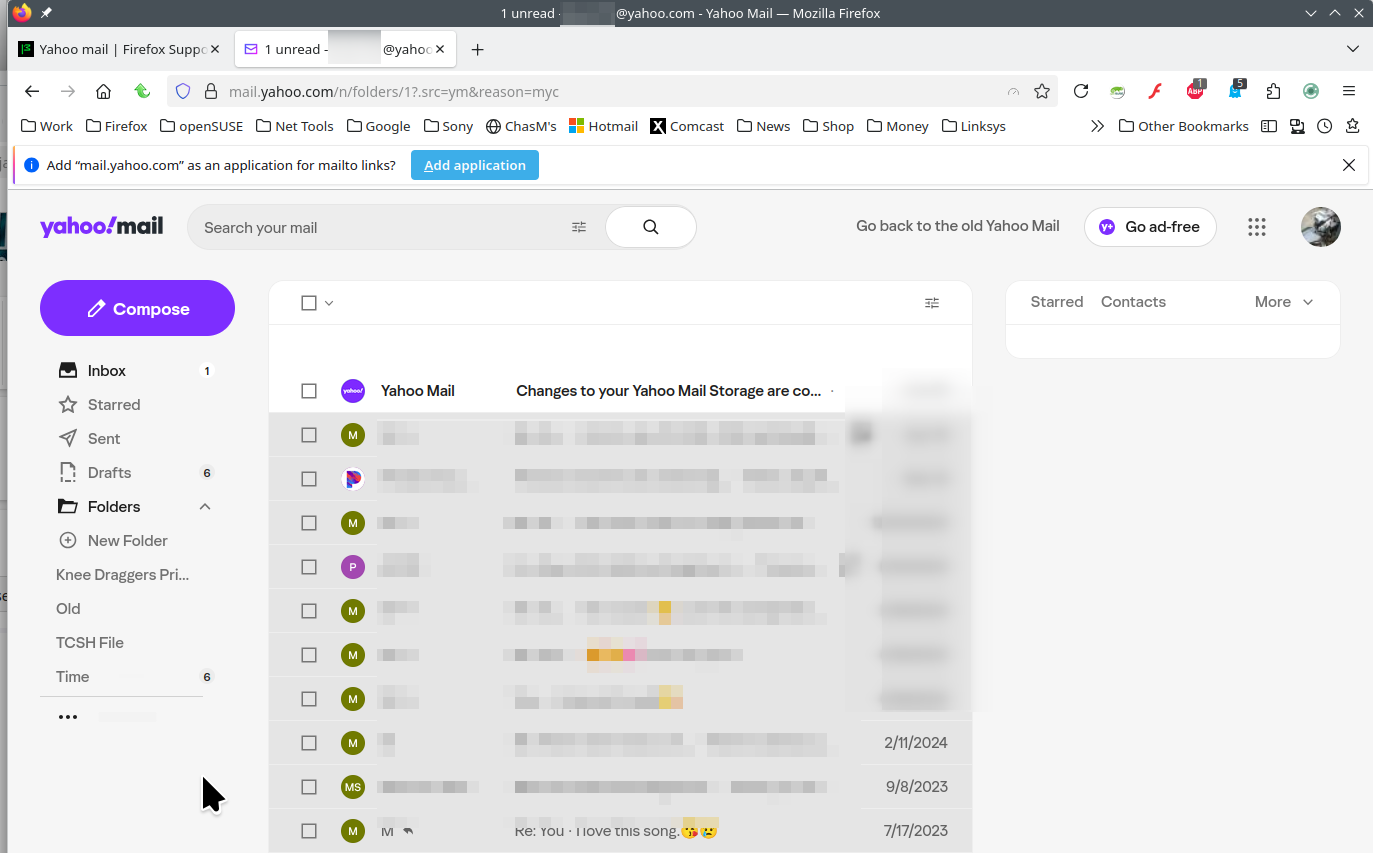
When I use troubleshooting mode I get the attached image. Hopefully the image uploads. I have never had a problem getting into yahoo mail until recently after a firefox update. I just don't know what has changed.
I loaded the latest experimental version for my linux ubuntu 149.0a1 Nightly 2-3-26. Still unable to log in to yahoo email.
Works for me in Nightly. see screenshot Try downloading Firefox from Mozilla, run firefox-bin from the folder and see if you have the same issue. https://www.mozilla.org/en-US/firefox/all/#product-desktop-release What Desktop? X11 or Wayland? Try using your os on a live usb stick and see if you have the same issue.
Operating System: openSUSE Tumbleweed 20260202
KDE Plasma Version: 6.5.5
KDE Frameworks Version: 6.22.0
Qt Version: 6.10.1
Kernel Version: 6.18.8-1-default (64-bit)
Graphics Platform: X11
Processors: 16 × AMD Ryzen 7 5825U with Radeon Graphics
Memory: 64 GiB of RAM (62.1 GiB usable)
Graphics Processor: AMD Radeon Graphics
Manufacturer: HP
Product Name: HP ProBook 455 15.6 inch G9 Notebook PC
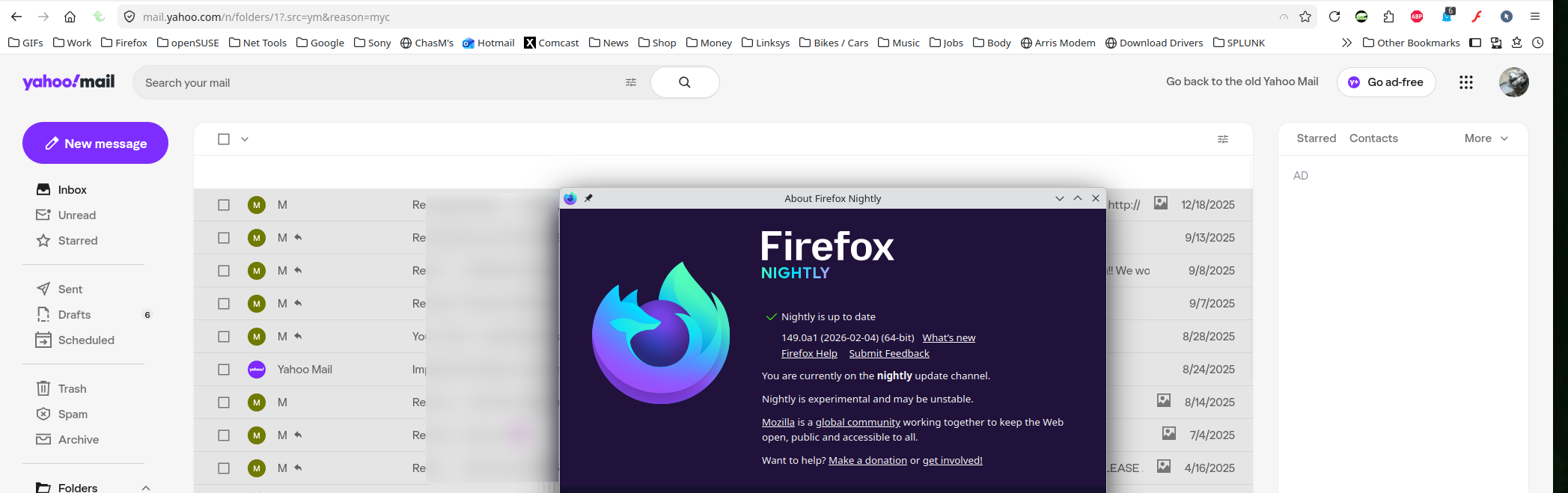
I tried downloading the firefox browser and running the firefox-bin. It still would not open yahoo mail. I am communicating with you now on yahoo using brave browser to log in and it works fine there, but no luck on firefox. I am using the same op sys for both. Ubuntu 24.04.3.
WOW! No VPN right? Shoots in the dark... Who are you using for DNS? Are you on WiFi or LAN? If possible, try the other. Also try connecting to you phones hotspot.
No VPN. Starlink wifi. I tried using my phone as a hot spot and I was able to connect. Went back to Starlink and was unable to connect. Problem seems to be a combination of Starlink and Firefox. I am able to connect with Starlink and Brave or Hot Spot and Firefox. I will try resetting my Starlink and see how that goes.
Restarting Starlink had no effect. Not sure what else to try. I think firefox does not like starlink for some reason.
Starlink and Firefox work without problem with everything else. Just not with Yahoo Mail. Go figure:)
Interesting... Maybe go to Starlink forum and see if another user is having the same issue. Let's see what AI has to say about this...
Yep... https://www.reddit.com/r/Starlink/comments/wahnp1/firefox_problems/
AI Overview Some Firefox users experience issues with the Starlink website or app, including "429 Too Many Requests" errors, login failures, or inability to load the site, frequently resolved by disabling tracker-blocking extensions like Universal Bypass or using Chrome While Firefox is generally supported, browser-specific conflicts can occur.
Key Aspects of Starlink & Firefox: Login/Access Issues: Users have reported that Firefox may fail to load the account page or allow logins, often due to extensions (e.g., Universal Bypass, FastForward) interfering with Starlink's site. Troubleshooting Steps: Disable Extensions: Disable browser extensions, especially privacy or ad-blockers, and try again. Try Different Browser: If issues persist, switching to Chrome or Edge often resolves the problem. Clear Cache/Cookies: Clearing browser data can sometimes fix loading errors. Starlink Technical Support: If the website is inaccessible, the Starlink app (mobile) or directly connecting to the router is recommended. Error 429: A "429 Too Many Requests" error in Firefox might indicate the browser is sending too many requests to the site, which can sometimes be bypassed by clearing cache or using a different browser.
While Starlink lists Firefox as supported for the best experience, user experience indicates that browser-level security settings or extensions can cause conflicts with the Starlink portal.
Modifié le par jonzn4SUSE
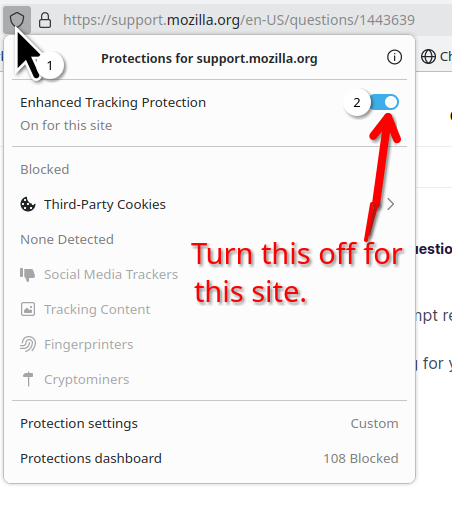
I turned off the ETP using both the shield at the address bar as well as giving Yahoo an exception in the settings every place I could. No help.
I have no extensions on my Firefox to disable. I have not done anything to firefox since I downloaded it except to ad yahoo as an exception everywhere.
So we know it's Starlink. I would open a bug and see what devs have to say. https://bugzilla.mozilla.org/home