Not able to load sites
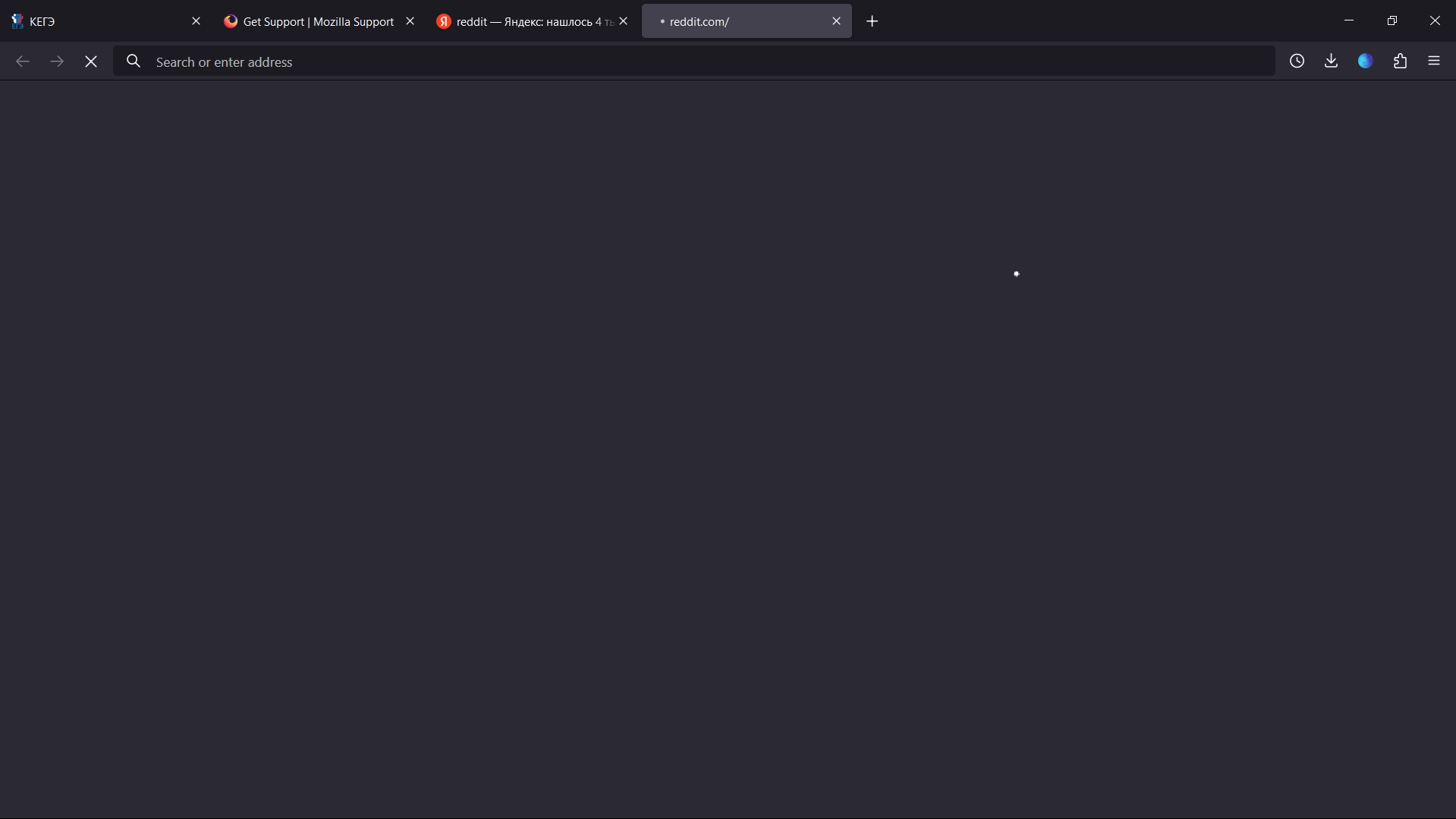
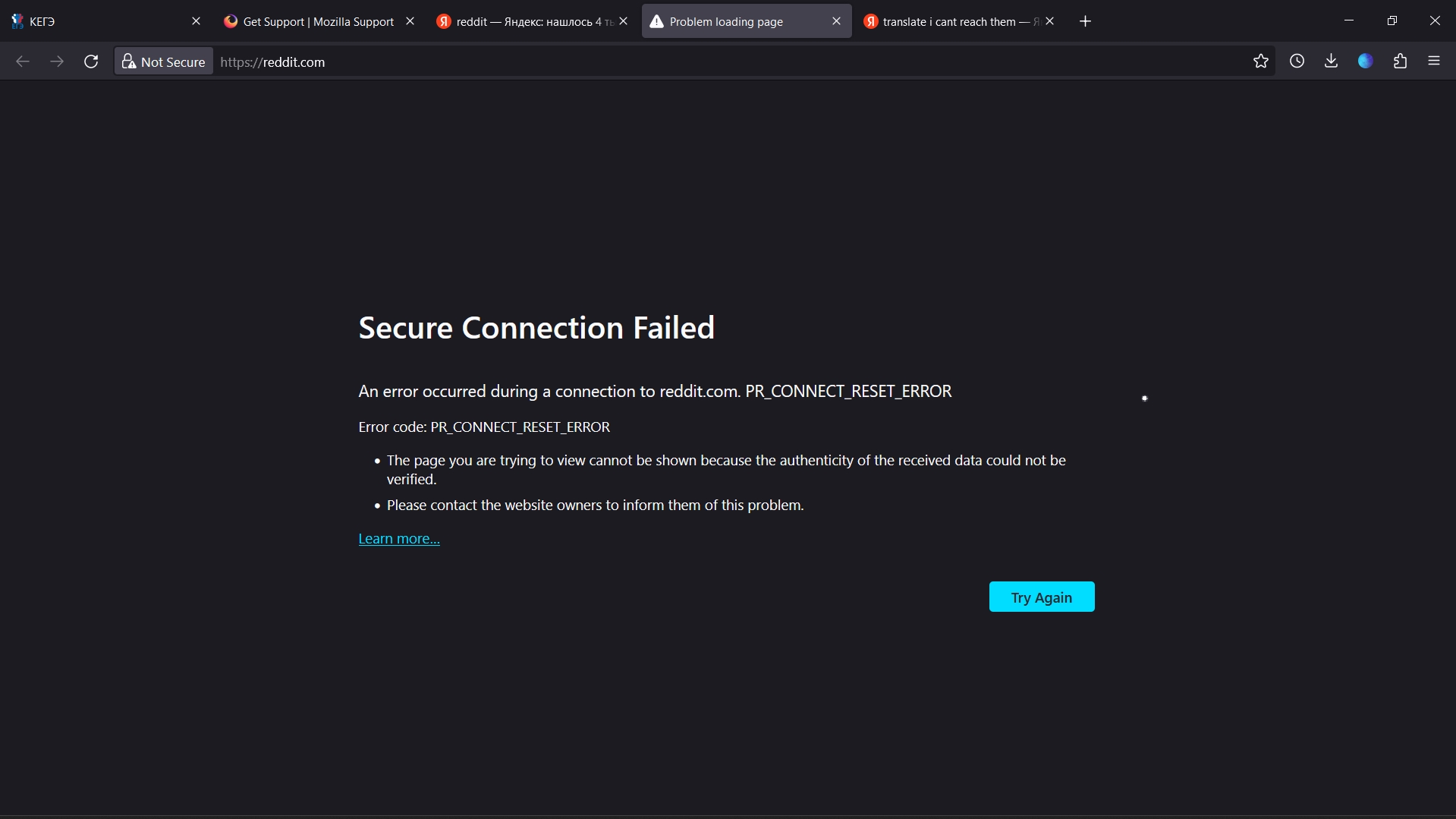
I was able to open reddit.com without any problems earlier, but recentrly I'm not able to load it up anymore. The loading screen is eternal and it doesnt show any kind of error (unless it tries to connect for too long like a couple of minutes, then the error does shows up). The site still sends me notificarions through the browser though. Any other site loads up without a problem. I tried to use methods mentioned in the help article (turned off proxy, turned on network.dns.disableIPv6, deleted cookies and cache). In other browsers (Edge, for example) reddit.com loads just fine. Please help me if you can.
Toutes les réponses (11)

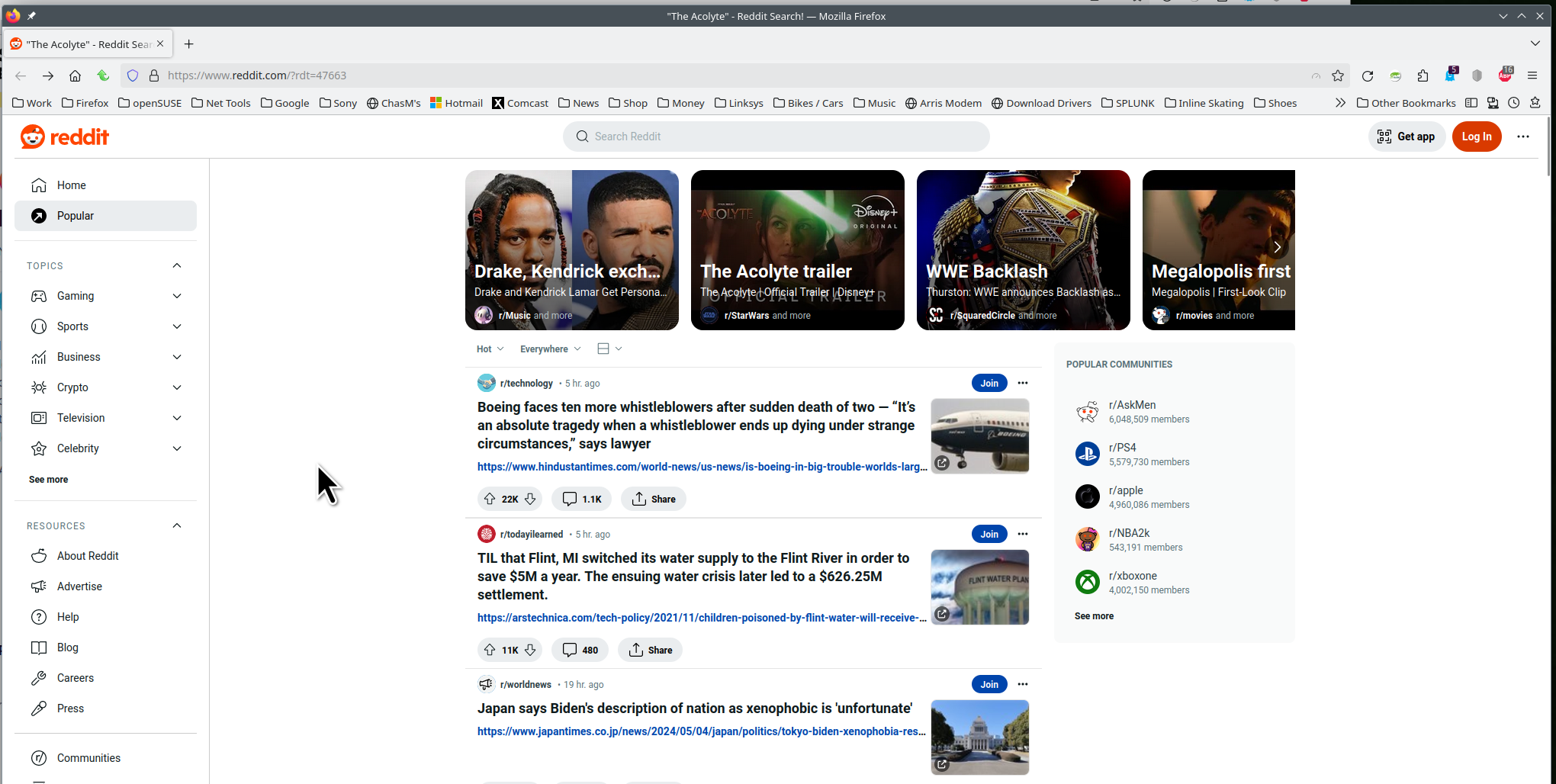
What security software are you running? Site works for me. see screenshot Are you running pro or home version of Windows? If pro, you should have sandbox enabled for testing. https://www.howtogeek.com/399290/how-to-use-windows-10s-new-sandbox-to-safely-test-apps/
You can try to clear all items for a single site. https://support.mozilla.org/en-US/kb/remove-websites-address-bar-suggestions
jonzn4SUSE said
What security software are you running? Site works for me. see screenshot Are you running pro or home version of Windows? If pro, you should have sandbox enabled for testing. https://www.howtogeek.com/399290/how-to-use-windows-10s-new-sandbox-to-safely-test-apps/ You can try to clear all items for a single site. https://support.mozilla.org/en-US/kb/remove-websites-address-bar-suggestions
I only use basic anti-virus of Windows 11 home. Tried to clear all items, didn't help
Who are you using for DNS?
What are your setting for HTTPS-Only Mode and DNS over HTTPS?
You can also Refresh Firefox. https://support.mozilla.org/en-US/kb/refresh-firefox-reset-add-ons-and-settings
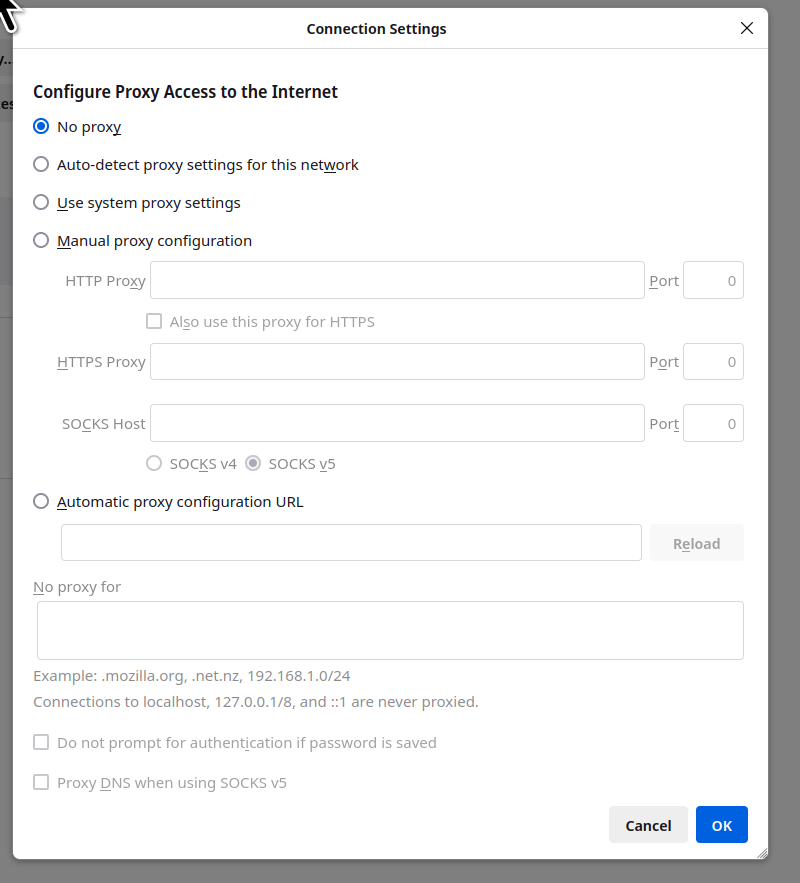
You can check the connection settings and check for possible issues with a Proxy or VPN service.
- Settings -> General -> Network: Connection -> Settings
If you do not need to use a Proxy to connect to internet, select "No Proxy" if "Use the system proxy settings" or one of the others do not work properly.
See also:
jonzn4SUSE said
Who are you using for DNS? What are your setting for HTTPS-Only Mode and DNS over HTTPS? You can also Refresh Firefox. https://support.mozilla.org/en-US/kb/refresh-firefox-reset-add-ons-and-settings
I don't know? I haven't changed anythinhg so I'm using default ones I guess
Reddit loads up again. I reinstalled the browser, but didn't change anything in the settings, wasn't able to open the site at first anyways, but after a day or two it loads up without problems for some reason like nothing happened. I hope nothing changes
Nope it's not loading again😎
Are you running pro or home version of Windows? If pro, you should have sandbox enabled for testing.
https://www.howtogeek.com/399290/how-to-use-windows-10s-new-sandbox-to-safely-test-apps/Anton said
jonzn4SUSE said
Who are you using for DNS? What are your setting for HTTPS-Only Mode and DNS over HTTPS? You can also Refresh Firefox. https://support.mozilla.org/en-US/kb/refresh-firefox-reset-add-ons-and-settingsI don't know? I haven't changed anythinhg so I'm using default ones I guess
https://www.linkedin.com/pulse/how-view-dns-windows-11-3-ways-corusinfotech
Are you running pro or home version of Windows? If pro, you should have sandbox enabled for testing. https://www.howtogeek.com/399290/how-to-use-windows-10s-new-sandbox-to-safely-test-apps/
What do you have set here? see screenshot