


No video on Teachable

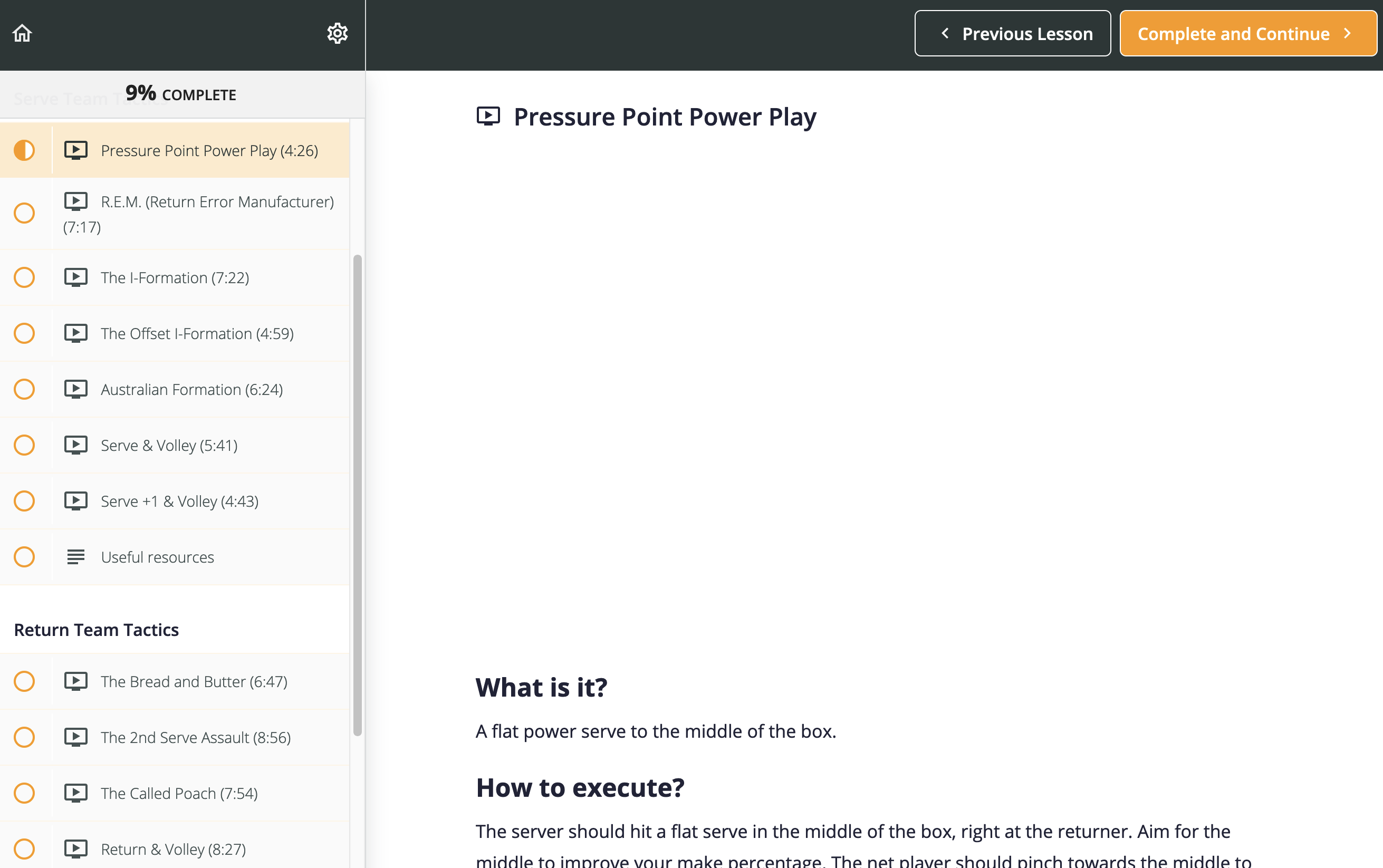
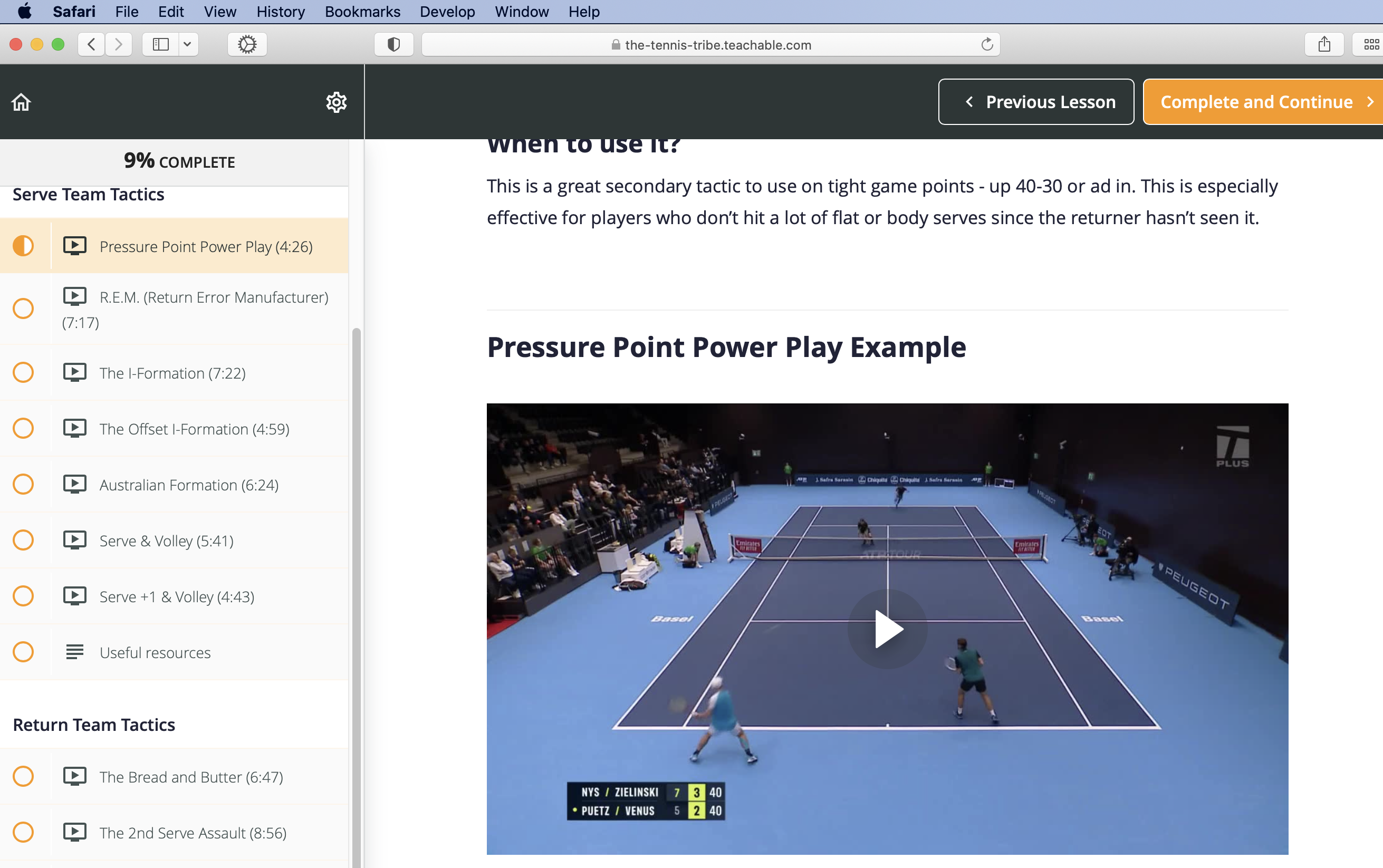
No videos appear at all on Teachable, just a blank space where video should be. I have allowed video and audio (video and audio work on many other sites). I have cleared my cache. I have to use a different browser to use this site. I have also noticed other sites that have the same problem.
Toutes les réponses (4)
Does it still happen in Troubleshoot Mode?
I appreciate the reply and suggestion. Yes, it still happens in Troubleshoot Mode.
You can check the Web Console (Tools -> Web Developer) for messages about blocked content and about the presence of mixed or unsafe content.
You can check the Network Monitor to see if content is blocked or otherwise fails to load.
If necessary use "Ctrl+F5" or "Ctrl+Shift+R" (Mac: Command+Shift+R) to reload the page and bypass the cache to generate a fresh log.
Does it still happen in a new profile? An easy way to test a new profile is to install Developer Edition and see if it happens there or refresh your existing profile.