


Firefox doesnot display blur effect in some websites

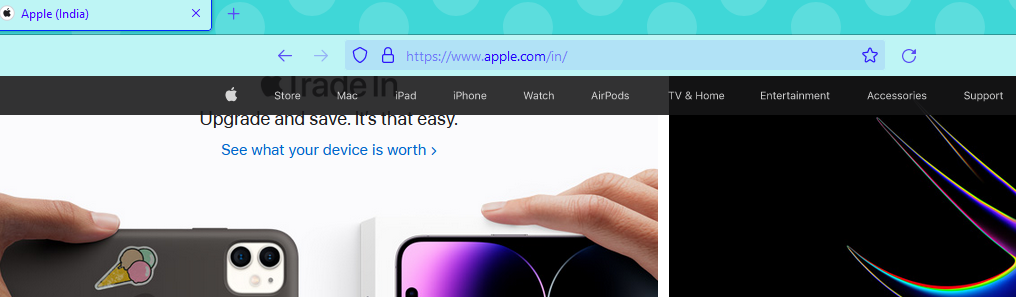
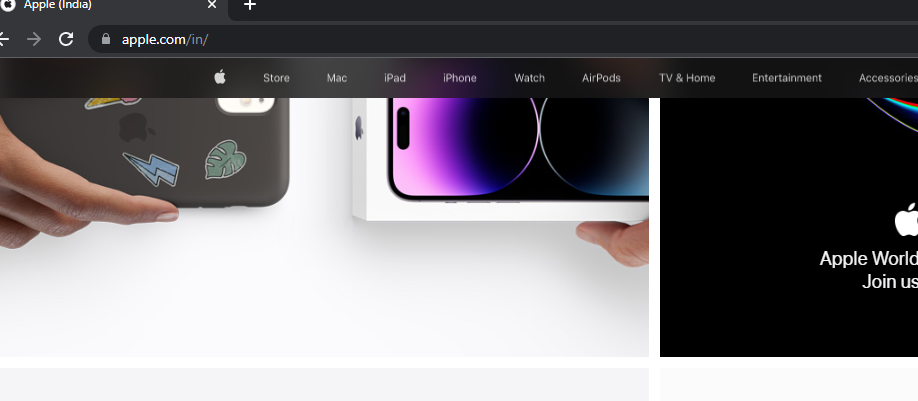
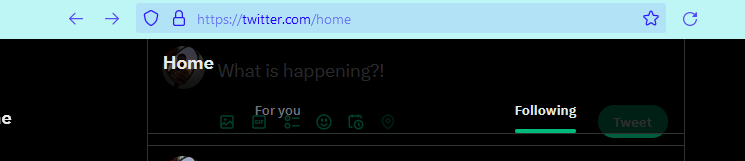
Firefox doesn't display blur effect in websites. In the below images Image 1 : apple.com ( Firefox ) Image 2 : apple.com ( Chrome ) Image 3: twitter.com ( Firefox ) Image 4 : twitter.com ( Chrome) It also happens in telegram where right click menu shows blur effect

Toutes les réponses (4)
It should work. Enter about:config in the address bar and check the value of layout.css.backdrop-filter.enabled.
It did not solve the issue. The value is set to true. ( See the photo below )

OK. Go to about:support and check the Composing row in the Graphics section.
If you use extensions ("3-bar" menu button or Tools -> Add-ons -> Extensions) that can block content (Adblock Plus, NoScript, DuckDuckGo PE, Disconnect, Ghostery, Privacy Badger, uBlock Origin) always make sure such extensions do not block content.
- make sure your extensions and filters are updated to the latest version
- https://support.mozilla.org/en-US/kb/troubleshoot-extensions-themes-to-fix-problems