


On some websites certain images are not visible
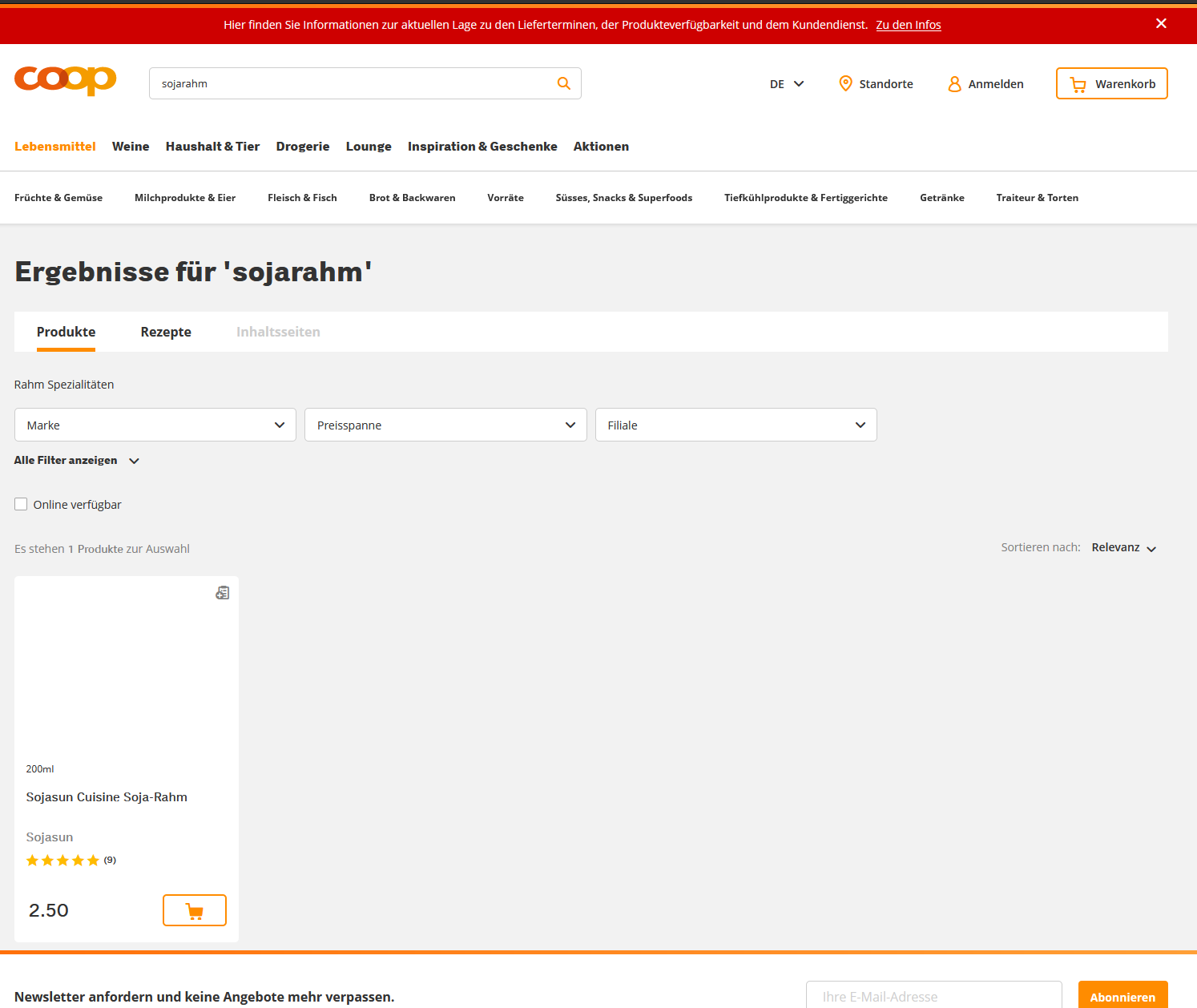
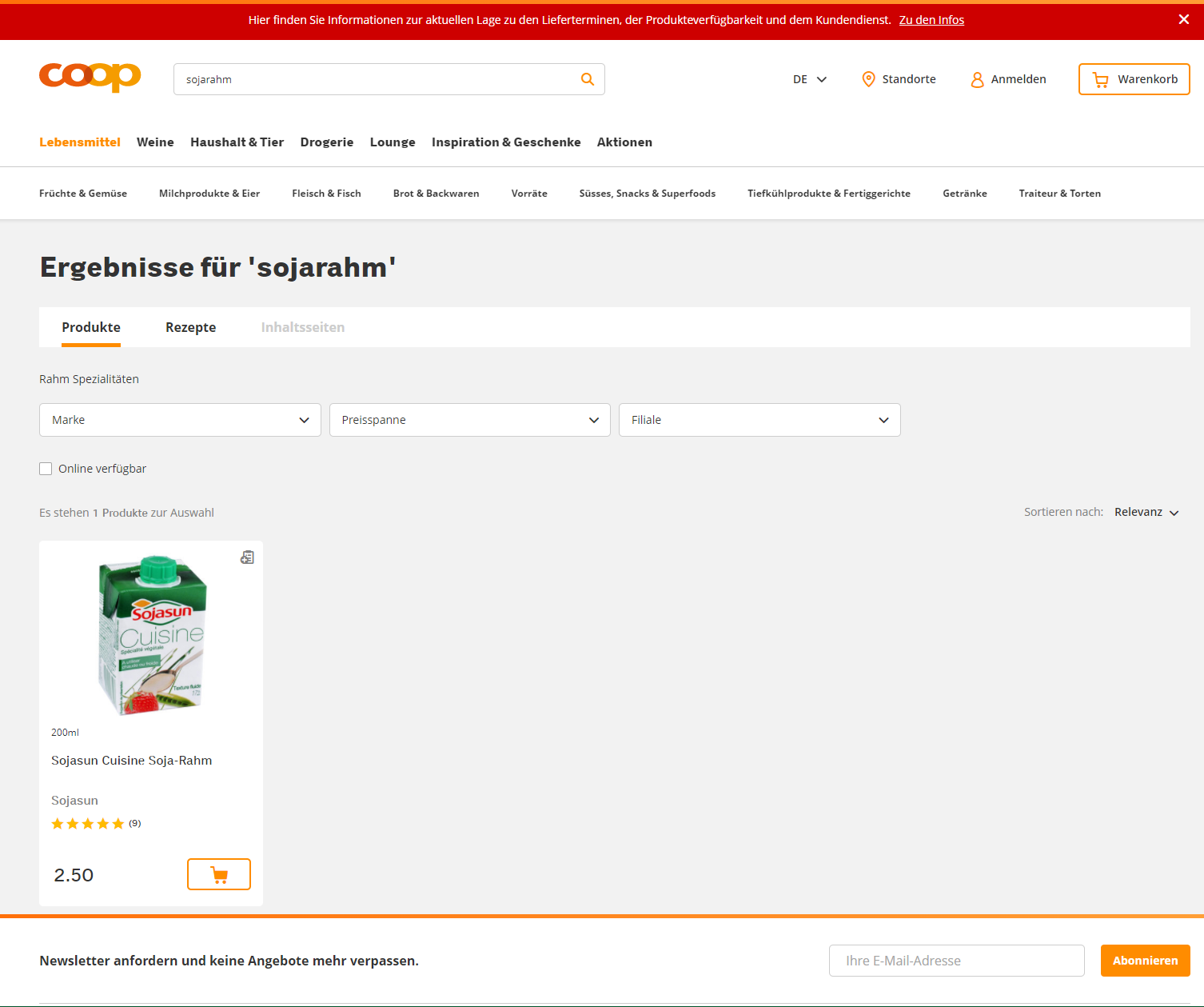
On some websites certain images are not visible Example https://www.coop.ch/de/search/?text=sojarahm https://portal.office.com > Administration > Nothing visible!
Toutes les réponses (2)

Make sure you are not blocking content.
Start Firefox in Safe Mode {web link}
A small dialog should appear. Click Start In Safe Mode (not Refresh). Is the problem still there?
https://support.mozilla.org/en-US/kb/enhanced-tracking-protection-firefox-desktop
Many site issues can be caused by corrupt cookies or cache.
Warning ! ! This will log you out of sites you're logged in to. You may also lose any settings for that website.
- How to clear the Firefox cache {web link}acking-protection-firefox-desktop
Make sure you haven't enabled a High Contrast theme in the OS settings.
Make sure you allow pages to choose their own colors as this affects background images.
- Options/Preferences -> General: Fonts & Colors -> Colors: "Override the colors specified by the page with my selections above"
Try "Never" if the default "Only with High Contrast themes" isn't working.