


Thunderbird Calendar does not react anymore - how can it be reactivated?

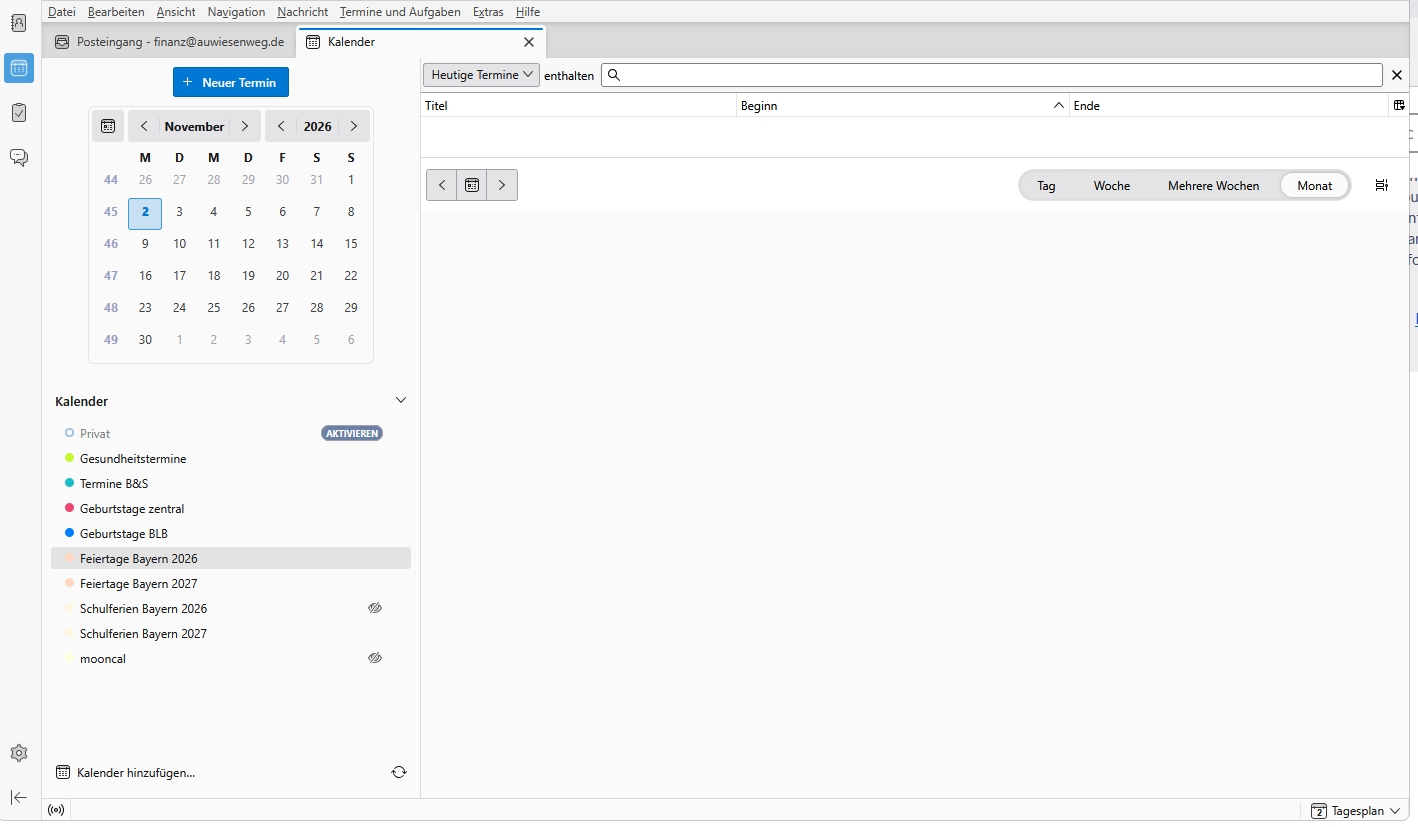
I use Thunderbird 159.0 (64-Bit), german version, on Windows 11. I have integrated as well 2 local calendars as well as 3 calendars maintained on my synology disk station. Today I have noticed that Thunderbird Calendar does not work anymore: I do not see my calendars (the calendar sheet is empty) and the tool does not react neither on the calendar options (the three dots ...) nor on add calendar ("Kalender hinzufügen"). Is it possible to reset or de-installate the calendar tool? Or to delete an re-add the calendars?
(The calendars on my disk stations work fine on the disk station and are still accessible with Android Business Calender.)
پاسخها (3)

My Calendar in Thunderbird is frozen. When I click on the month of October nothing happens. Same with clicking on 2026. Also I have "Week" highlighted for display however I do not see anything. No days, no hours, just a white screen. Do you have a suggestion on how I can get my Thunderbord Calendar back?

بخشها
There seems to be a compatibility issue with Cardbook. I shut off the Cardbook extension and everything worked again.
dougmfyfe: seems to be the same problem. erik126: Thanks a lot, your solution works! I deactivated the CardBook extension, shut down Thunderbird and restarted it again - and Calendar worked as it did before. Hopefully the conflict between CardBook and Calender will also be solved. As long as it is not I will use the standard addressbook.