Firefox VPN

Firefox keeps telling me about a VPN, but I cannot find this or any way to use which corresponds to what I see on the screen. Help says "sign in with a Mozilla account", but I don't know what this means. Sign into what? Looking at the Mozilla site there is no way to register or create an account or tell if I already have one. I've signed up to emails etc but find no difference when I use Firefox. It qualifies - verions and UK - what am I missing?
All Replies (7)
Would Access Mozilla services with a Mozilla account help set up the account for you?
You can basically start at https://www.mozilla.org/account/ as well.
Many thanks JBR. It seems that whatever I signed up for earlier resulted in my having an account. The links that you sent confirmed it. Howver, I still can't find any reference to a Firefox VPN, despite being apparently qualified for one.
Yes, it's the same account you used to post this question. You'll need it to sign in once you're shown the prompt to enroll in Use built-in VPN in Firefox.
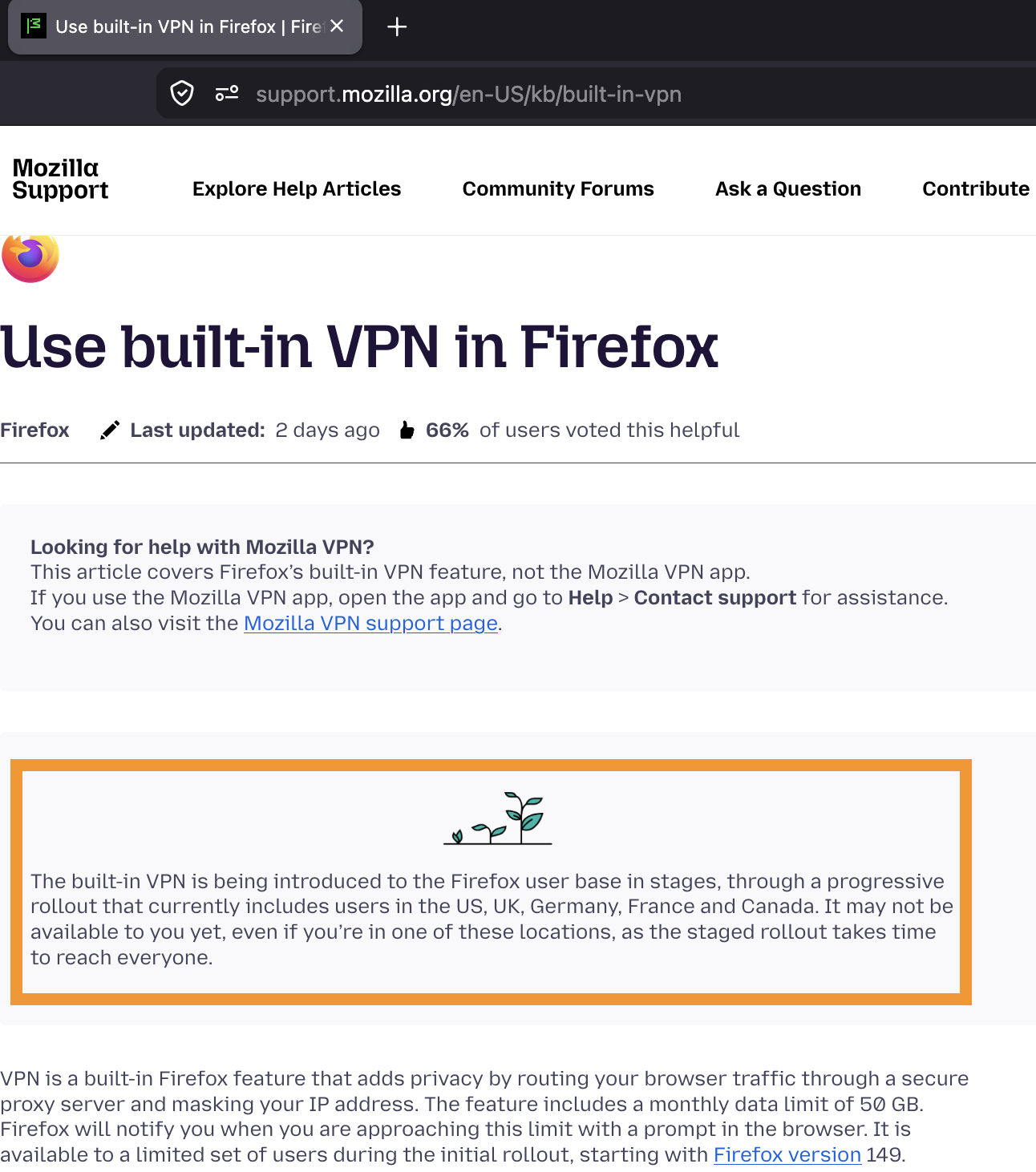
Just being in the region doesn't mean every single user is enrolled right away, the rollout is staggered so the availability is driven by its gradual deployment.
There are threads that describe how to avoid that wait if you feel like tinkering with inner settings on your own, e.g.: https://support.mozilla.org/questions/1578173
Thanks again. As I guessed - the usual case of inaccurate information being supplied. Nowhere does it tell you that only certain users are enabled. The 'staggered' rollout reads as though it applies to regions, not users.
Hello
Hypothesis
About, Manage remote improvements settings in Firefox https://support.mozilla.org/en-US/kb/remote-improvements Allow Firefox to improve features, performance, and stability between updates https://support.mozilla.org/en-US/questions/1582761#answer-1819759
Whenever you see this "plant" icon in support articles, release notes and similar, check the exact wording. It may not always reflect the current setup in real time (the rollout parameters get changed every day based on loads, availability, QA etc.; while editorial process to change content can take few more days than that;)…) — however in this case the description, a warning if you will, above the onboarding article sounds about right: (emphasis mine)
"The built-in VPN is being introduced to the Firefox user base in stages, through a progressive rollout that currently includes users in the US, UK, Germany, France and Canada. It may not be available to you yet, even if you’re in one of these locations, as the staged rollout takes time to reach everyone."