


Twitch "Browser not Supported" On Login Firefox version 148.0.2 On Linux

After clearing Browsing data, therefore Loging out of twitch etc., i now constantly get the error "Browser not supported" on attempted login
Other Browsers (Chrome) work fine and ive already tried deleting Extensions and reinstalling the Browser to no avail
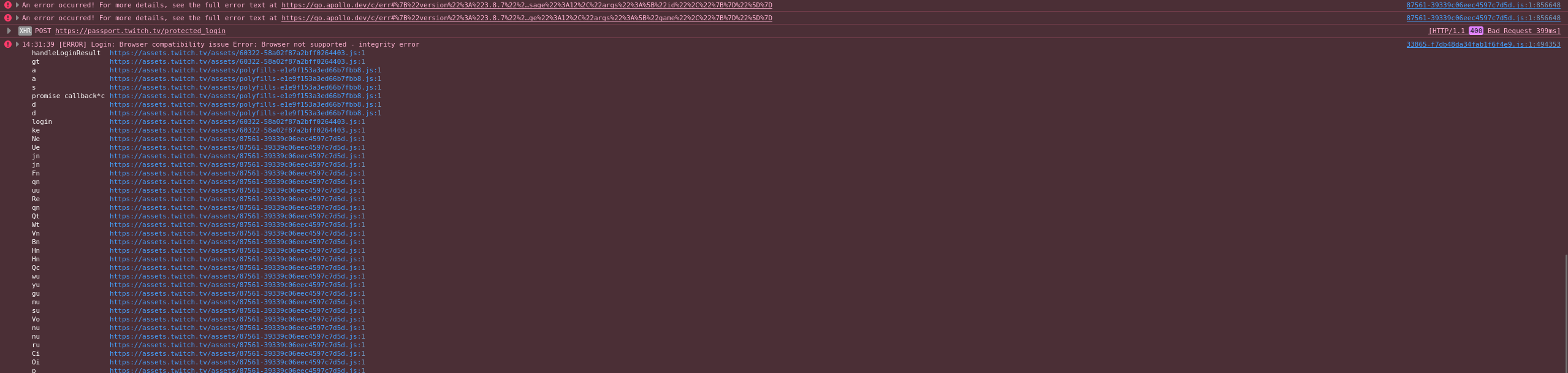
here's the error messages that come up
any help would be appreciated
All Replies (2)
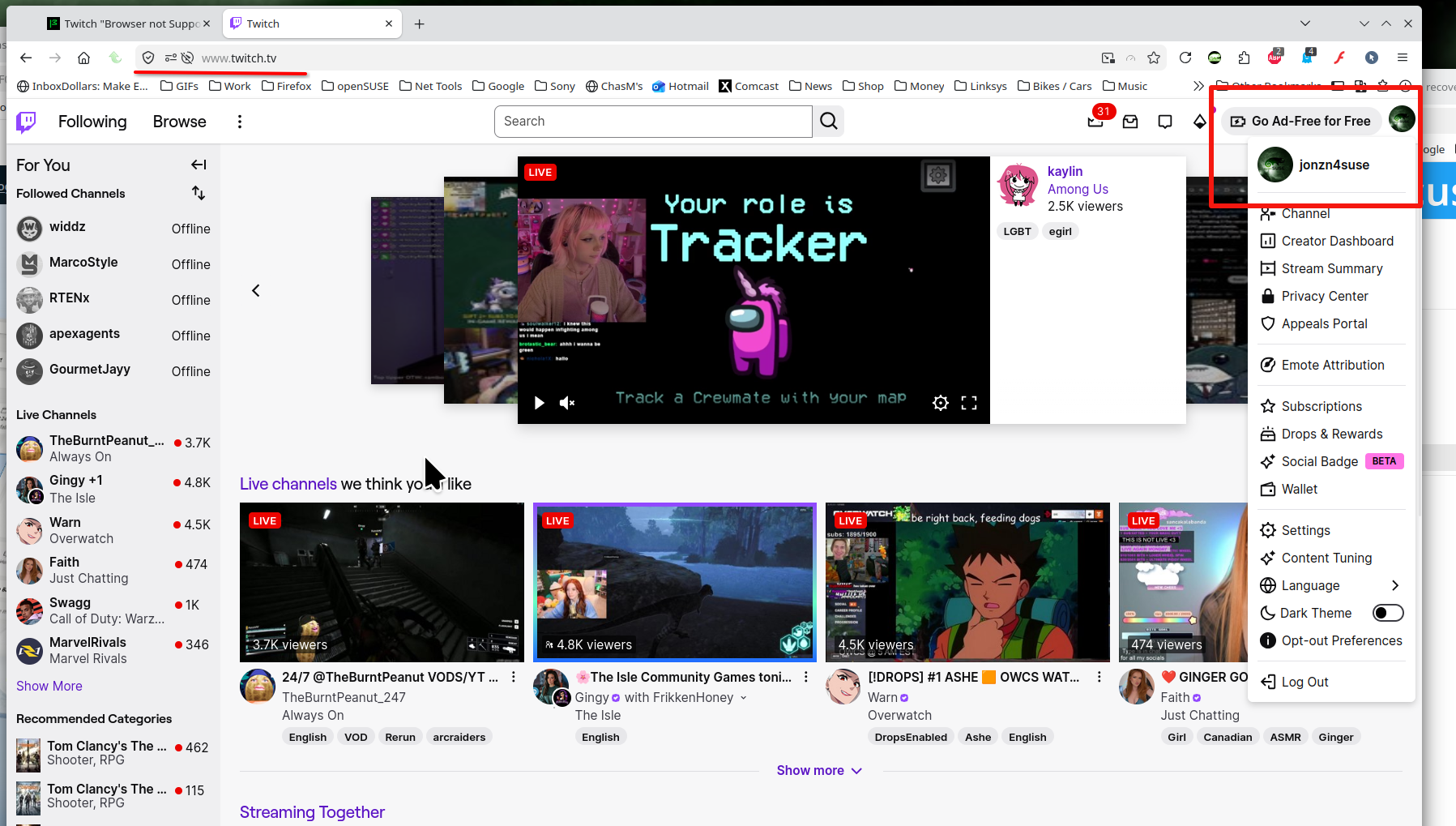
Cannot read your screenshot. I'm not seeing any issue when logged into twitch. see screenshot What OS? What Desktop? X11 or Wayland? Did you try with Firefox in Troubleshoot Mode? https://support.mozilla.org/en-US/kb/diagnose-firefox-issues-using-troubleshoot-mode#w_how-to-start-firefox-in-4troubleshoot-modesf5safe-modesf
Operating System: openSUSE Tumbleweed 20260314 KDE Plasma Version: 6.6.2 KDE Frameworks Version: 6.23.0 Qt Version: 6.10.2 Kernel Version: 6.19.7-1-default (64-bit) Graphics Platform: X11 Processors: 16 × AMD Ryzen 7 5825U with Radeon Graphics Memory: 64 GiB of RAM (62.1 GiB usable) Graphics Processor: AMD Radeon Graphics Manufacturer: HP Product Name: HP ProBook 455 15.6 inch G9 Notebook PC
Modified by jonzn4SUSE
^You can open the screenshot in a new tab to be able to expand/zoom.
Did you start at the main page as a bookmark can include POST data that is no longer valid? You can also try a private window.