


Yandex search engine keeps opening on Firefox startup

Basically, when i open firefox it opens automatically the yandex search engine and the page is in russian; i did a browser restoration for this same issue and it still happens, does anyone have this problem/has found a solution?
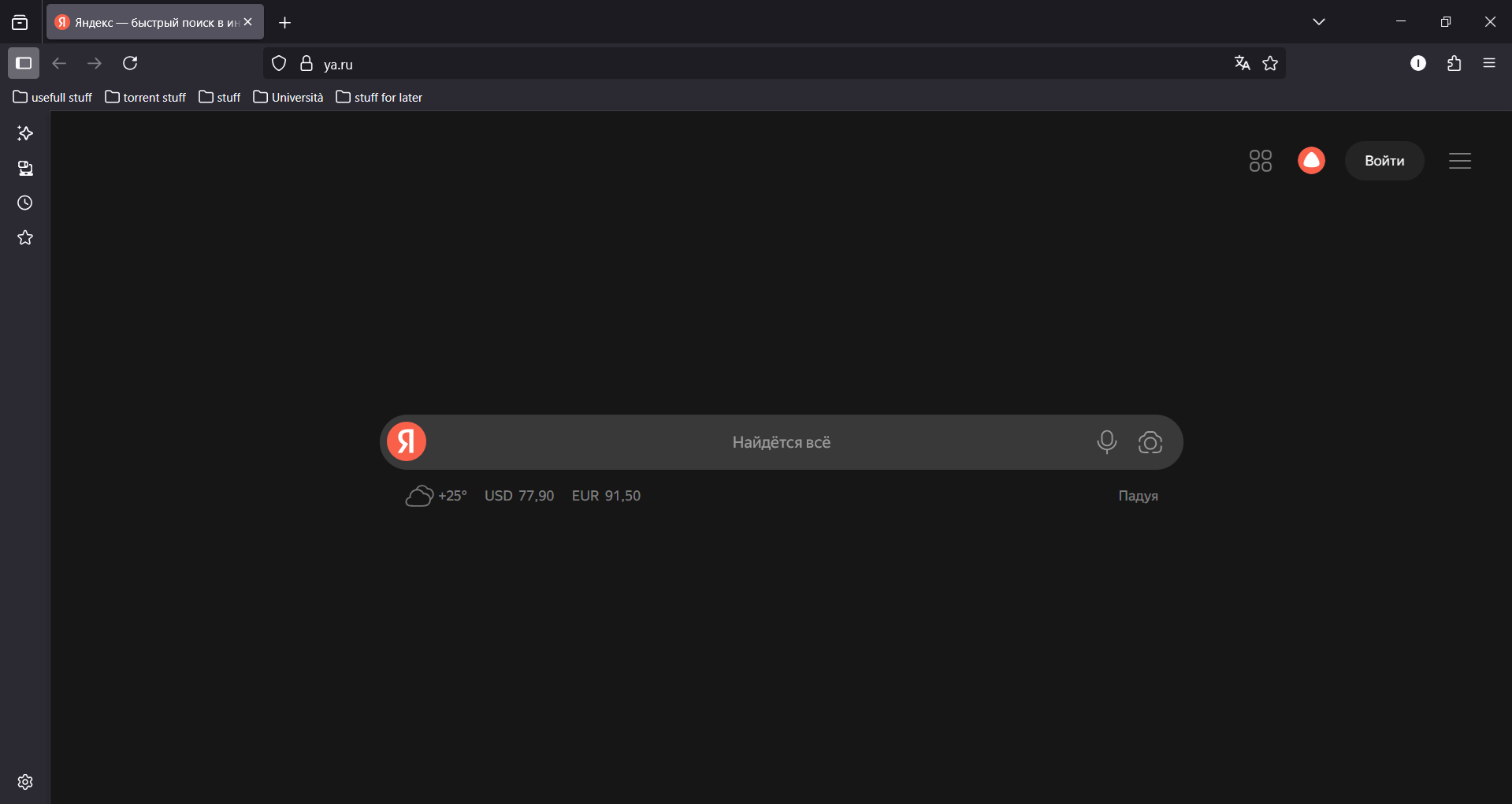
ویرایش شده توسط Lory24bit
بخشها
Era la seconda, grazie mille, è da poco che sono passato a firefox
پاسخها (4)
In this section of the forum we speak Italian. For english support -> https://support.mozilla.org/en-US/questions/new/thunderbird/form
Fondamentalmente... non si capisce cosa chiedi. Non vuoi quella homepage o non vuoi che sia in lingua russa?
Vorrei non avere a che fare con yandex in generale, scusate se non sono stato chiaro nella mia domanda.
P.S.: non sapevo fosse la seziona italiana del forum, pensavo fosse tradotto automaticamente
ویرایش شده توسط Lory24bit
Se hai scaricato Firefox dal sito ufficiale in una lingua occidentale (Italiano, Inglese, etc.) non dovresti avere nulla di Yandex. Quindi:
- o hai scaricato versioni non ufficiali di Firefox - o hai installato qualche componente aggiuntivo che ha cambiato la tua home page - o hai preso un virus che dirotta le tue ricerche
Per il secondo caso: Tasto menu > Estensioni e temi > Estensioni Trovi qualcosa relativo a Yandex? Se sì disattivalo.
Se il problema è limitato all'home page: Tasto menu > Impostazioni > Pagina iniziale e rimuovi eventuali riferimento a Yandex
Per il terzo caso posso solo suggerirti di fare un controllo approfondito del disco con un antivirus aggiornato.
بخشها
Era la seconda, grazie mille, è da poco che sono passato a firefox