


Firefox only starts in safe mode

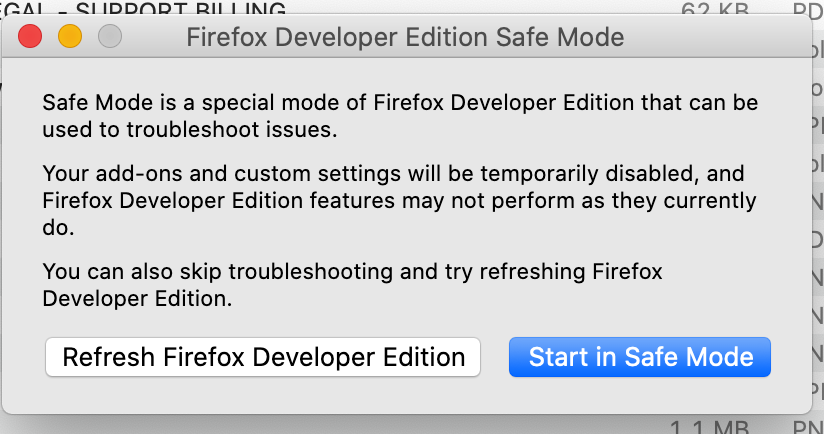
Every time I start Firefox, it is in safe mode. It asks me to refresh or start in safe mode only. I have disabled all add-ons, disabled the hardware acceleration setting, and still does not function correctly.
This happens with both Firefox 81 and Developer Edition. I am using MacBook Pro (Retina, 15-inch, Late 2013) with Catalina 10.15.6 (19G2021).
Thank you for your help.
پاسخها (2)
You aren't holding down the Options key when you start Firefox as that will start Firefox in Safe Mode ?
There is a hidden pref (not present by default) that can force starting Firefox in Safe Mode, so you can check the about:config page
- toolkit.startup.always_use_safe_mode
Note that Firefox 81 is currently the current Firefox release (DE is 82.0b2).
You can set toolkit.startup.max_resumed_crashes to -1 to disable starting in Safe Mode.